160×600 ad size
The recommended wide skyscraper (160×600) size is 160 × 600 pixels (4:15 aspect ratio).
Last updated:
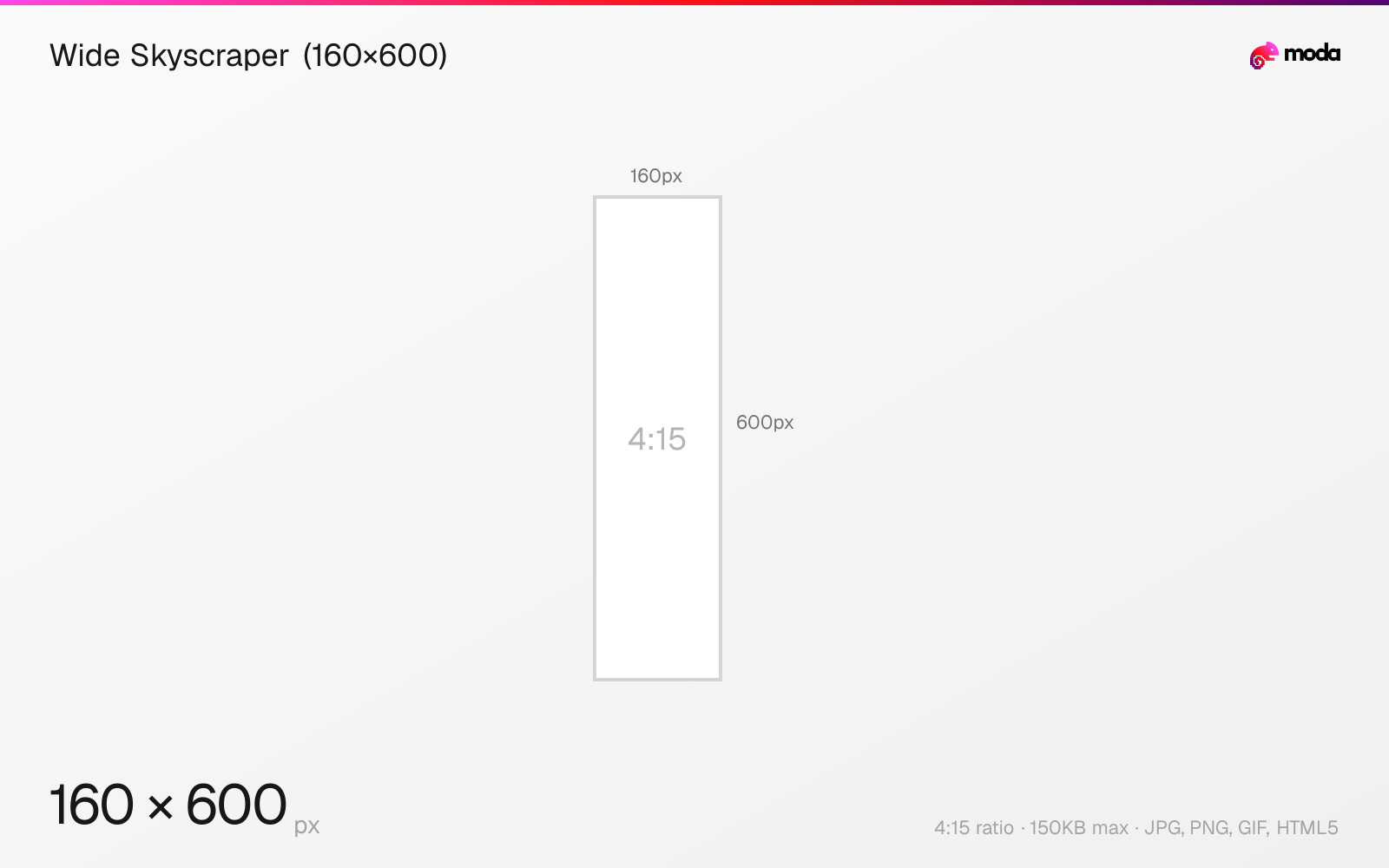
Specifications
| Spec | Value |
|---|---|
| Dimensions (px) | 160 × 600 px |
| Aspect ratio | 4:15 |
| Max file size | 150KB |
| Supported formats | JPG, PNG, GIF, HTML5 |
| Color mode | sRGB |
Design at this size with Moda
Start with a canvas pre-set to 160×600px and let AI generate your design.
Create a wide skyscraper (160×600) →Design tips
The 160×600 pixel wide skyscraper is the standard vertical sidebar ad for desktop websites. It runs along the left or right side of the page content and remains visible as users scroll. The tall, narrow format is ideal for vertical product shots, step-by-step messaging, and brand impact.
- •Use vertical stacking: logo top → image middle → CTA bottom. No horizontal layouts at 160px wide.
- •Many publishers display this as a sticky (scroll-fixed) ad — take advantage with sequential messaging.
- •Text must be 16px+ to be readable at 160px width. Keep headlines to 2-3 words per line.
What you need to know
The 160×600 wide skyscraper occupies sidebar positions on desktop websites. Many publishers implement it as a 'sticky' ad that remains fixed in the viewport as the user scrolls, giving it extended viewability compared to static placements. This makes it particularly effective for brand awareness campaigns.
The narrow 160px width is a design constraint — there's no room for horizontal layouts. Effective skyscraper ads use vertical stacking: brand logo at top, product image in the middle, CTA at the bottom. Text should be minimal and large (16px+ for headlines). The 600px height gives you space for a compelling visual sequence.
The 160×600 is a desktop-only format. Some publishers also support the older 120×600 'skyscraper' (narrower) and the 300×600 'half page' (wider) in similar sidebar positions. If you can only create one sidebar ad, 160×600 has the broadest support, but 300×600 gives you more design flexibility.
How to create a wide skyscraper (160×600) at the right size
- 1Open Moda and create a new canvas at 160×600 pixels.
- 2Design your wide skyscraper (160×600) using AI generation or start from a blank canvas.
- 3Export as JPG and upload to your platform.
Frequently asked questions
What is a 160×600 ad?
A 160×600 pixel display ad called a 'wide skyscraper.' It's a tall, narrow ad that appears in website sidebars on desktop.
What's the difference between 160×600 and 300×600?
Both are sidebar ads. 160×600 (wide skyscraper) has broader publisher support. 300×600 (half page) gives more design space but is available on fewer sites.
Sources
Specs last verified: March 19, 2026. Dimensions may change as platforms update their requirements.