300×600 ad size
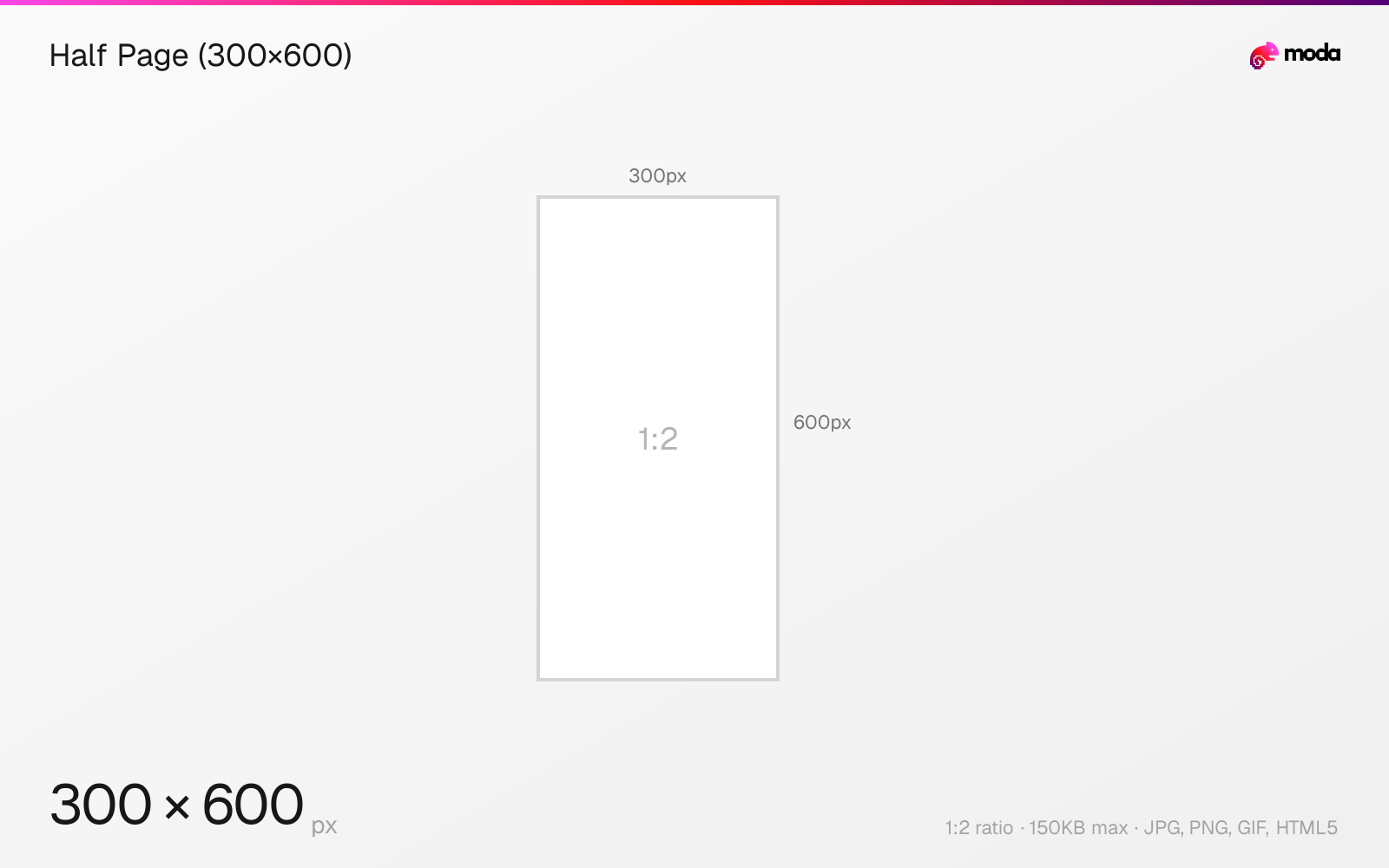
The recommended half page (300×600) size is 300 × 600 pixels (1:2 aspect ratio).
Last updated:
Specifications
| Spec | Value |
|---|---|
| Dimensions (px) | 300 × 600 px |
| Aspect ratio | 1:2 |
| Max file size | 150KB |
| Supported formats | JPG, PNG, GIF, HTML5 |
| Color mode | sRGB |
Design at this size with Moda
Start with a canvas pre-set to 300×600px and let AI generate your design.
Create a half page (300×600) →Design tips
The 300×600 half page ad is a premium display format with twice the area of the standard 300×250 medium rectangle. It appears in sidebar positions on desktop websites and is one of the highest-impact standard display sizes. The large canvas allows for rich imagery, detailed product showcases, and multi-element layouts.
- •Use the tall canvas for rich visuals — product showcases, lifestyle imagery, or multi-step storytelling.
- •Despite the large canvas, keep the file under 150KB. Use JPG compression aggressively for photos.
- •Design a 300×250 companion ad from the same creative for broader reach.
What you need to know
The 300×600 "half page" is one of the largest standard IAB ad sizes. It typically appears in sidebar positions on desktop websites, often replacing the 160×600 skyscraper or stacking above/below a 300×250 medium rectangle. The generous canvas makes it a favorite for brand awareness campaigns.
With 180,000 pixels of space (vs 75,000 for 300×250), the half page allows for layouts that aren't possible in smaller formats: full product photos, multi-step narratives, video-style storyboards, and detailed infographics. Many premium publishers reserve half-page slots for higher-paying advertisers.
The 300×600 is a desktop-only format. Inventory is smaller than 300×250 or 728×90, but the taller canvas gives you much more room for product imagery, stacked messaging, and richer layouts than smaller sidebar units.
How to create a half page (300×600) at the right size
- 1Open Moda and create a new canvas at 300×600 pixels.
- 2Design your half page (300×600) using AI generation or start from a blank canvas.
- 3Export as JPG and upload to your platform.
Frequently asked questions
What is a 300×600 ad?
A 300×600 pixel display ad called a "half page." It's a premium sidebar format with twice the area of a 300×250 medium rectangle.
Where does a 300×600 ad appear?
In sidebar positions on desktop websites, often alongside article or editorial content.
Sources
Specs last verified: March 19, 2026. Dimensions may change as platforms update their requirements.