Performance Max asset sizes
The recommended performance max assets size is 1200 × 1200 pixels (1:1 aspect ratio).
Last updated:
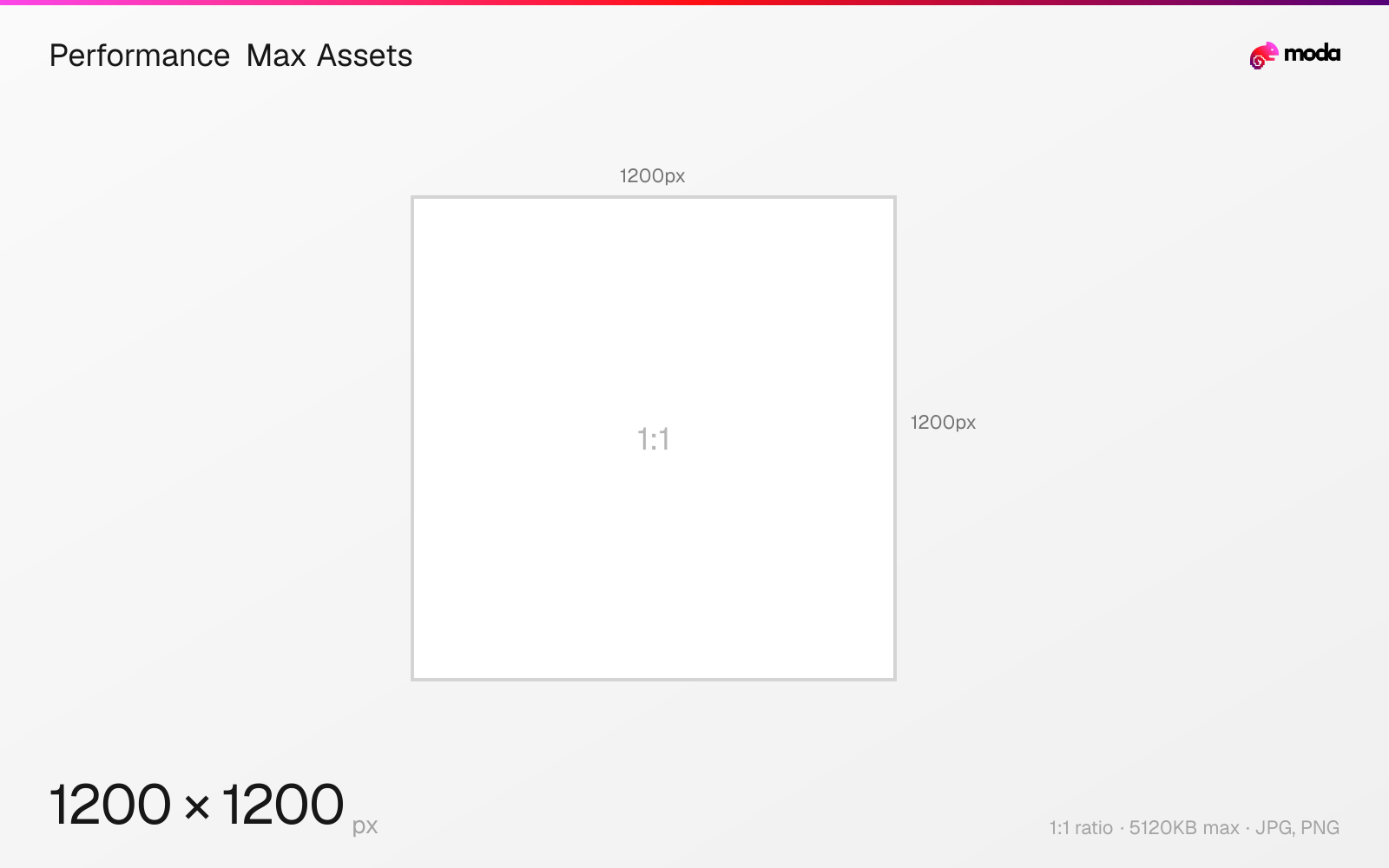
Specifications
| Spec | Value |
|---|---|
| Dimensions (px) | 1200 × 1200 px |
| Aspect ratio | 1:1 |
| Max file size | 5120KB |
| Supported formats | JPG, PNG |
| Minimum resolution | 300x300 |
| Color mode | sRGB |
Other documented sizes
| Format | Dimensions | Aspect ratio |
|---|---|---|
| Image — horizontal 1.91:1 (required) | 1200 × 628 px | 1.91:1 |
| Image — vertical 4:5 (optional) | 960 × 1200 px | 4:5 |
| Logo — horizontal 4:1 (optional) | 1200 × 300 px | 4:1 |
Design at this size with Moda
Start with a canvas pre-set to 1200×1200px and let AI generate your design.
Create a performance max assets →Design tips
Performance Max does not take a single ad size. It takes an asset bundle — three image ratios, two logo ratios and video in three orientations — which Google assembles into ads across Search, Display, YouTube, Discover, Gmail and Maps. Three of those are required: horizontal 1.91:1 images, square 1:1 images, and a square 1:1 logo. Vertical 4:5 images and the horizontal 4:1 logo are optional.
- •Required: horizontal 1.91:1, square 1:1, and a square logo. Everything else is optional but improves coverage.
- •Supply vertical 4:5 anyway — it is the shape that fills a phone in Discover and Gmail.
- •Supply your own video. Google auto-generates it from your images otherwise.
What you need to know
Performance Max works differently from a fixed-size display banner. You supply a pool of assets and Google composes ads from it for whichever surface it is serving — so the requirement is coverage of the ratios rather than one perfectly sized creative.
Google's spec separates what is required from what is recommended, and the distinction matters when you are assembling a brief. Required assets are horizontal 1.91:1 images (recommended 1200×628, minimum 600×314), square 1:1 images (recommended 1200×1200, minimum 300×300), and a square 1:1 logo (recommended 1200×1200, minimum 128×128). Optional assets are vertical 4:5 images (recommended 960×1200, minimum 480×600) and the horizontal 4:1 logo (recommended 1200×300, minimum 512×128).
The recommended counts sit on top of that. Google recommends 4 or more of each required image ratio, up to 20 per ratio, and 2 or more vertical images if you supply them. One logo of each shape is the recommendation, up to five. Every image and logo file is capped at 5120 KB.
Supplying the optional assets is still worth it. Vertical 4:5 is the shape that fills a phone screen in Discover and Gmail, and without it Google has fewer compositions available — an ad group that meets only the minimum will serve, but across fewer placements.
Video is recommended in each of 16:9, 1:1 and 9:16, each ten seconds or longer, up to fifteen per orientation. If you do not supply video, Google will generate it from your other assets — usually less well than you would.
How to create a performance max assets at the right size
- 1Open Moda and create a new canvas at 1200×1200 pixels.
- 2Design your performance max assets using AI generation or start from a blank canvas.
- 3Export as JPG and upload to your platform.
Frequently asked questions
Which Performance Max assets are actually required?
Horizontal 1.91:1 images, square 1:1 images, and a square 1:1 logo. Vertical 4:5 images and the horizontal 4:1 logo are optional.
What image sizes does Performance Max need?
Horizontal 1.91:1 at 1200×628 (minimum 600×314) and square 1:1 at 1200×1200 (minimum 300×300) are required, with 4 or more of each recommended, up to 20. Vertical 4:5 at 960×1200 (minimum 480×600) is optional, with 2 or more recommended.
What logo sizes does Performance Max need?
A square 1:1 logo at 1200×1200 (minimum 128×128) is required. The horizontal 4:1 logo at 1200×300 (minimum 512×128) is optional. One of each is recommended, up to five.
Is video required for Performance Max?
No, but Google recommends at least one video in each of 16:9, 1:1 and 9:16, each ten seconds or longer. If you do not supply one, Google generates video from your other assets automatically.
What is the maximum file size for Performance Max assets?
5120 KB per image or logo file.
Specs last verified: August 28, 2026. Dimensions may change as platforms update their requirements.