Shopify banner size
The recommended Shopify website banner size is 1200 × 400 pixels (3:1 aspect ratio).
Last updated:
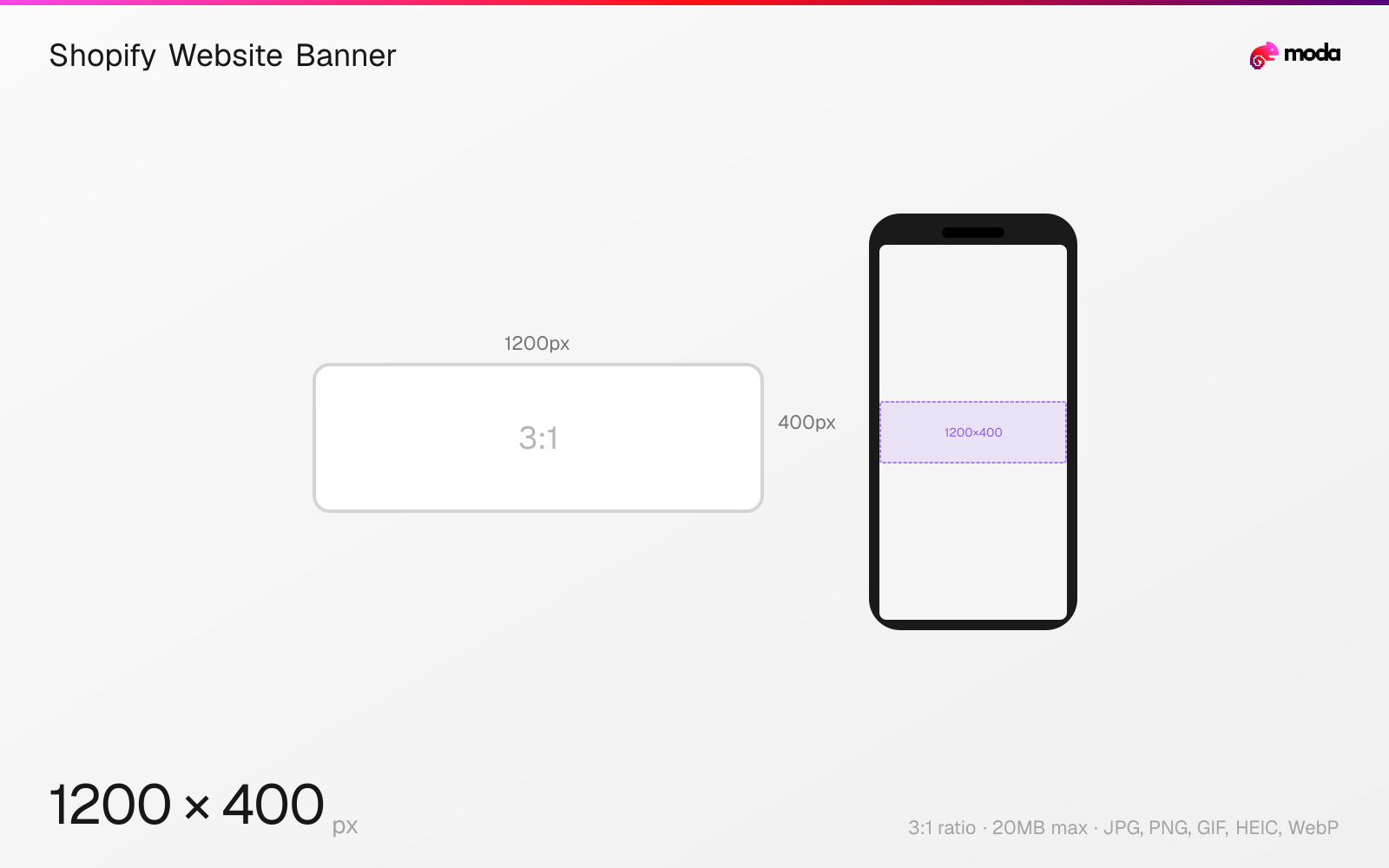
Specifications
| Spec | Value |
|---|---|
| Dimensions (px) | 1200 × 400 px |
| Aspect ratio | 3:1 |
| Max file size | 20MB |
| Supported formats | JPG, PNG, GIF, HEIC, WebP |
| Minimum resolution | 360x120 |
| Color mode | sRGB |
Other documented sizes
| Format | Dimensions | Aspect ratio |
|---|---|---|
| Mobile | 360 × 120 px | 3:1 |
| Background image | 2560 × 1400 px | 64:35 |
Design at this size with Moda
Start with a canvas pre-set to 1200×400px and let AI generate your design.
Create a Shopify website banner →Design tips
Shopify's own guidance recommends 1200×400 pixels (3:1) for a website banner on desktop and 360×120 on mobile. This is a recommendation, not a requirement: Shopify's help centre publishes no fixed banner dimension, because themes are responsive and crop around the focal point you set.
- •Set the focal point in Shopify's image editor — it matters more than the exact dimensions.
- •Check your theme's documentation first; a theme-specific size beats a general recommendation.
- •Supply generously sized images. Shopify downsamples, and the ceiling is 5000×5000 at 20MB.
What you need to know
There is no official Shopify banner size, and that is the honest answer to the question. Shopify's help documentation covers file formats, resolution ceilings and focal points, but it deliberately does not state a banner dimension — themes render the same image at different heights depending on the section, the viewport and the theme's own settings.
What Shopify does publish, on its blog, is a recommendation table. For a website banner it gives 1200×400 (3:1) on desktop and 360×120 on mobile. A full-width hero is treated separately at 1280×720, and a full-bleed background image at 2560×1400. If your theme documents its own dimensions, prefer those — they describe the actual slot.
Be aware that widely circulated third-party figures disagree with Shopify's own. Several popular guides state 2048×1024 for desktop banners and 1200×1600 for mobile; Shopify's blog says 1200×400 at 3:1. We publish Shopify's number because it is the one Shopify authored, but you will encounter the others.
Because the crop is theme-dependent, the practical technique matters more than the pixel count: set the focal point in Shopify's image editor so the part of the image you care about survives cropping at every viewport.
One inconsistency in Shopify's own table is worth knowing about: it lists the full-bleed background image as 2560×1400 and labels that 16:9, but those pixel values work out to roughly 64:35. We publish Shopify's dimensions, since those are the actionable part, with the ratio corrected to match them. If you need true 16:9 at that width, 2560×1440 is the figure — but Shopify does not state it.
How to create a Shopify website banner at the right size
- 1Open Moda and create a new canvas at 1200×400 pixels.
- 2Design your Shopify website banner using AI generation or start from a blank canvas.
- 3Export as JPG and upload to Shopify.
Frequently asked questions
What is the ideal Shopify banner size?
Shopify recommends 1200×400 pixels (3:1) for desktop and 360×120 for mobile. There is no official requirement — themes crop responsively, so the rendered height varies.
Why do different sources give different Shopify banner sizes?
Because Shopify publishes no requirement, only guidance. Several third-party guides state 2048×1024; Shopify's own blog states 1200×400 at 3:1.
What is the difference between a banner and a hero image on Shopify?
Shopify's guidance treats them separately: a website banner is 1200×400 at 3:1, while a hero image is 1280×720 at 16:9. A full-bleed background image is larger again at 2560×1400.
Specs last verified: August 28, 2026. Dimensions may change as platforms update their requirements.