Substack email banner size
The recommended Substack email banner size is 1100 × 220 pixels (5:1 aspect ratio).
Last updated:
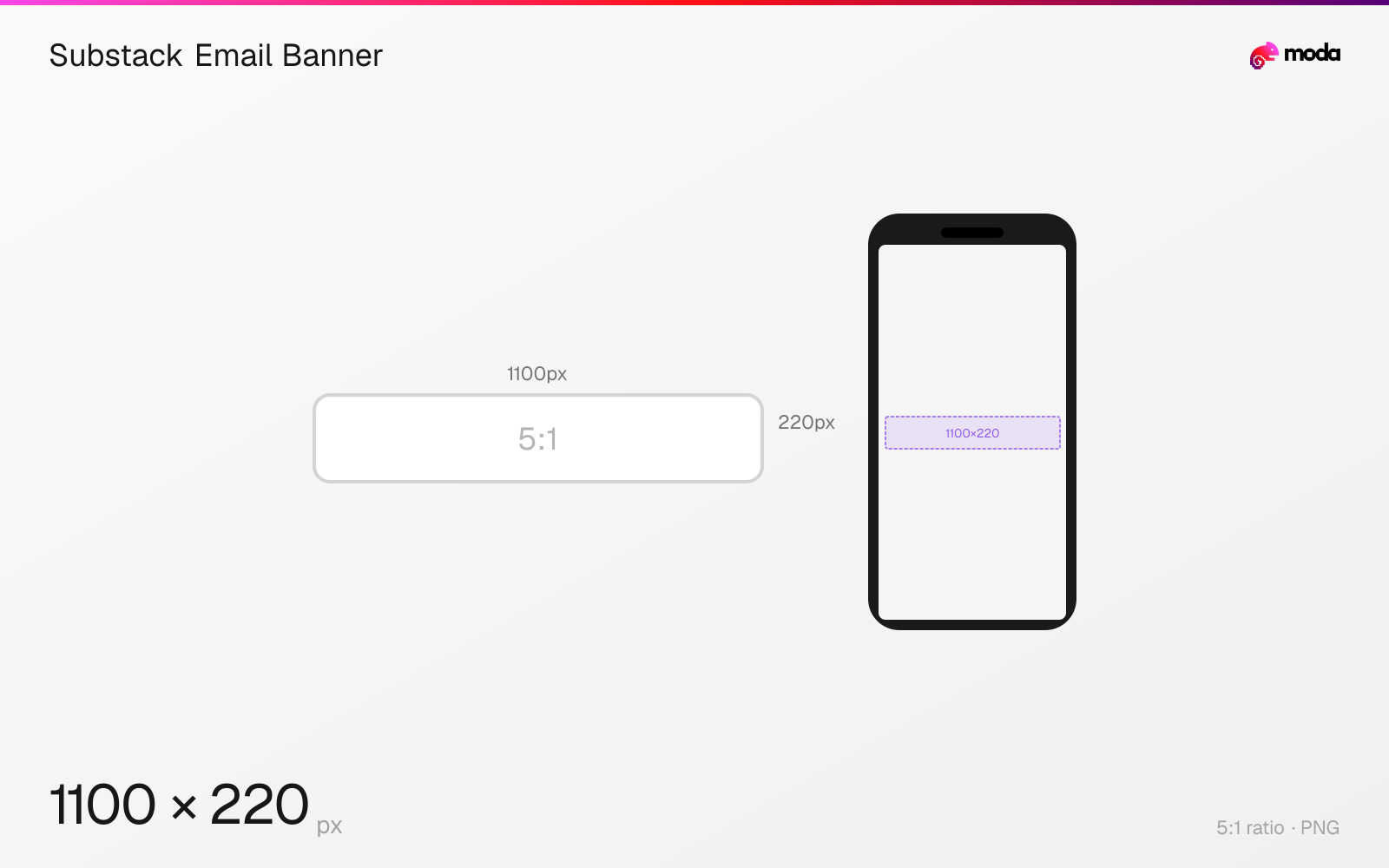
Specifications
| Spec | Value |
|---|---|
| Dimensions (px) | 1100 × 220 px |
| Aspect ratio | 5:1 |
| Supported formats | PNG |
Design at this size with Moda
Start with a canvas pre-set to 1100×220px and let AI generate your design.
Create a Substack email banner →Design tips
Substack recommends a 1100×220-pixel PNG for an email banner. It may be taller, and Substack's broader image guide recommends a transparent background for this publication design element.
- •Start at 1100×220 pixels and export as PNG.
- •Use transparency when the banner is a logo or wordmark rather than a full-bleed image.
- •Send a test email to inspect the banner in real inbox layouts.
What you need to know
The email banner appears in publication emails rather than on the web version of a post. Substack's dedicated email-header guide recommends uploading it as a 1100×220 PNG.
Substack says a banner can be taller than 220 pixels, so 1100×220 is a recommendation rather than a hard crop. The 5:1 source is a compact header that avoids pushing the email body too far down.
A transparent PNG lets the publication's email styling show through around a wordmark or logo. Send yourself a test email before publishing because inbox width and dark-mode treatment vary by client.
How to create a Substack email banner at the right size
- 1Open Moda and create a new canvas at 1100×220 pixels.
- 2Design your Substack email banner using AI generation or start from a blank canvas.
- 3Export as PNG and upload to Substack.
Frequently asked questions
What size should a Substack banner be?
Substack recommends 1100×220 pixels in PNG format for publication email banners.
Can a Substack email banner be taller than 220 pixels?
Yes. Substack says 1100×220 is recommended but the banner can be taller.
Specs last verified: August 28, 2026. Dimensions may change as platforms update their requirements.