Substack social preview image size
The recommended Substack social preview image size is 1200 × 630 pixels (1.91:1 aspect ratio).
Last updated:
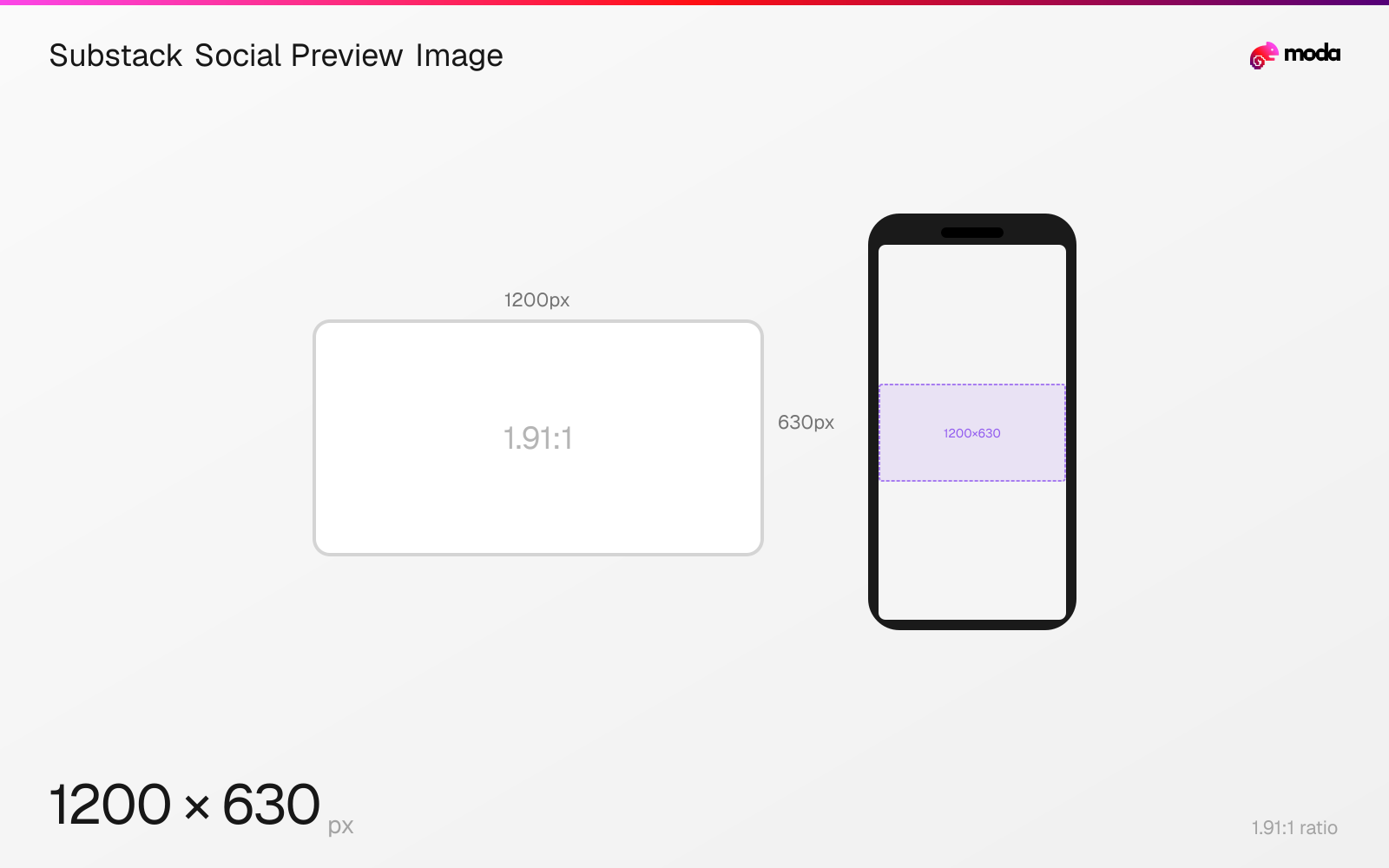
Specifications
| Spec | Value |
|---|---|
| Dimensions (px) | 1200 × 630 px |
| Aspect ratio | 1.91:1 |
| Minimum resolution | 1200x630 |
Design at this size with Moda
Start with a canvas pre-set to 1200×630px and let AI generate your design.
Create a Substack social preview image →Design tips
Substack recommends social and post preview images at least 1200×630 pixels. The same official bullet also says preview images use a 14:10 ratio, which does not match 1200×630, so this page uses the explicit pixel dimensions and records the conflict rather than silently reconciling it.
- •Export at least 1200×630 pixels and keep critical content near the center.
- •Use Substack's smart-cropping option when faces or subjects are cut off.
- •Do not treat the source's 14:10 statement as equivalent to 1200×630; the published guidance conflicts.
What you need to know
The social or post preview image is the thumbnail used when a Substack post is represented outside the full article. Substack's current image guide gives an explicit minimum of 1200×630 pixels.
That same source says 14:10 is the preview-image aspect ratio. Those statements conflict: 1200×630 is about 1.91:1, while 14:10 is 1.4:1. No derivation can make both simultaneously true.
This guide follows the published pixel dimensions because they form a complete export target and leaves the contradiction visible. Use Substack's center or smart cropping option and keep the focal point away from the edges in case a placement applies a different crop.
How to create a Substack social preview image at the right size
- 1Open Moda and create a 1200×630-pixel canvas.
- 2Keep the focal point near the center so Substack's alternate preview crops remain usable.
- 3Export the finished image, upload it as the social preview and inspect center or smart cropping.
Frequently asked questions
What size should a Substack social preview image be?
Substack recommends at least 1200×630 pixels. Its help page also states a conflicting 14:10 ratio, so this guide preserves the explicit pixel recommendation and flags the mismatch.
Why are faces cropped in Substack previews?
Substack applies thumbnail crops. Its website editor offers center and smart cropping; smart cropping can help keep faces or other subjects in view.
Specs last verified: August 28, 2026. Dimensions may change as platforms update their requirements.