11 Best Vibe Coding Tools in 2026, by Project Type
Compare 11 vibe coding tools for prototypes, production apps, codebase agents, mobile builds, and design-led websites, with ownership and migration checks.
 Anvisha Pai, Co-founder & CEO, Moda
The best vibe coding tool depends on what you are building, how far past a prototype it must go, and who will own it afterward. Lovable and Base44 reduce setup for managed web apps. Replit spans prompting, code, and deployment. Rork focuses on mobile. Cursor, Claude Code, and Codex fit codebases whose owners can review and operate software. Moda is an adjacent choice for design-first public websites, not application backends.
This guide compares documented workflows, public product interfaces, and selected independent hands-on accounts. Moda did not run paid generations or score output quality. The recommendations therefore emphasize fit, ownership, and checks you can reproduce before committing.
The best vibe coding tools at a glance
| Tool | Best fit | Durable artifact | Launch or migration check |
|---|---|---|---|
| Lovable | Managed web apps for nontechnical founders | Generated app plus optional GitHub sync | Verify RLS, secrets, clean-clone build, and managed-service migration |
| Base44 | Apps built around an integrated data and backend model | Project code plus Base44 services | Test every role and document which backend services would need replacement |
| Replit Agent | Building and learning inside a broad browser workspace | Cloud project, code, data, and deployment configuration | Check production secrets, startup, health checks, logs, and recovery |
| Bolt | Fast browser-based web prototypes and apps | Generated project plus optional GitHub history | Build a fresh clone and plan database portability separately |
| Emergent | Prompt-led full-stack apps with a GitHub path | Generated code plus managed build workflow | Confirm repo contents, service dependencies, and external deployment path |
| v0 | UI-first Next.js apps and repository changes | GitHub branch, Vercel project, and connected services | Review the PR and separate portable code from Vercel configuration |
| Rork | Prompt-generated mobile applications | Expo project and managed mobile build workflow | Test real devices, native permissions, and the Xcode handoff |
| Cursor | Existing repositories in an AI-native IDE | Your repository | Keep checkpoints separate from Git history and run project checks |
| Claude Code | Terminal-centered agentic repository work | Your repository and development environment | Review diffs, permissions, tests, and rollback behavior |
| Codex | Parallel and asynchronous software-engineering tasks | Repositories, worktrees, and local or cloud environments | Integrate through review and CI, then deploy through your normal system |
| Moda | Branded public websites and visual pages | Editable visual project and hosted website | Test responsive publishing and inventory any external backend dependencies |
The important distinction is between vibe coding, where a person judges behavior without taking responsibility for every line, and agentic software engineering, where someone remains accountable for the repository, tests, review, and operations. Both can start with a prompt, but they are not the same buying decision.
Choose the operating model before you choose the tool
Ask two questions first: “What should exist when I am done?” and “Who is responsible when it breaks?” The durable artifact and the operating owner matter more than which demo looks most impressive.
A managed web application
Choose this route when you need forms, accounts, stored data, dashboards, or workflows but do not want to assemble the frontend, backend, and hosting separately. Lovable, Base44, Replit, Bolt, and Emergent all address versions of this job. They are fastest at the prototype-to-first-deploy stage, but the managed database, authentication, secrets, logs, and hosting still become part of your system.
A codebase your team will engineer
Choose a repository-native agent when the project already has conventions, tests, infrastructure, and developers responsible for it. Cursor, Claude Code, and Codex work against the durable source and engineering workflow. Their advantage is not one-click deployment. It is the ability to inspect diffs, run project checks, and integrate changes through the same controls the team already trusts.
A mobile application
Mobile work adds device behavior, native permissions, store builds, and platform review. Rork is specialized around that path. A general web-app builder may produce a mobile-friendly page without producing the same artifact or publishing workflow.
A public, design-led website
If the output is a landing page, portfolio, campaign site, or other mostly static public website, generating an application stack may introduce responsibilities you do not need. A design-first AI website builder such as Moda can be a stronger fit when brand fidelity and visual editing matter more than custom backend logic.
1. Lovable: best for a managed app with a GitHub path
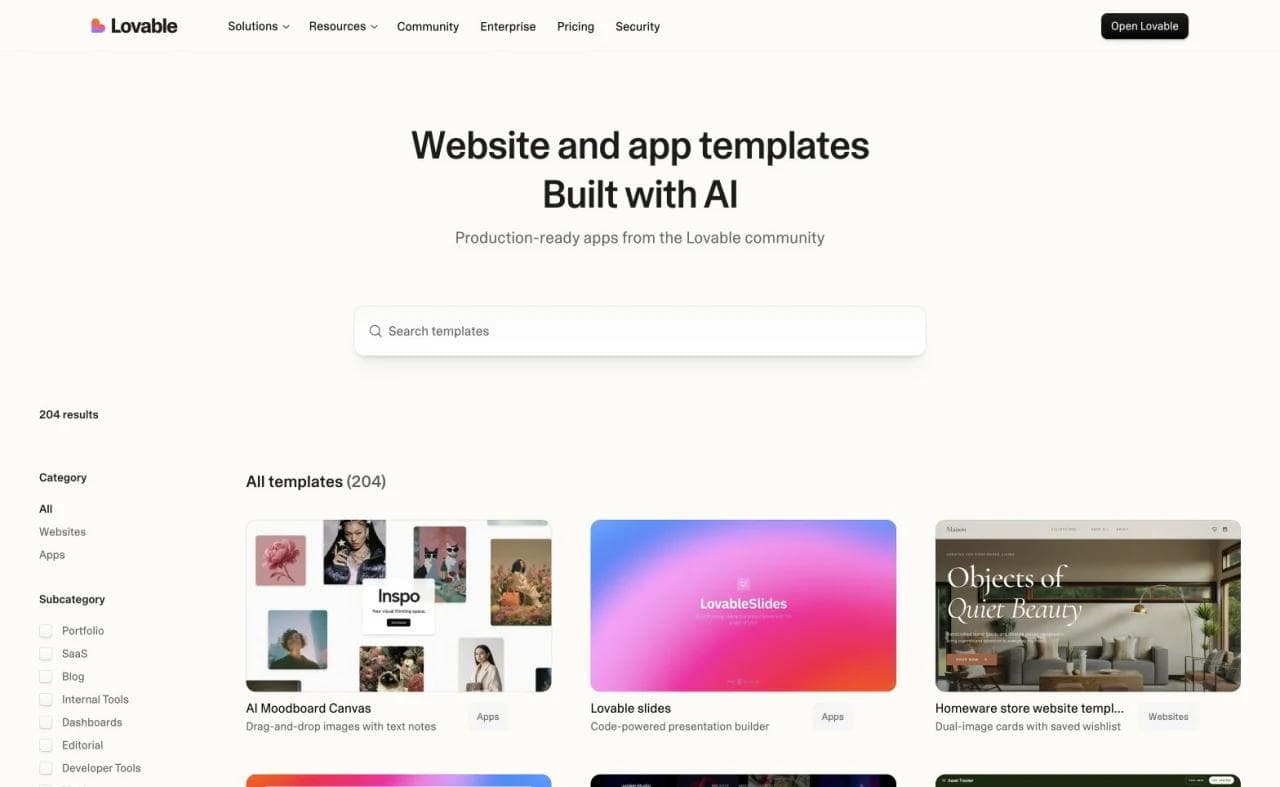
Lovable documents a built-in backend plus a native Supabase integration for databases, authentication, storage, real-time updates, and serverless functions. Its GitHub integration provides two-way sync, local editing, and alternative deployment. That creates a real handoff path for code, but code portability is not the same as moving the database, authentication, storage, secrets, and deployment configuration.
Its documentation describes both a built-in backend and a native Supabase integration for databases, authentication, storage, real-time updates, and serverless functions. The GitHub integration supports two-way sync, local editing, and alternative deployment, which gives the project a clearer handoff path than a conversation-only builder.
Choose Lovable when the initial job is a customer-facing web app and you value a guided, opinionated workflow. Before inviting real users, connect GitHub, clone the repository into a clean environment, run the build, and inspect row-level access rules. Lovable’s own security checklist says to keep secrets and critical validation on the server and test database policies. For a deeper category comparison, see our Lovable alternatives by project type.
2. Base44: best for an integrated application backend
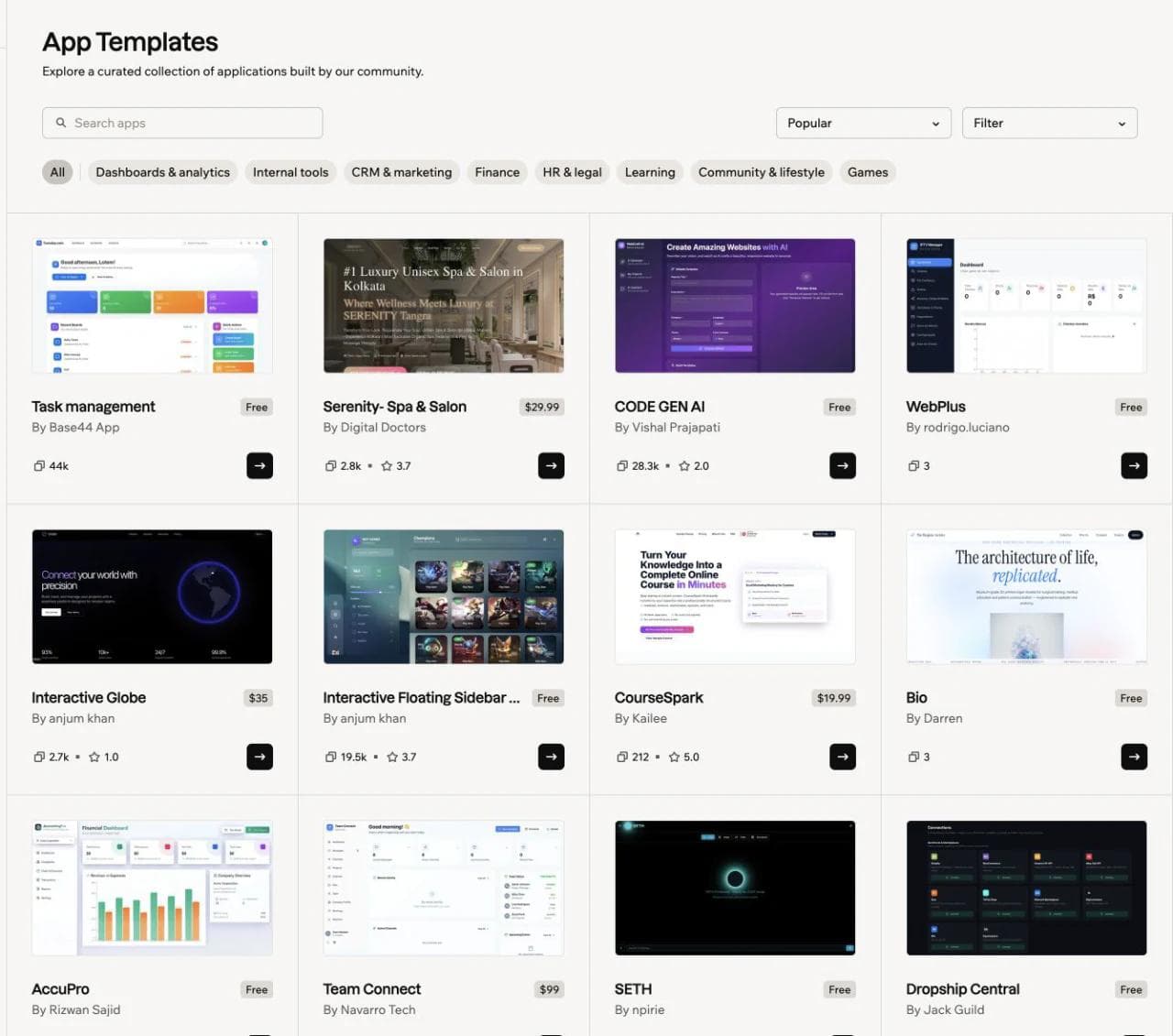
Base44 treats the managed backend as a central part of the product. Its developer platform covers data, backend functions, agents, integrations, authentication, and an SDK, while the editor exposes project code. Current GitHub documentation describes two-way sync on Builder plans and above, with the connected main branch becoming the shared source.
That makes Base44 appealing when the application revolves around records, users, operational workflows, and built-in services. The tradeoff is that the platform’s resource and permission model becomes an architectural choice. Exporting frontend code and functions does not by itself reproduce the hosted data model or every managed service elsewhere.
Choose it when you want the builder and backend to arrive as one system. Before launch, create two test users with different roles and verify each create, read, update, and delete path. Review the platform’s data-permission controls, export or sync the code early, and write down which backend services would have to be replaced in a migration.
3. Replit Agent: best all-in-one browser development workspace
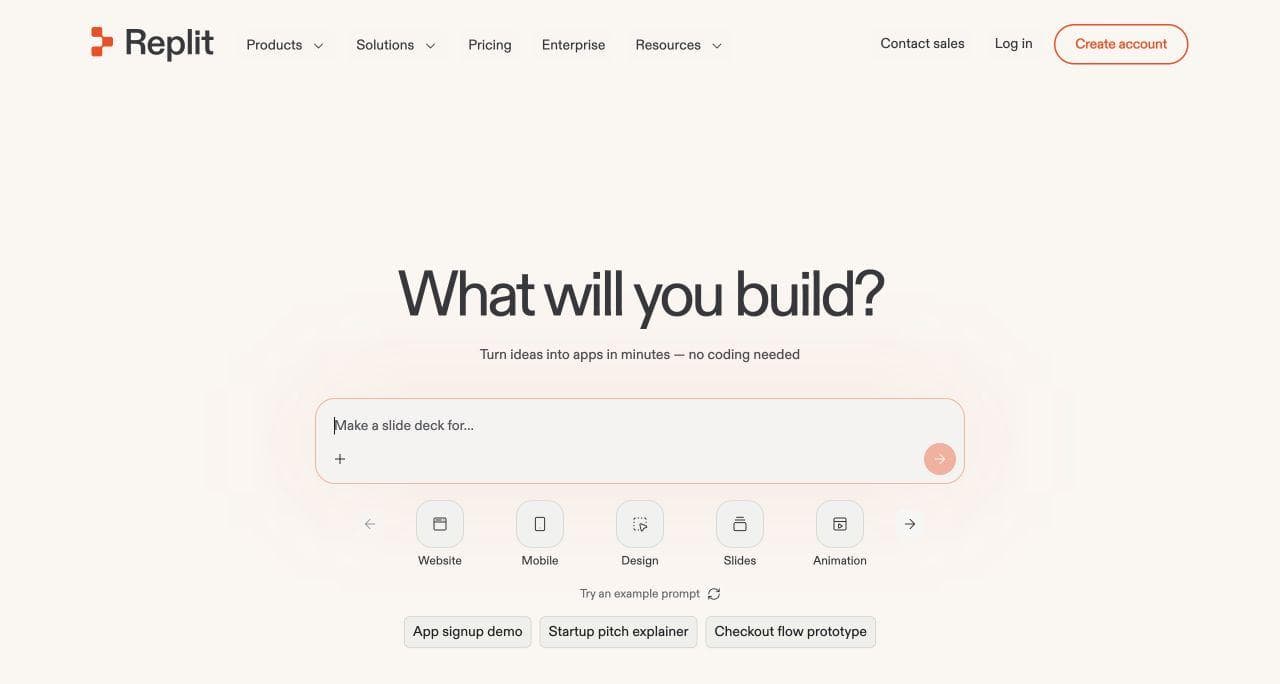
Replit covers more of the development lifecycle than a narrow prompt-to-app interface. Agent can plan, write code, explain behavior, debug, and improve an application. The Project Editor keeps code, preview, environment settings, history, collaboration, and publishing in one browser-based workspace.
Replit’s own build-with-Agent guidance recommends being specific, planning, adding context, reviewing and testing, and using checkpoints. That is a better model for sustainable use than repeatedly prompting until the preview looks right. A deployment check should also cover production secrets, startup behavior, health checks, and logs, not only the workspace preview.
Choose Replit if you want a low-setup route into real code or need a workspace that can accommodate both nontechnical prompting and technical intervention. It asks the user to learn more of the development environment than an opinionated builder, but that can become an advantage as the project grows. Our Replit vs Lovable comparison explains that boundary in detail.
4. Bolt: best for fast browser-based web prototypes
Bolt is useful when you want to move from a prompt to a running web project without first configuring a local environment. Its official quickstart combines prompting, a live project, Bolt Cloud services, and deployment.
Choose Bolt when immediate browser iteration is the priority. Connect a GitHub repository before the prototype grows, then verify that a fresh clone builds and that secrets stay outside client code. If you use Bolt Database or Supabase, treat database portability as a separate decision. Bolt documents that there is currently no supported migration flow from Supabase to Bolt Database.
5. Emergent: best for a guided full-stack build workflow
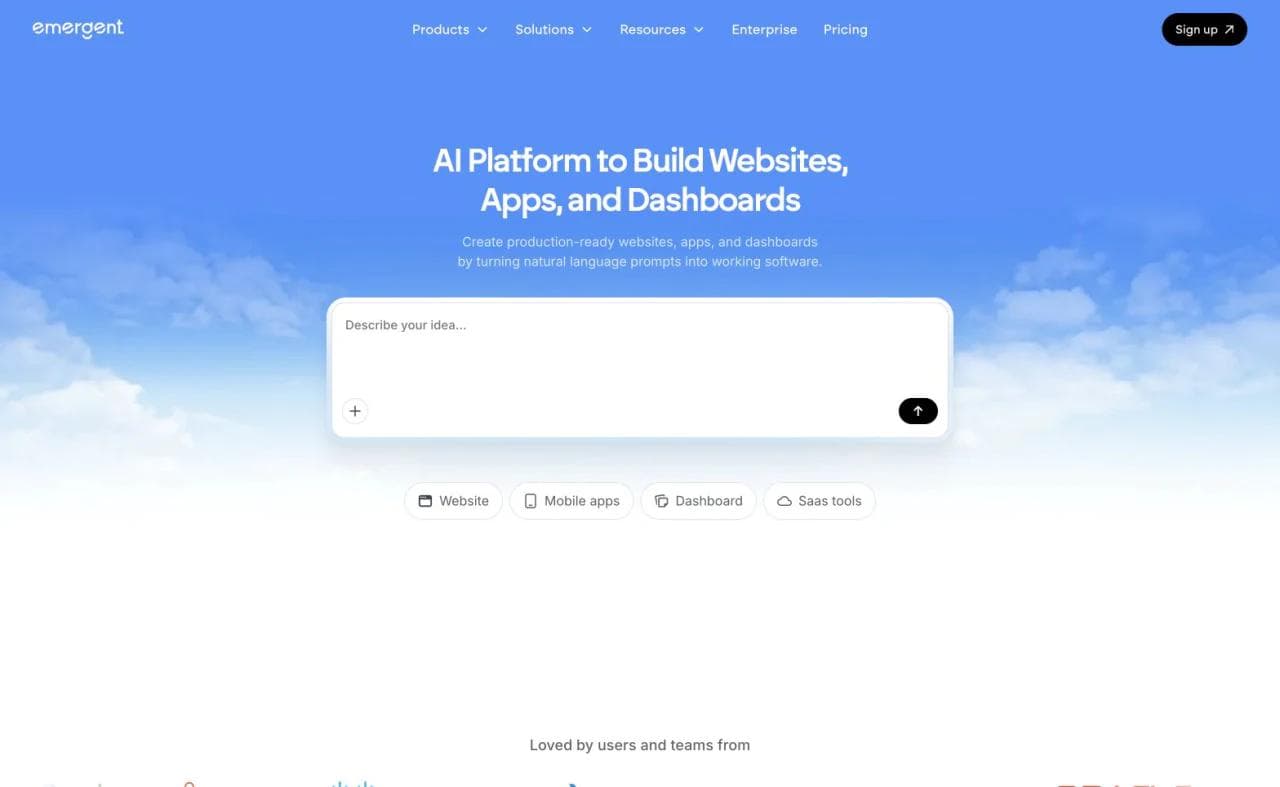
Emergent positions itself around creating full-stack applications from natural-language prompts. Its official product guidance lists GitHub integration, live preview, testing, and deployment alongside the generation workflow.
Choose Emergent when you want a guided, end-to-end application process and expect to validate the generated work before launch. Confirm which code reaches GitHub, which services remain managed, whether a clean checkout runs without the builder, and what a team would need to deploy and observe the application elsewhere.
6. v0: best for UI-first Next.js development
v0 is especially relevant when the frontend and interaction design are the starting point. It defaults to Next.js and can generate components, pages, and applications from prompts and references.
It should no longer be described as only a component generator. The current v0 full-stack documentation covers API routes, backend logic, authentication, and database integrations including Supabase, Neon, and Upstash. v0 also supports GitHub branches and pull requests, which makes it relevant to an existing engineering workflow as well as prototype creation.
Choose v0 when React or Next.js UI is the starting point and developers will continue the work. Connect the target repository, review the generated branch as a pull request, and verify server/client boundaries, authentication, database access, environment variables, and Vercel-specific configuration before calling the result portable.
7. Rork: best for prompt-generated mobile apps
Rork focuses on a different artifact from the web-first builders. You describe a mobile application, test it through browser and device workflows, and proceed toward an application build without configuring the traditional native toolchain yourself.
Rork documents prompt-based creation, browser operation, mobile testing, managed builds, and preparation for the App Store. Its Xcode workflow also shows the technical handoff: connect GitHub, install dependencies, run an Expo prebuild, and inspect the project in Xcode. That route is useful, but it is more work than a successful browser preview suggests.
Choose Rork when the deliverable is truly a mobile app, not merely a responsive website. Plan for testing on real devices, native permission behavior, offline and network states, accessibility, and store requirements before treating a successful simulator run as completion.
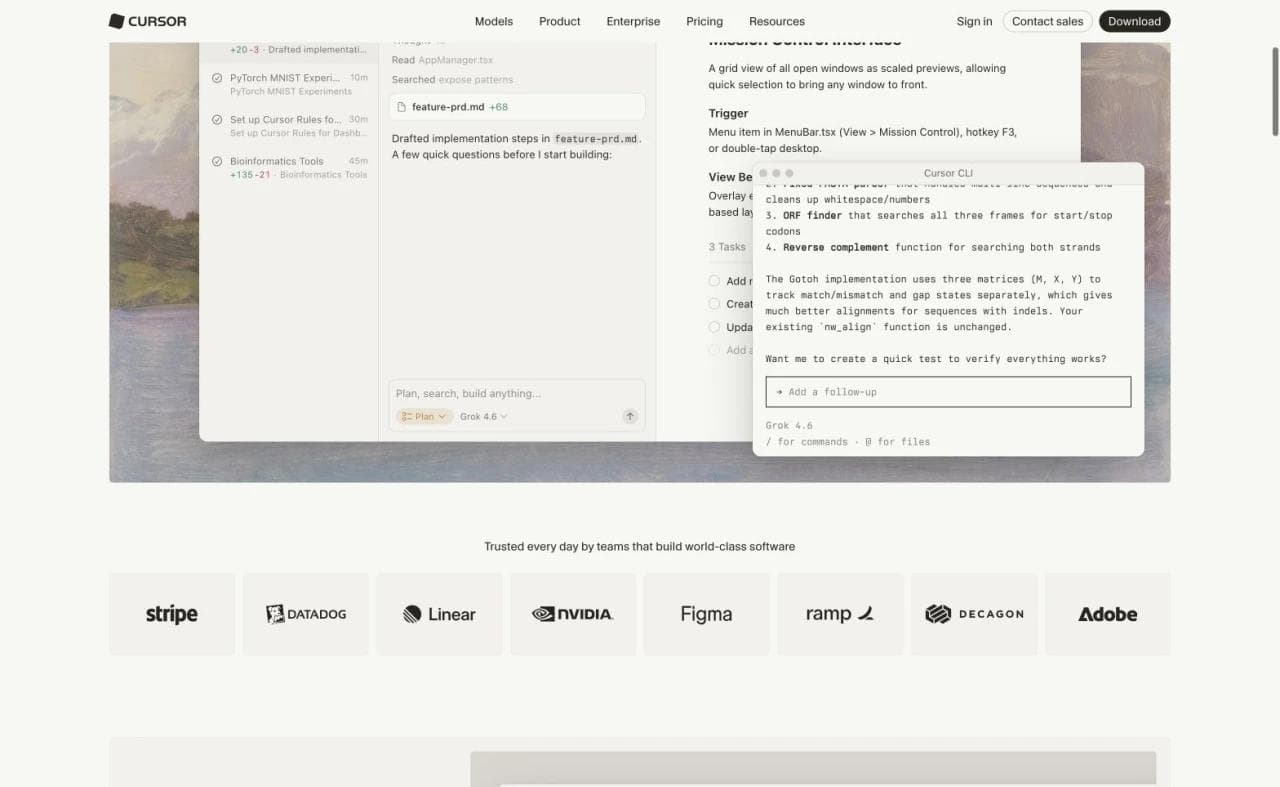
8. Cursor: best for developers who want an AI-native IDE
Cursor is a development environment, not a managed no-code app service. Its Agent can search a codebase, edit files, run terminal commands, use web context, and connect to external tools through MCP. Cursor’s Agent documentation makes the operating model explicit.
The durable artifact is the repository, and the user retains normal responsibility for architecture, tests, deployment, and security. Cursor’s automatic checkpoints can reverse agent changes, but its documentation says they are not version control. Keep commits, branches, and review gates in the real repository.
Choose Cursor when you can read code and want close, interactive control inside an editor. It is not a realistic substitute for a design-first website builder for a marketer who never wants to operate a repository.
9. Claude Code: best for terminal-centered agentic engineering
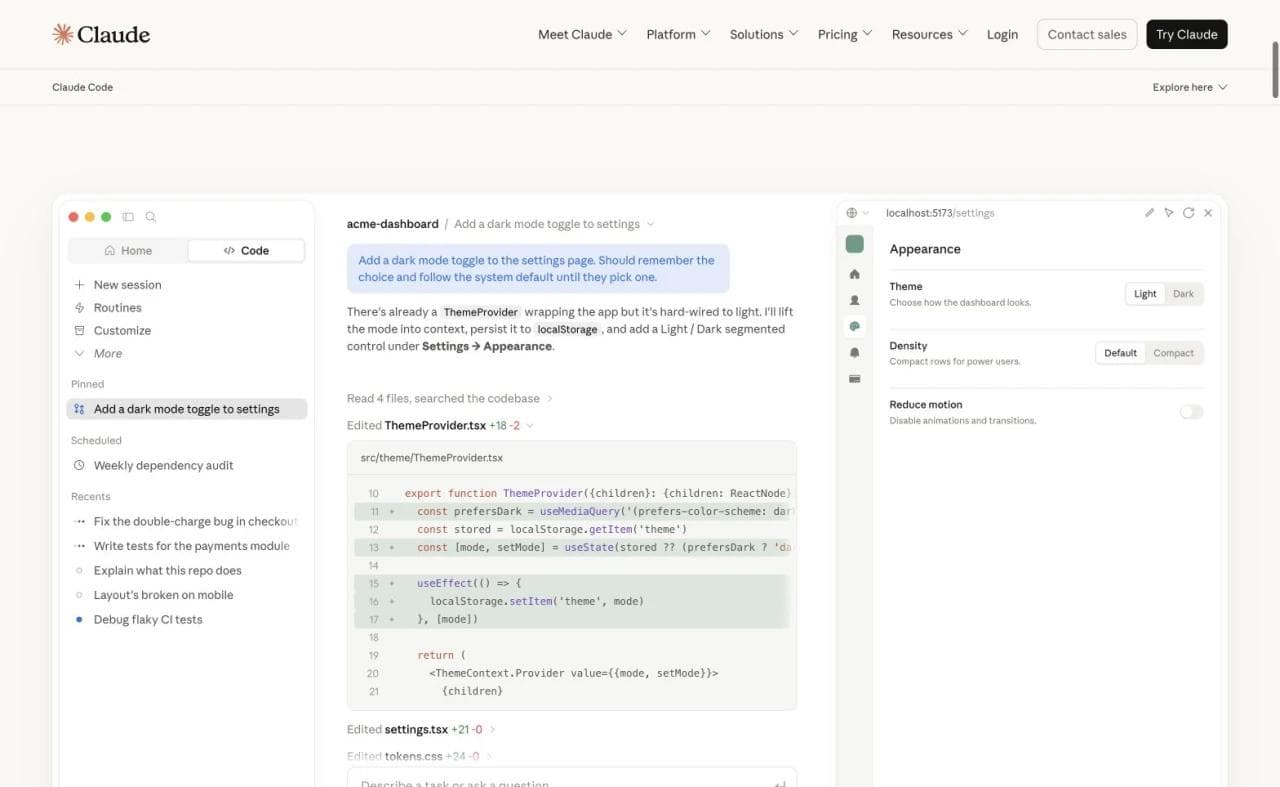
Claude Code operates through an agentic loop that gathers context, takes actions, and verifies results. It can read and edit files, search a project, run commands and tests, and interact with external services. Anthropic’s how-Claude-Code-works guide describes both the tools and the user’s role in steering the loop.
Choose Claude Code when an engineer wants to delegate substantial repository work while keeping the codebase, command line, and verification process central. Its ability to start an application from a prompt does not make it a no-technical-skill builder. The useful test is whether it can follow the repository’s instructions, produce a reviewable diff, run the right checks, and recover cleanly when an acceptance test fails.
10. Codex: best for parallel software-engineering work
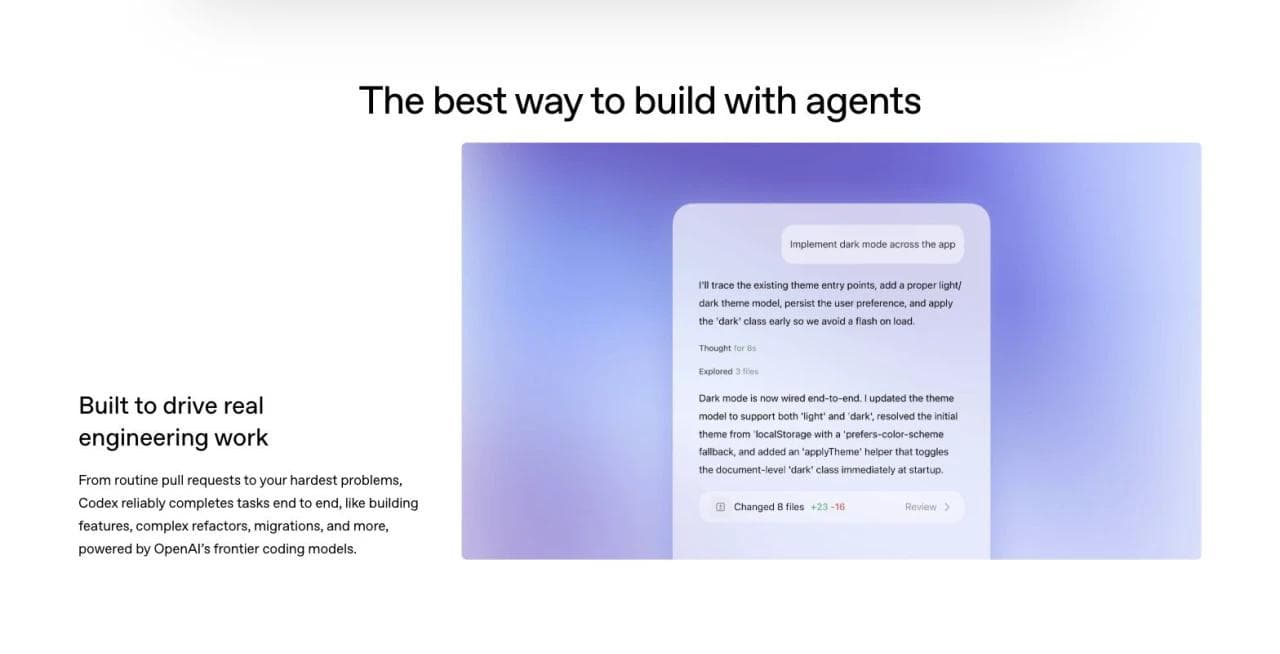
Codex is a coding agent for building features, fixing bugs, reviewing code, and handling longer engineering tasks. Official Codex documentation covers local and cloud environments, code review, Git worktrees, reusable skills, and agent configuration. Those capabilities place it in a repository workflow, not in the same operating model as a one-prompt hosted app builder.
Choose Codex when the team already treats a repository, tests, CI, and review as the source of truth and wants agents to complete bounded work against that system. Test it with a change that touches implementation, tests, and documentation, then review the diff and rerun CI exactly as you would for a human-authored change.
Like Claude Code and Cursor, Codex is not a direct competitor to Moda for a nontechnical user who only needs a branded public website.
11. Moda: best for design-first public websites
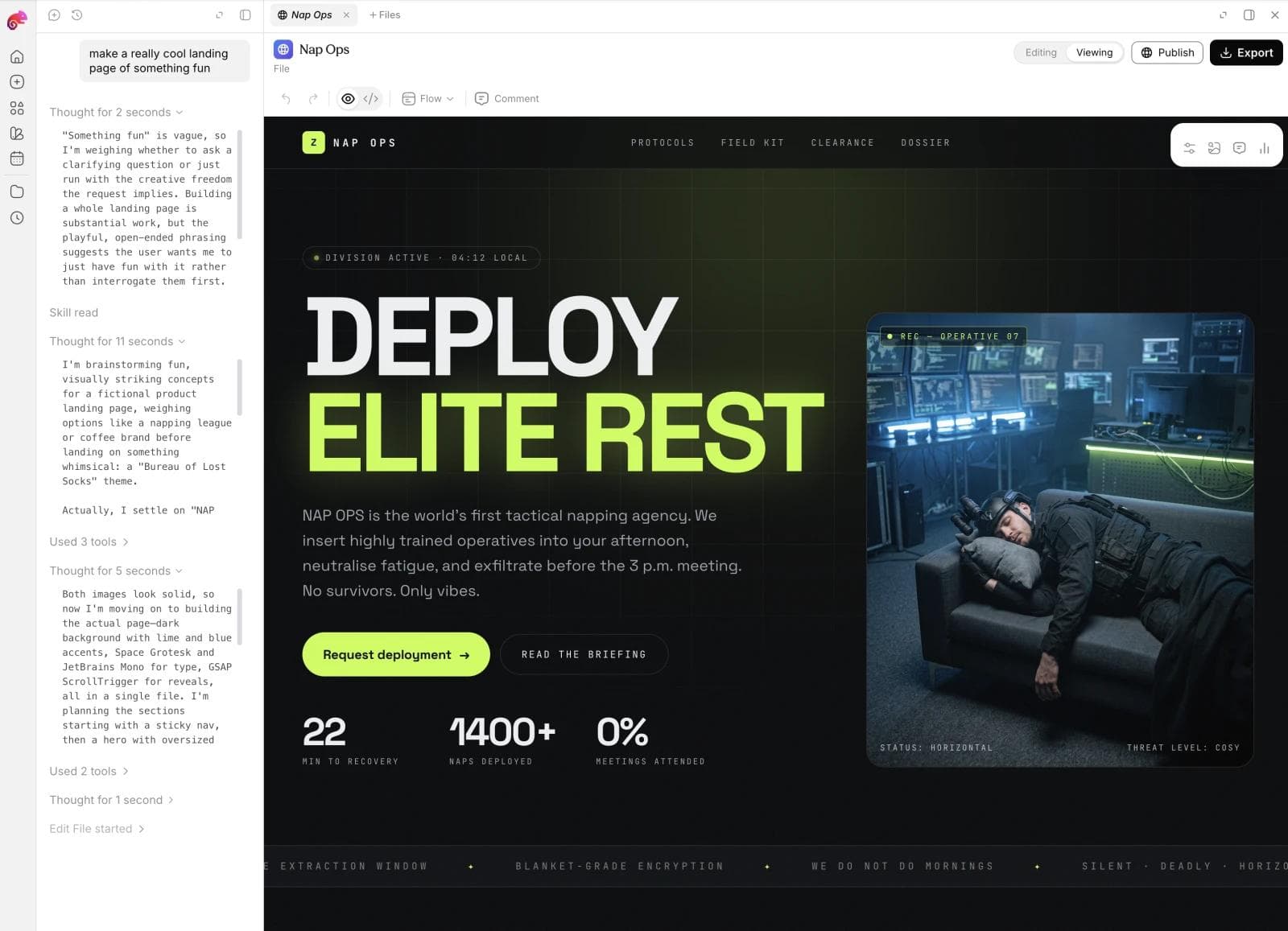
Moda is adjacent to vibe coding rather than a general-purpose coding environment. A user can describe a website and let an AI agent create it, but the product’s strength is the designed result: an editable visual website project, brand-aware creative work, and hosted public pages.
Choose Moda when you need a landing page, portfolio, campaign site, or other public website and want the same system to support slides, social graphics, and related brand assets. It can replace an unnecessarily complex application stack when the job is primarily visual publishing. Evaluate it on brand fidelity, editing, responsive behavior, publishing, and ownership of any connected services.
Do not choose Moda as a replacement for Replit, Lovable, Base44, Cursor, Claude Code, or Codex when you need repository-level engineering or an application with sensitive user data and custom backend behavior. Explore Moda for the design and public-website workflow.
Which vibe coding tool should you choose?
Use the narrowest system that owns the parts you actually need.
- For a nontechnical founder building a managed web app: Start with Lovable or Base44. Compare the backend model, permissions, GitHub path, and eventual developer handoff.
- For a broad browser workspace with direct code access: Choose Replit Agent.
- For the fastest route to a web prototype: Consider Bolt, then establish data and deployment boundaries before expanding it.
- For a guided full-stack workflow with repository integration: Consider Emergent.
- For React and Next.js UI that developers will continue: Use v0.
- For a native mobile deliverable: Use Rork and test on real devices.
- For an existing codebase: Use Cursor for an IDE-centered loop, or Claude Code and Codex for broader agentic task execution.
- For a branded public website without an application backend: Use a design-first builder such as Moda.
If two managed app builders are on your shortlist, our Base44 vs Lovable comparison examines how their integrated services and handoff paths differ.
Four checks before committing to a platform
Inspect the durable artifact. Determine whether you receive a repository, platform project, visual document, database schema, or a combination. Code export does not prove that hosting, data, authentication, secrets, scheduled jobs, and logs can move with it.
Map the operational boundary. Name who hosts the frontend, database, authentication, files, functions, logs, secrets, and domains. Then name the person responsible for incidents, dependency updates, access reviews, and recovery.
Test recovery and handoff. Make a cross-cutting change, undo it, restore a prior state, export or sync the project, and have a second person continue the work without relying on the original conversation.
Match review to consequence. A public prototype and an internal demo can tolerate a different process from software that handles private data, money, permissions, or irreversible actions. Deployment is a milestone, not evidence that those risks have been addressed.
A practical test brief for your shortlist
Use the same small project for the serious contenders, but judge each tool according to its operating model. A representative brief is a two-organization issue tracker with owner and member roles, sign-in, file attachments, a webhook, and clear loading, empty, and error states.
- Build the happy path: create an organization, invite a member, create and update an issue, attach a file, and trigger the webhook.
- Test isolation: seed two organizations, then verify that members cannot read or mutate the other organization’s records, files, or admin actions.
- Test ownership: connect GitHub or export at the start, clone into a clean environment, build it, rotate one secret, and list every hosted dependency that does not travel with the code.
- Test production behavior: deploy a preview and production version, verify environment variables and migrations, inspect logs, and exercise a failed request and a recovery path.
- Test revision and handoff: make one cross-cutting requirement change, review what changed, roll it back, and ask a second person to continue from the durable artifact rather than the original chat.
Record evidence, not impressions: time to the first working flow, failed acceptance checks, manual fixes, services you must keep paying for, and what a new owner needs. A tool that cannot complete one of these checks may still be excellent for a prototype, but the limitation belongs in the decision.
Frequently asked questions
What is the best vibe coding tool for beginners?
Lovable and Base44 provide guided routes into managed web applications, while Replit exposes more of the development workspace. For a public site without application logic, a design-first builder may be simpler.
What is the best vibe coding tool for developers?
Cursor, Claude Code, and Codex work against repositories. Choose based on whether you prefer an IDE, terminal agent, or parallel local and cloud tasks.
Can vibe coding tools build production applications?
They can deploy software, but deployment is not proof of production readiness. Applications still need testing, security review, monitoring, recovery, and accountable ownership.
Which vibe coding tool is best for websites?
For a web application, choose based on the backend and code workflow. For a design-led public site without custom application logic, Moda may avoid unnecessary complexity.
Do vibe coding tools let you own the code?
Repository-native tools operate on code you control. Managed builders may support GitHub, but moving can still require replacing hosting, databases, authentication, or other services. Evaluate the whole system, not only the files.

Real editable visuals. Real canvas. Full control.
Fly through design work