11 Best Sora Alternatives in 2026, After Its Shutdown
Compare 11 Sora alternatives across first-party video models, multi-model platforms, prompt control, references, and production editing.
 Anvisha Pai, Co-founder & CEO, Moda
The best Sora alternative in 2026 depends on whether you want a first-party video model, a multi-model workspace, or a complete editing workflow. Google Veo through Flow is the clearest first-party successor, while Kling, Seedance, and Hailuo offer direct model access. Higgsfield, Magnific, OpenArt, Krea, Adobe Firefly, and Moda are useful when you want several models or more production tooling in one place.
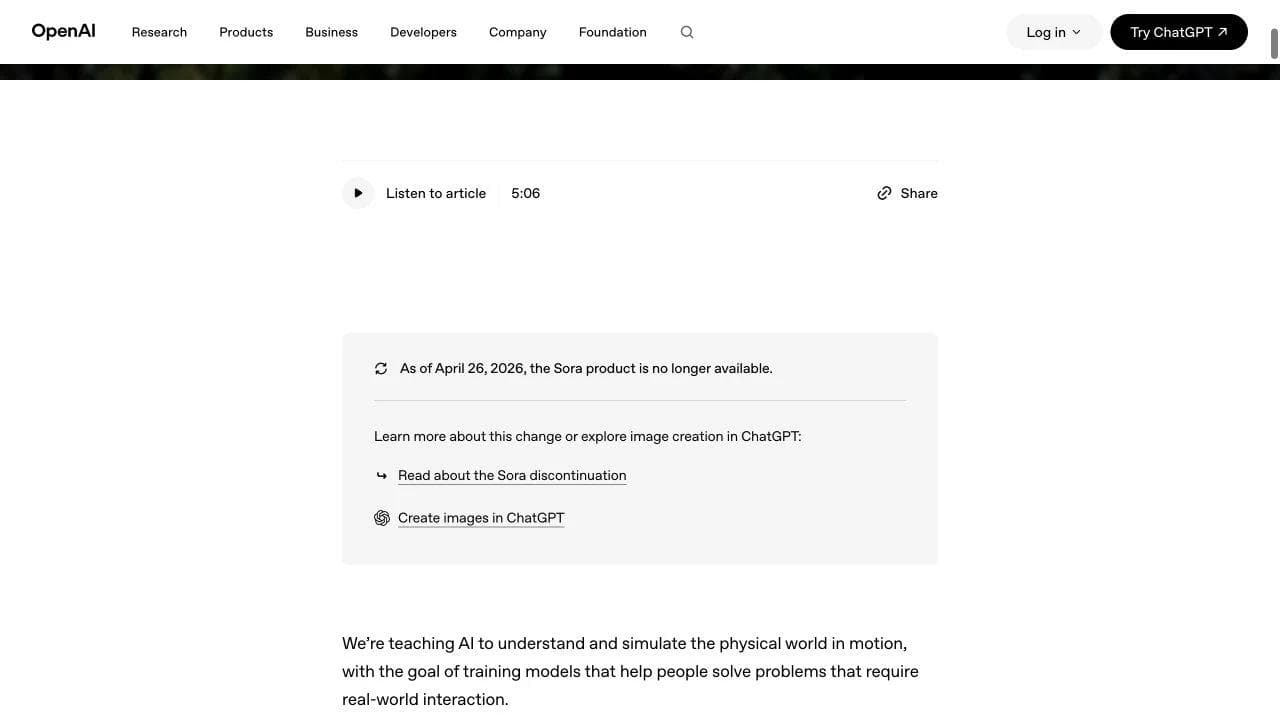
OpenAI says the Sora product has not been available since April 26, 2026. This is therefore a migration guide, not a claim that Sora is still an active subscription to compare.
Sora alternatives at a glance
| Alternative | Type | Best for | Check before choosing |
|---|---|---|---|
| Google Flow with Veo | First-party model workflow | Cinematic generation inside Google’s ecosystem | Access, limits, and whether Flow or Gemini owns your workflow |
| Kling AI | First-party model vendor | Direct Kling controls and model updates | Regional access, queueing, and edit tools |
| Seedance | First-party model family | Direct ByteDance video capabilities where available | Availability versus access through wrappers |
| Hailuo AI | First-party model vendor | Direct MiniMax video generation | Project organization and downstream editing |
| Higgsfield | Multi-model platform | Presets and convenient access to several models | Prompt enhancement, credits, and revision control |
| Magnific | Multi-model creative suite | Model choice plus image and video workflows | Whether its enhancement stack matches your process |
| OpenArt | Multi-model platform | Visible controls and optional prompt polishing | Which models and settings each plan exposes |
| Krea | Multi-model creative workspace | References, enhancement, and rapid exploration | Export and long-form assembly needs |
| Adobe Firefly | Creative suite and partner-model hub | Adobe workflows and commercially focused production | Model-specific terms and credit usage |
| Runway | Video platform with first-party models | Shot generation and established creative tooling | Credit economics and whether you need its own model stack |
| Moda | Multi-model generation plus visual editing | Branded campaigns, scenes, and companion assets | Not a film finishing or footage-heavy NLE |
Use the right replacement category
Sora made text-to-video feel like a single product decision. The current market is layered:
- Model vendors build and expose their own video models. Direct access usually gives you the clearest view of that vendor’s controls and releases.
- Multi-model platforms wrap several model families in one account. Their value comes from convenience, references, presets, organization, and how they transform a prompt.
- Production tools help turn generated shots into an actual deliverable with scenes, text, audio, brand assets, and revisions.
The same underlying model can appear in several products. That does not make the experience identical. Prompt enhancement, defaults, references, output settings, queue behavior, and editing surfaces can materially change control. It also means you should not pay for a wrapper solely because a sample clip looks better without checking which model and settings produced it.
1. Google Flow with Veo: best first-party successor
Google Flow combines Veo generation with a filmmaking-oriented workspace. Choose it when you want direct access to Google’s current video models and prefer a guided shot-building environment over a general multi-model catalog.
The purchase check is ecosystem fit. Determine whether your access comes through Flow, Gemini, or another Google surface, which controls and limits apply there, and how generated shots leave the product for editing. A strong model is not automatically a complete campaign or post-production system.
2. Kling AI: best for direct Kling access
Kling AI is a first-party destination for the Kling model family. It is relevant when you want to follow Kling releases directly and compare its own image-to-video, reference, motion, and duration controls without a wrapper choosing the defaults.
Choose direct access when model-specific control matters. Choose a multi-model platform when switching among Kling, Seedance, Veo, and other families is more valuable than staying closest to one vendor.
3. Seedance: best when ByteDance’s model is the requirement
Seedance is a model family rather than a broad editing suite. Many creators encounter it through wrappers such as Higgsfield, Magnific, OpenArt, Krea, Firefly, or Moda. The correct comparison is therefore direct model access versus the wrapper’s controls and workflow.
Check whether direct access is available in your region, which inputs and settings the chosen surface exposes, and whether the platform rewrites prompts. Power users may prefer predictable prompts. Less experienced users may prefer a platform that expands a short idea into a more cinematic instruction.
4. Hailuo AI: best for direct MiniMax access
Hailuo AI provides a first-party route to MiniMax video models. It belongs beside Kling and Seedance, not beside a timeline editor.
Choose it to evaluate the vendor’s current model behavior and controls directly. If you need a searchable project library, multiple model families, brand assets, or final assembly, budget for another layer or choose a broader platform.
5. Higgsfield: best for presets and multi-model convenience
Higgsfield packages model access with visual presets, camera directions, and product-specific workflows. That can help a non-expert reach an ambitious look quickly.
The same assistance can frustrate a power user who expects the submitted prompt to remain literal. Test whether prompt enhancement is visible, optional, or central to the workflow, and compare the cost of repeated revisions rather than only the first clip.
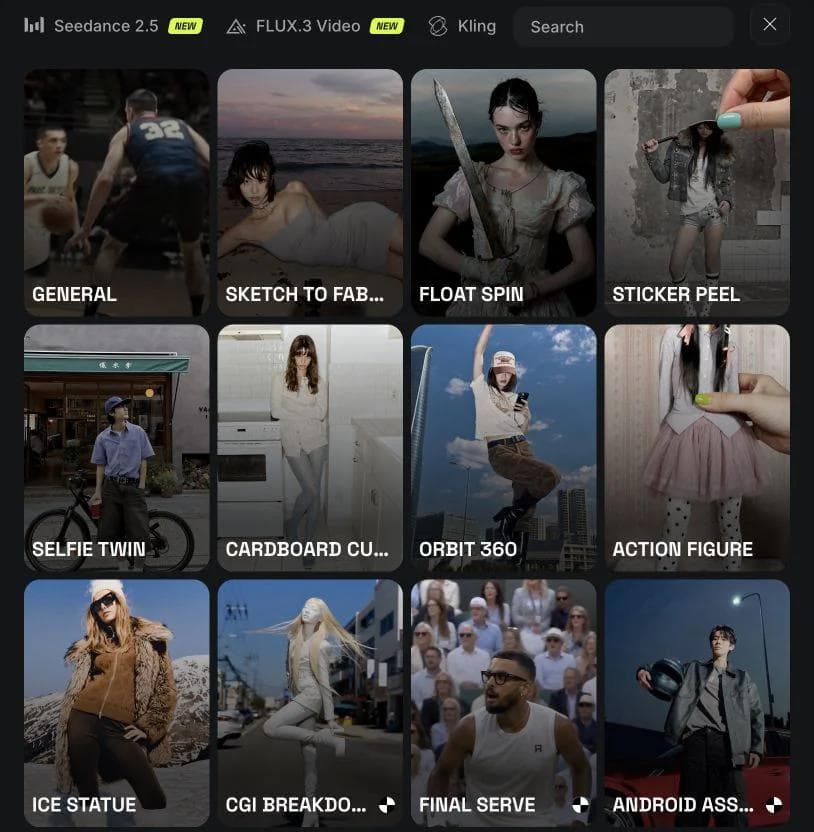
6. Magnific: best multi-model suite for visual creators
Magnific is a strong second choice behind Higgsfield for creators who want a broad visual suite. Its value is not exclusive ownership of every underlying video model. It is the combined workflow around model choice, references, enhancement, and related image work.
Choose it when upscaling and image workflows belong in the same creative process. Compare model availability, resolution, reference controls, and how assets move from generation into a sequence.
7. OpenArt: best for visible prompt and model controls
OpenArt exposes several models and a visible Auto Polish control in its video interface. That makes it especially relevant to users deciding between convenience and prompt fidelity.
An optional enhancement switch is useful because prompt expansion is a tradeoff, not an unconditional quality improvement. Keep it on for a sparse idea when you want help with shot language. Turn it off when exact wording, repeatability, or careful iteration matters.
8. Krea: best for references and rapid exploration
Krea brings video generation into a broader creative workspace with image, video, audio, and effect references. It is a good fit when exploration and enhancement happen around the generated shot.
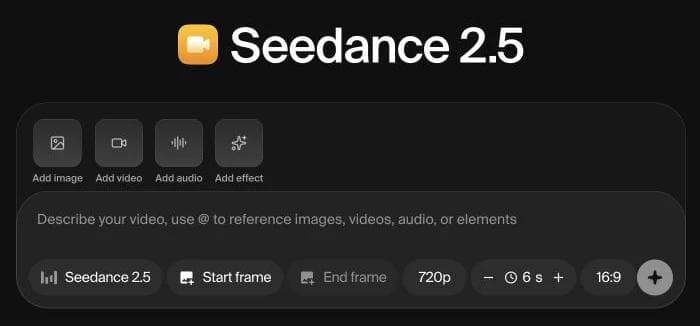
Check whether the project eventually needs a true timeline, dialogue editing, color finishing, or long-form media management. Reference-rich generation and post-production remain different jobs.
9. Adobe Firefly: best for an Adobe-centered workflow
Adobe Firefly video combines Adobe’s own model with partner choices and connects to Adobe’s broader creative ecosystem. It is attractive when the generated material will continue into Premiere, After Effects, Photoshop, or an Adobe approval workflow.
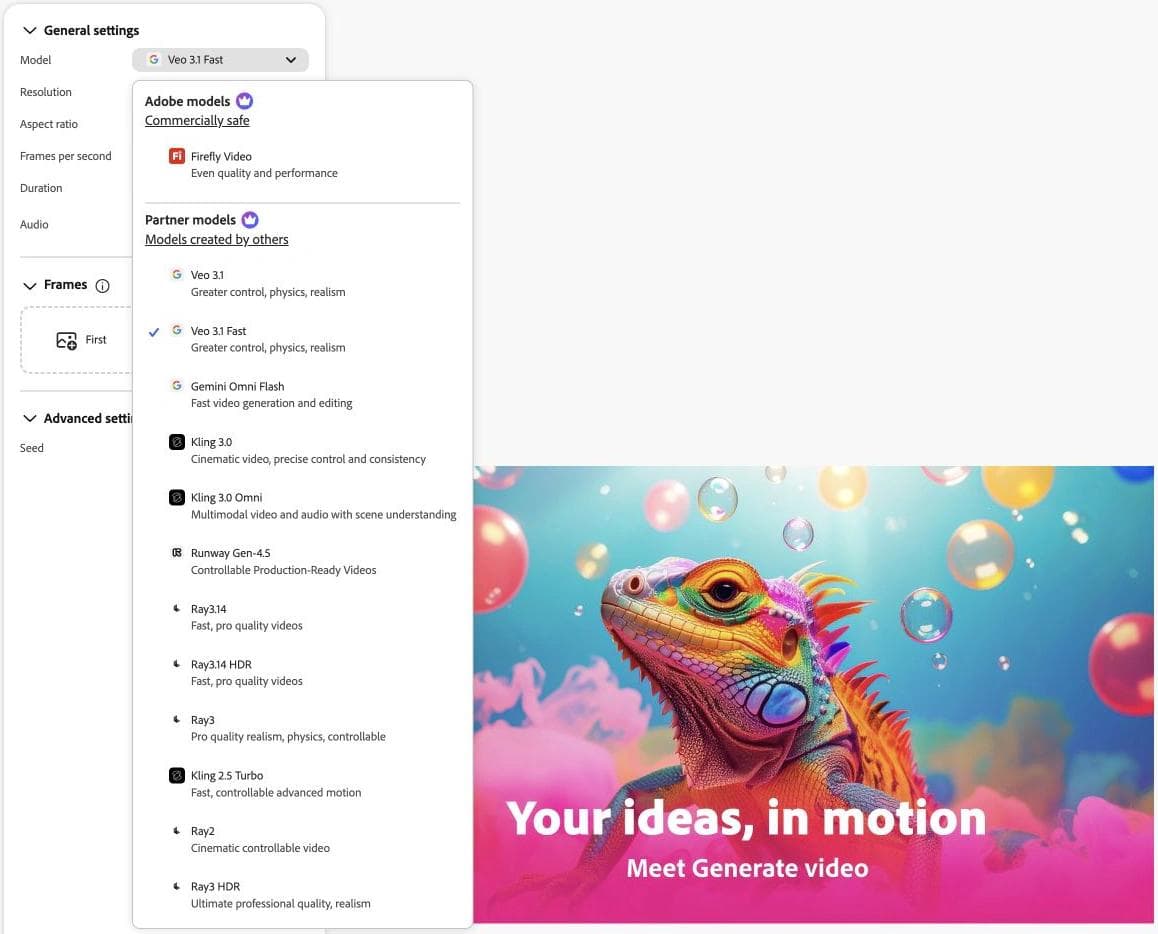
Review terms and credits per model rather than treating every option in the picker as interchangeable. Adobe integration is valuable when the rest of the team already works there. It is less decisive if all you need is inexpensive access to one model.
10. Runway: best when you want its model and creative tools
Runway remains worth including because it pairs first-party video research with a mature creative product. It is no longer the default answer simply because it was early to the category.
Choose it when a current Runway model or a specific tool in its ecosystem fits the shot. Compare it directly with Veo, Kling, Seedance, and the multi-model platforms for your use case. Reputation is not evidence that its credit economics or workflow is best for your project.
11. Moda: best for branded production after generation
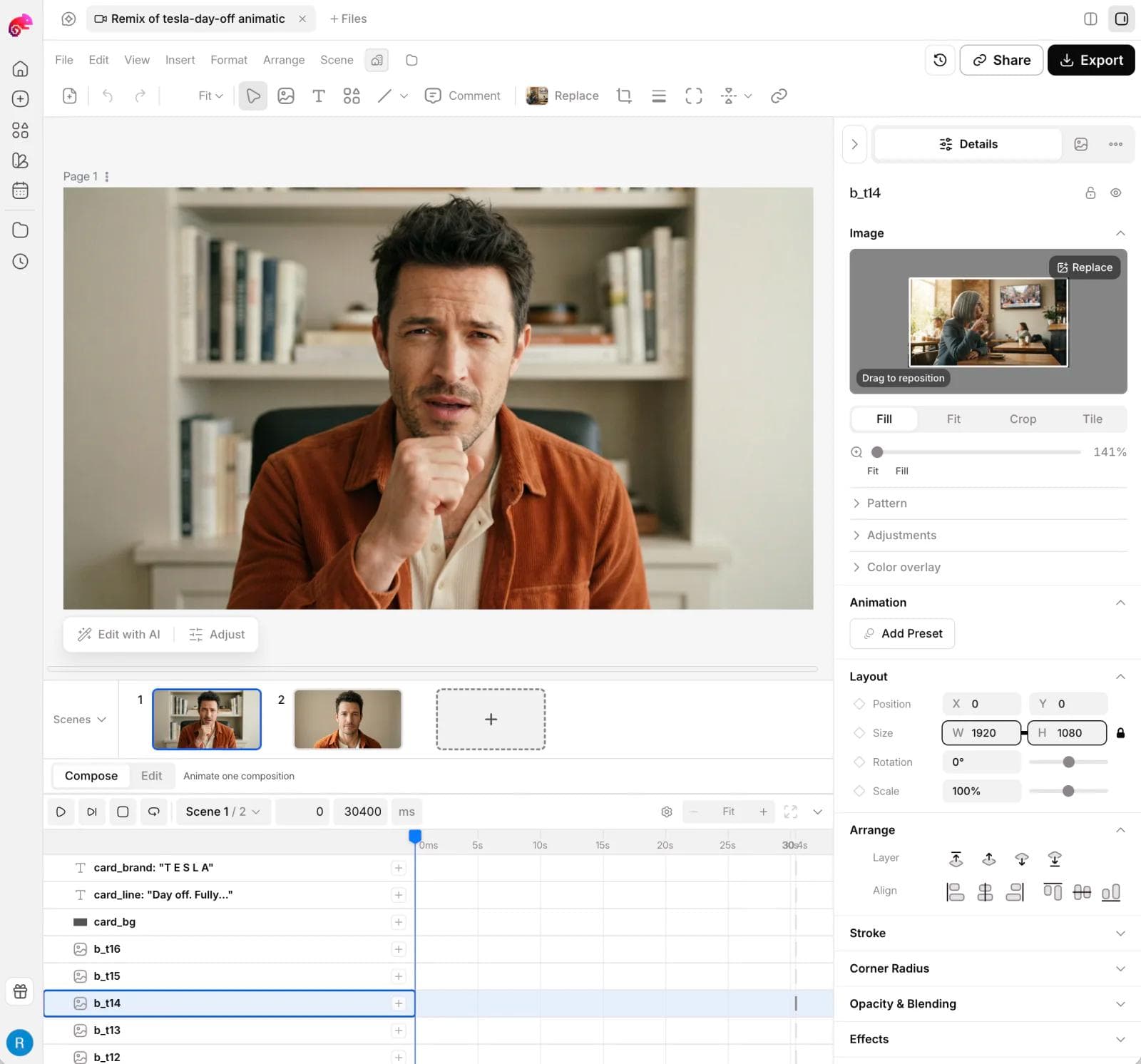
Moda supports leading video, image, and audio models, then gives non-specialists an editable design canvas, scene organization, a layer-based compositor, and timeline tools for assembling campaign work. It can also produce related slides, ads, social graphics, and images in the same project.
Choose Moda when generated clips are inputs to a branded deliverable. Do not choose it instead of a professional NLE for footage-heavy documentaries, multicamera editing, advanced color, detailed audio post, or broadcast turnover.
A practical Sora migration test
- Recreate one representative prompt with the same aspect ratio, references, and duration in two model families.
- Record the exact submitted prompt and identify whether the platform enhances it.
- Make a specific revision, such as changing only camera movement or one subject attribute.
- Assemble the chosen shot with text, audio, and brand assets in the tool that will own the final deliverable.
- Count failed or discarded generations as part of the workflow cost.
Which Sora alternative should you choose?
Choose Google Flow with Veo for the clearest first-party successor. Choose Kling, Seedance, or Hailuo when one model family is the requirement. Choose Higgsfield for preset-led convenience, Magnific for a broad visual suite, OpenArt for explicit prompt-control choices, Krea for references and exploration, Firefly for Adobe workflows, and Runway for its own model and tool ecosystem.
Choose Moda when the missing piece is what happens after the clip: branded scenes, editable layouts, motion, and companion campaign assets. The strongest replacement is the one that gives you adequate model access while reducing the cost of revision and finishing.
Related questions about replacing Sora
Is Sora still available in 2026?
No. OpenAI’s current Sora page states that the product has been unavailable since April 26, 2026. Be cautious with articles that compare current plans or describe account access without acknowledging the shutdown. The useful decision now is which model and production workflow should receive your old Sora prompts, references, and unfinished ideas.
Should you choose a model vendor or a multi-model platform?
Choose a model vendor when one model family matters and you want its controls and releases directly. Choose a multi-model platform when you routinely compare several families or value its references, presets, asset library, and project organization. The Higgsfield alternatives guide compares multi-model wrappers, direct vendors, node workflows, and editors in more depth. The Magnific alternatives guide focuses on the broader visual-suite decision.
Do you need a separate video editor?
Usually, if the deliverable contains many clips, spoken dialogue, captions, detailed audio, or precise pacing. Generation platforms are optimized for producing and iterating shots. An editor owns the sequence. For approachable timeline options, see the CapCut alternatives guide. For branded campaign scenes and companion design assets, Moda can keep more of the work in one visual project.

Real editable visuals. Real canvas. Full control.
Fly through design work