Patreon cover image size
The recommended Patreon creator cover image size is 2500 × 1000 pixels (2.5:1 aspect ratio).
Last updated:
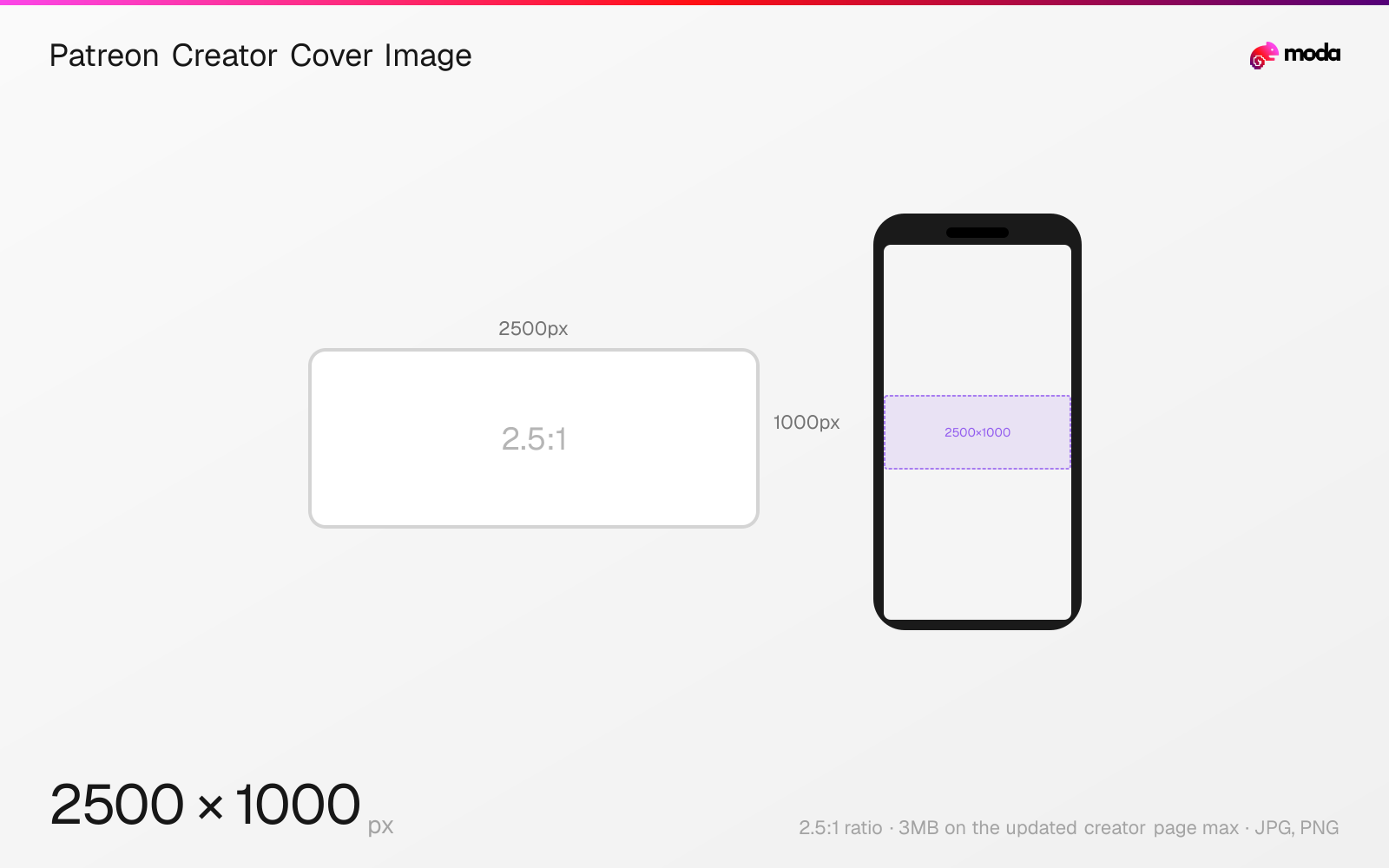
Specifications
| Spec | Value |
|---|---|
| Dimensions (px) | 2500 × 1000 px |
| Aspect ratio | 2.5:1 |
| Max file size | 3MB on the updated creator page |
| Supported formats | JPG, PNG |
| Minimum resolution | 2500x1000 on the updated creator page |
Other documented sizes
| Format | Dimensions | Aspect ratio |
|---|---|---|
| Legacy creator page | 1600 × 400 px | 4:1 |
Design at this size with Moda
Start with a canvas pre-set to 2500×1000px and let AI generate your design.
Create a Patreon creator cover image →Design tips
Patreon's updated creator page recommends a cover image at least 2500×1000 pixels in JPG or PNG under 3MB. Patreon's same Help Center article retains separate legacy-page guidance at 1600×400, so check which editor your page uses.
- •Use 2500×1000 for the updated creator page and verify the preview before publishing.
- •Keep important subjects toward the right half and avoid relying on text inside the cover.
- •If your editor shows the legacy layout, follow Patreon's separate 1600×400 guidance instead.
What you need to know
For the updated creator page, Patreon displays the cover at up to 2500×1000 pixels and recommends an upload at least that large. The page title and About content sit on the left, so Patreon recommends keeping key visuals toward the right and avoiding text where possible.
Patreon's current Help Center article also contains a legacy creator-page section with a 1600×400 maximum display and a 16MB file limit. Those figures describe a different page experience; they are not silently interchangeable with the updated 2500×1000 treatment.
Use the editor preview to identify your version and inspect the crop before publishing. On the updated page, supply JPG or PNG under 3MB and leave the left side visually quiet enough for overlaid page information.
How to create a Patreon creator cover image at the right size
- 1Open Moda and create a new canvas at 2500×1000 pixels.
- 2Design your Patreon creator cover image using AI generation or start from a blank canvas.
- 3Export as JPG and upload to Patreon.
Frequently asked questions
What size should a Patreon banner be?
Patreon's updated creator page recommends at least 2500×1000 pixels, JPG or PNG, under 3MB. Its legacy page section uses 1600×400, so confirm which editor you have.
Why do official Patreon cover sizes disagree?
Patreon's Help Center documents both the updated and legacy creator pages. The updated page uses 2500×1000; the legacy section uses 1600×400 and different file limits.
Specs last verified: August 28, 2026. Dimensions may change as platforms update their requirements.