Patreon tier image size
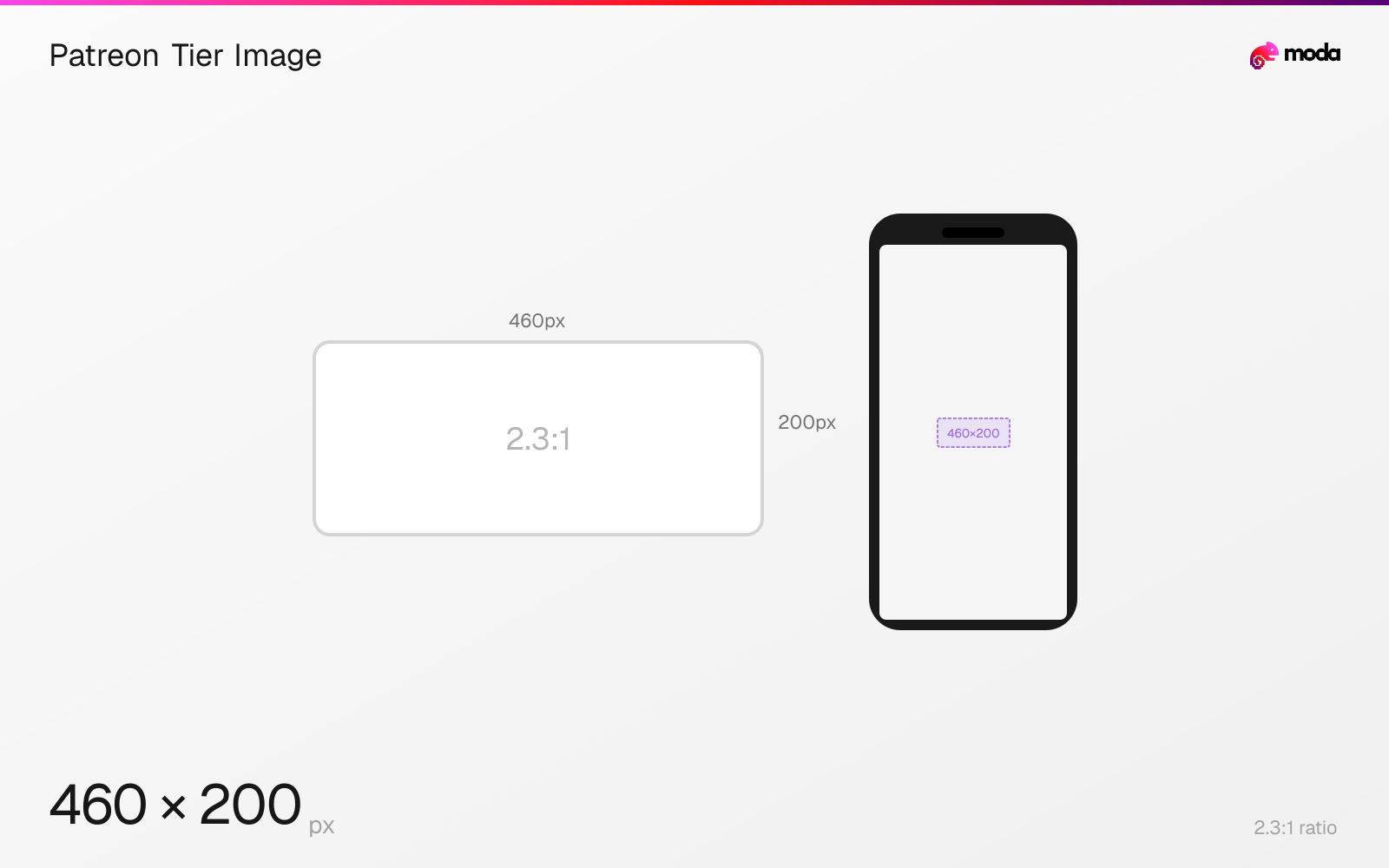
The recommended Patreon tier image size is 460 × 200 pixels (2.3:1 aspect ratio).
Last updated:
Specifications
| Spec | Value |
|---|---|
| Dimensions (px) | 460 × 200 px |
| Aspect ratio | 2.3:1 |
Design at this size with Moda
Start with a canvas pre-set to 460×200px and let AI generate your design.
Create a Patreon tier image →Design tips
Patreon recommends 460×200 pixels at a 2.3:1 aspect ratio for tier images. The wide, compact card needs one clear benefit or visual rather than detailed text.
- •Export at 460×200 pixels using the 2.3:1 ratio Patreon publishes.
- •Use one clear visual system to distinguish tiers without relying on small text.
- •Leave membership names and prices to Patreon's accessible interface fields.
What you need to know
Tier images visually distinguish membership levels. Patreon's current image-size table recommends 460×200 pixels, which is a wide 2.3:1 card.
The published size is smaller than Patreon's post and cover assets, so design directly for compact display. A simple icon, product shot or color system survives better than a detailed scene.
Keep tier names and prices in Patreon's interface instead of baking them into the artwork. That avoids duplicated information and preserves readability when the card scales.
How to create a Patreon tier image at the right size
- 1Open Moda and create a 460×200-pixel canvas.
- 2Use one clear visual treatment that distinguishes the membership tier without small text.
- 3Export the finished image and upload it to the tier-image field in Patreon.
Frequently asked questions
What size should a Patreon tier image be?
Patreon recommends 460×200 pixels at a 2.3:1 aspect ratio.
Should a Patreon tier image include the tier price?
It is usually clearer to keep names and prices in Patreon's interface and use the small image for a simple visual distinction.
Specs last verified: August 28, 2026. Dimensions may change as platforms update their requirements.