Patreon post image size
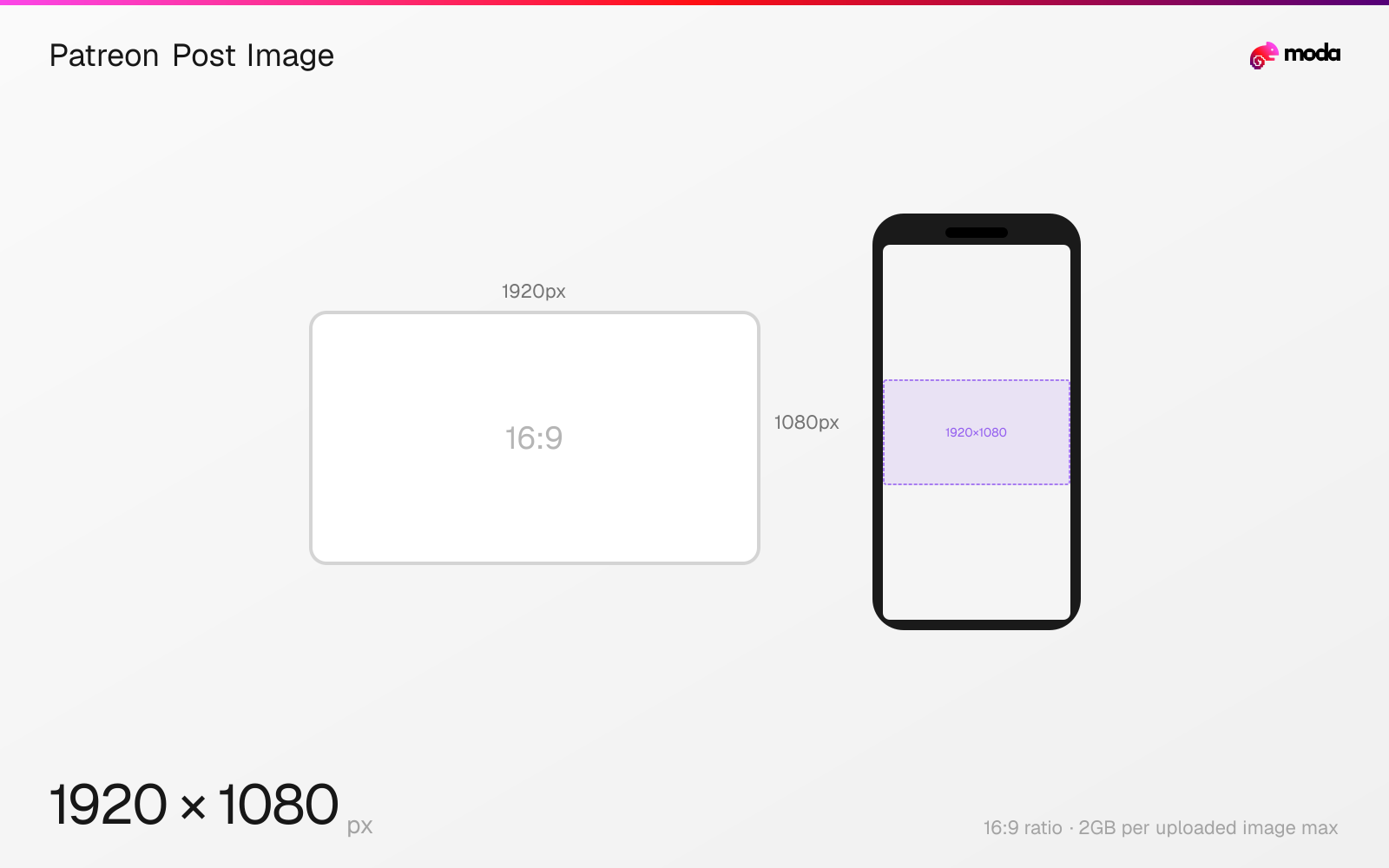
The recommended Patreon post image size is 1920 × 1080 pixels (16:9 aspect ratio).
Last updated:
Specifications
| Spec | Value |
|---|---|
| Dimensions (px) | 1920 × 1080 px |
| Aspect ratio | 16:9 |
| Max file size | 2GB per uploaded image |
Other documented sizes
| Format | Dimensions | Aspect ratio |
|---|---|---|
| Portrait 4:5 | 1500 × 1875 px | 4:5 |
| Portrait 4:5 (high resolution) | 2500 × 3125 px | 4:5 |
| Film-strip 1.9:1 | 1500 × 789 px | 1.9:1 |
| Film-strip 1.9:1 (high resolution) | 2500 × 1316 px | 1.9:1 |
| Square | 1500 × 1500 px | 1:1 |
| Square (high resolution) | 2500 × 2500 px | 1:1 |
Design at this size with Moda
Start with a canvas pre-set to 1920×1080px and let AI generate your design.
Create a Patreon post image →Design tips
Patreon recommends 1920×1080 pixels at 16:9 for post-feed and inline images. Other ratios are allowed, but Patreon says they are letterboxed in the post feed rather than filling the frame.
- •Use 1920×1080 to fill the 16:9 post feed without letterboxing.
- •Expect 4:5, square and 1.9:1 artwork to receive padding in the feed.
- •Attach the original file separately when members need a downloadable high-resolution asset.
What you need to know
Patreon's post feed displays images at 16:9, making 1920×1080 the cleanest full-frame source for both gallery posts and images placed inline in a text post.
Alternative ratios are supported. Patreon publishes 4:5, 1.9:1 and square working sizes, but warns that anything other than 16:9 receives empty-space padding in the feed even though it can still work in full-screen view.
Patreon optimizes images for different devices and displays feed images no wider than roughly 1080 pixels. The larger source preserves detail for expanded viewing; use an attachment when members need access to the original high-resolution file.
How to create a Patreon post image at the right size
- 1Open Moda and create a 1920×1080-pixel canvas for the 16:9 post feed.
- 2Design the image with the focal point clear at both feed and expanded sizes.
- 3Export the finished image and upload it to the Patreon post; attach the original separately when members need it.
Frequently asked questions
What size should a Patreon post image be?
Patreon recommends 1920×1080 pixels at 16:9 for post-feed and inline images.
Can Patreon posts use portrait or square images?
Yes, but Patreon says non-16:9 images are letterboxed in the post feed. It publishes 4:5 and square alternatives for full-screen or other display contexts.
Specs last verified: August 28, 2026. Dimensions may change as platforms update their requirements.