PowerPoint on-screen show size
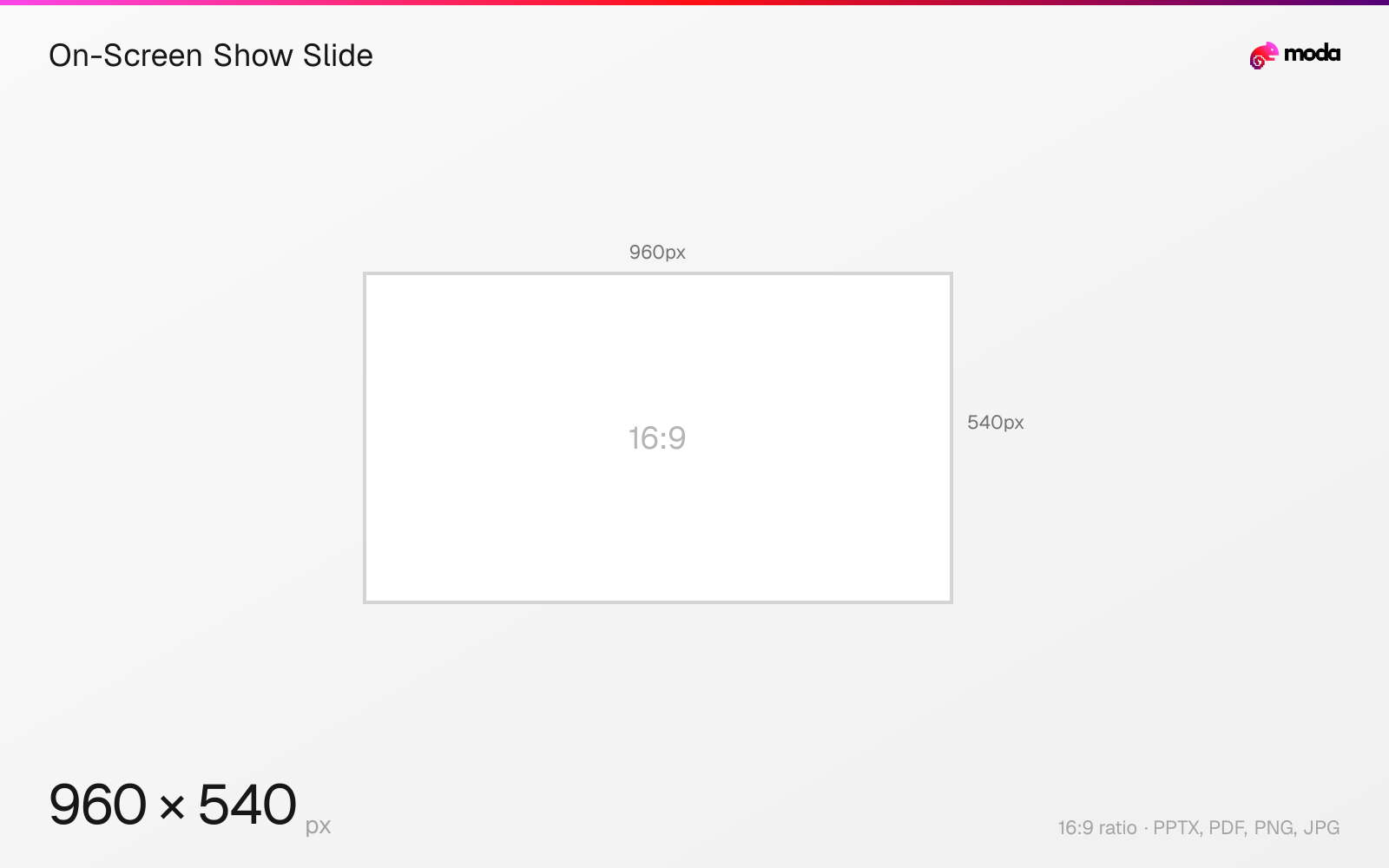
The standard on-screen show slide size is 10 × 5.625 inches (25.4 × 14.288 cm), or 960 × 540 pixels at 96 DPI.
Last updated:
Specifications
| Spec | Value |
|---|---|
| Dimensions (px) | 960 × 540 px |
| Aspect ratio | 16:9 |
| Size (inches) | 10 × 5.625 in |
| Size (cm) | 25.4 × 14.288 cm |
| Supported formats | PPTX, PDF, PNG, JPG |
| Color mode | sRGB |
Other documented sizes
| Format | Dimensions | Aspect ratio |
|---|---|---|
| 150 DPI | 1500 × 844 px | 16:9 |
| 300 DPI (print) | 3000 × 1688 px | 16:9 |
On-Screen Show Slide in pixels at different DPI
| Resolution | Width | Height | Use case |
|---|---|---|---|
| 96 DPI | 960 px | 540 px | Windows default |
| 150 DPI | 1500 px | 844 px | Draft print / large posters |
| 300 DPI | 3000 px | 1688 px | High-quality print |
Design at this size with Moda
Start with a canvas pre-set to 960×540px and let AI generate your design.
Create an on-screen show slide →Design tips
On-screen Show (16:9) is 10 × 5.625 inches (25.4 × 14.288 cm). It is the same 16:9 ratio as the widescreen default but at a smaller physical size, which matters when a deck is printed, when type sizes are compared across decks, or when exporting — the smaller slide yields fewer pixels at any given DPI.
- •Identical on screen to widescreen; the difference is physical size, which matters for print, type scale and export resolution.
- •Point sizes are not comparable between this preset and widescreen — the slide is smaller.
- •Prefer widescreen 13.333in unless a template was authored against this one.
What you need to know
Microsoft ships two 16:9 presets. Widescreen is 13.333 × 7.5 inches; On-screen Show (16:9) is 10 × 5.625 inches. On screen they are indistinguishable — identical ratio, and the projector scales either to fill the display. The difference becomes real at print, at export, and when font sizes are compared between decks built on different presets.
That last point causes genuine confusion: 18pt type on a 10-inch slide is proportionally larger than 18pt on a 13.333-inch slide, because the slide is smaller relative to the text. A template built on one preset and reused on the other will look off even though both are 16:9.
Export resolution compounds the difference. At PowerPoint for Windows' default 96 DPI this preset produces 960 × 540 pixels where widescreen produces 1280 × 720 — the same picture, fewer pixels, because the slide is physically smaller.
Unless a template requires it, use the widescreen 13.333-inch preset — it is PowerPoint's default and the one most templates assume.
How to create an on-screen show slide at the right size
- 1Open Moda and create a new canvas at 960×540 pixels.
- 2Design your on-screen show slide using AI generation or start from a blank canvas.
- 3Export as PPTX and upload to your platform.
Frequently asked questions
What is On-screen Show (16:9) in PowerPoint?
A preset measuring 10 × 5.625 inches (25.4 × 14.288 cm). It is the same 16:9 ratio as widescreen but a smaller physical slide.
Is On-screen Show different from Widescreen?
Only in physical size. Widescreen is 13.333 × 7.5 inches; On-screen Show 16:9 is 10 × 5.625. Both display identically, but type scales differently and exports produce fewer pixels at the same DPI.
Sources
Specs last verified: August 28, 2026. Dimensions may change as platforms update their requirements.