PowerPoint 4:3 slide size
The standard standard slide size is 10 × 7.5 inches (25.4 × 19.05 cm), or 960 × 720 pixels at 96 DPI.
Last updated:
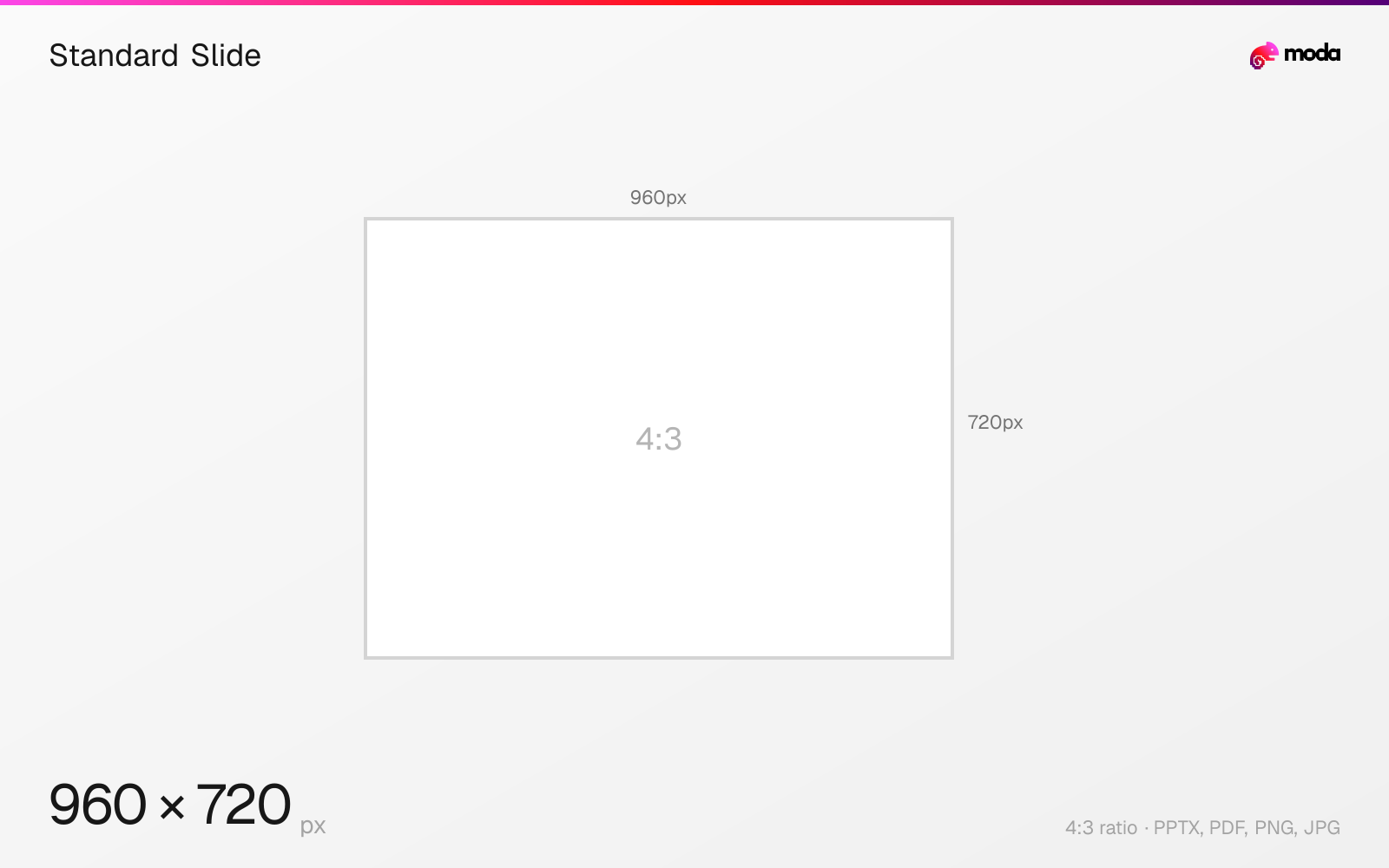
Specifications
| Spec | Value |
|---|---|
| Dimensions (px) | 960 × 720 px |
| Aspect ratio | 4:3 |
| Size (inches) | 10 × 7.5 in |
| Size (cm) | 25.4 × 19.05 cm |
| Supported formats | PPTX, PDF, PNG, JPG |
| Color mode | sRGB |
Other documented sizes
| Format | Dimensions | Aspect ratio |
|---|---|---|
| 150 DPI | 1500 × 1125 px | 4:3 |
| 300 DPI (print) | 3000 × 2250 px | 4:3 |
Standard Slide in pixels at different DPI
| Resolution | Width | Height | Use case |
|---|---|---|---|
| 96 DPI | 960 px | 720 px | Windows default |
| 150 DPI | 1500 px | 1125 px | Draft print / large posters |
| 300 DPI | 3000 px | 2250 px | High-quality print |
Design at this size with Moda
Start with a canvas pre-set to 960×720px and let AI generate your design.
Create a standard slide →Design tips
PowerPoint's standard 4:3 slide is 10 × 7.5 inches (25.4 × 19.05 cm) — 960 × 720 pixels when exported at PowerPoint for Windows' default 96 DPI. It was the default before PowerPoint 2013 and remains useful for legacy projectors and for decks that will be printed.
- •Only choose 4:3 if the venue's equipment requires it or the deck is primarily for print.
- •4:3 and 16:9 share a 7.5in height, so switching changes width only.
- •Set the size before building; switching afterwards triggers a rescale prompt.
What you need to know
4:3 was the PowerPoint default until 2013, when widescreen 16:9 replaced it. It survives for two reasons: older conference projectors that still run at 4:3, and printed handouts, where the squarer proportion wastes less paper than a widescreen slide.
Note that 4:3 and 16:9 widescreen share the same 7.5-inch height — the difference is entirely in width, 10 inches versus 13.333. That means converting a deck from 4:3 to widescreen adds horizontal space rather than rescaling everything, though PowerPoint will still offer to maximise or scale down content when you switch.
Exported at PowerPoint for Windows' default 96 DPI a 4:3 slide is 960 × 720 pixels. Microsoft's resolution table gives 1500 × 1125 at 150 DPI and 3000 × 2250 at 300 DPI for this slide shape.
If a venue has not specified, use 16:9. Presenting a 4:3 deck on a widescreen display produces black bars either side and makes the deck look dated.
How to create a standard slide at the right size
- 1Open Moda and create a new canvas at 960×720 pixels.
- 2Design your standard slide using AI generation or start from a blank canvas.
- 3Export as PPTX and upload to your platform.
Frequently asked questions
What size is a standard 4:3 PowerPoint slide?
10 × 7.5 inches (25.4 × 19.05 cm), which exports to 960×720 pixels at PowerPoint's default 96 DPI.
Should I still use 4:3?
Only for legacy projectors or print-focused decks. Modern displays are 16:9, and a 4:3 deck shows black bars on either side.
Sources
Specs last verified: August 28, 2026. Dimensions may change as platforms update their requirements.