PowerPoint slide size
The standard widescreen slide size is 13.333 × 7.5 inches (33.867 × 19.05 cm), or 1280 × 720 pixels at 96 DPI.
Last updated:
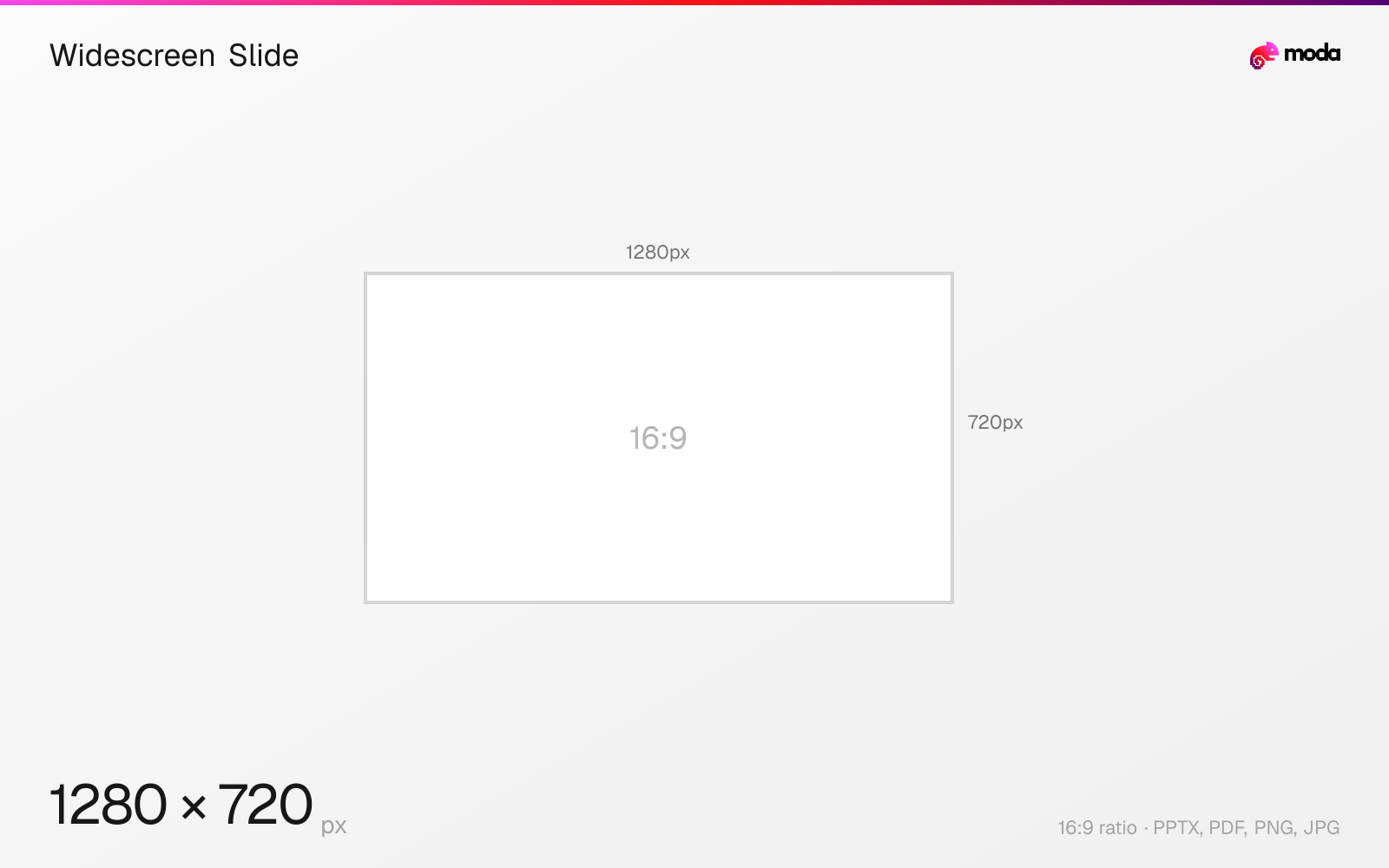
Specifications
| Spec | Value |
|---|---|
| Dimensions (px) | 1280 × 720 px |
| Aspect ratio | 16:9 |
| Size (inches) | 13.333 × 7.5 in |
| Size (cm) | 33.867 × 19.05 cm |
| Supported formats | PPTX, PDF, PNG, JPG |
| Color mode | sRGB |
Other documented sizes
| Format | Dimensions | Aspect ratio |
|---|---|---|
| 150 DPI | 2000 × 1125 px | 16:9 |
| 300 DPI (print) | 4000 × 2250 px | 16:9 |
Widescreen Slide in pixels at different DPI
| Resolution | Width | Height | Use case |
|---|---|---|---|
| 96 DPI | 1280 px | 720 px | Windows default |
| 150 DPI | 2000 px | 1125 px | Draft print / large posters |
| 300 DPI | 4000 px | 2250 px | High-quality print |
Design at this size with Moda
Start with a canvas pre-set to 1280×720px and let AI generate your design.
Create a widescreen slide →Design tips
The modern PowerPoint default is widescreen 16:9 at 13.333 × 7.5 inches (33.867 × 19.05 cm). Microsoft specifies slides in inches rather than pixels: exported as an image at PowerPoint for Windows' default 96 DPI, that slide is 1280 × 720 pixels. Windows uses a registry setting for higher resolutions; Mac lets you enter the export width and height directly.
- •Design at 13.333 × 7.5 inches. Export resolution decides the pixel count, not the slide.
- •Do not assume 1920×1080 — PowerPoint for Windows exports at 96 DPI by default, giving 1280×720.
- •Change the slide size before you build. Resizing afterwards rescales every element and usually breaks layouts.
What you need to know
PowerPoint is a print-lineage application, which is why its slide dimensions are physical rather than digital. Microsoft's presets are given in inches and centimetres, and the pixel figure depends entirely on the resolution you export at. That is the source of most confusion about "the" PowerPoint pixel size: there isn't one.
PowerPoint for Windows' default export resolution is 96 DPI. A 13.333-inch-wide widescreen slide saved as a picture is therefore 1280 × 720 pixels out of the box. This surprises people who assume 1920 × 1080, which the Windows export does not produce unless you deliberately raise the resolution to 144.
On Windows, raising it means adding an ExportBitmapResolution DWORD to PowerPoint's Options key in the registry. Microsoft's published table gives 150 DPI as 2000 × 1125 and 300 DPI as 4000 × 2250 for a widescreen slide. On Mac, choose File → Export and enter the desired pixel dimensions in the Width and Height boxes instead.
Widescreen 16:9 became the default in PowerPoint 2013 and matches essentially every modern display and projector. The older 4:3 standard is still available and still occasionally required by venues with legacy equipment, but designing 4:3 for a modern screen wastes horizontal space and produces pillarboxing.
To change the slide size: Design → Slide Size → Custom Slide Size. PowerPoint accepts inches, centimetres or pixels, and the permitted range runs from 1 inch (120 px) to 56 inches (720 px).
How to create a widescreen slide at the right size
- 1Open Moda and create a new canvas at 1280×720 pixels.
- 2Design your widescreen slide using AI generation or start from a blank canvas.
- 3Export as PPTX and upload to your platform.
Frequently asked questions
What is the default PowerPoint slide size?
Widescreen 16:9 at 13.333 × 7.5 inches (33.867 × 19.05 cm). This has been the default since PowerPoint 2013.
What is a PowerPoint slide in pixels?
It depends on export resolution, because Microsoft specifies slides in inches. At PowerPoint for Windows' default 96 DPI a widescreen slide exports at 1280×720; at 150 DPI it is 2000×1125, and at 300 DPI it is 4000×2250.
How do I get a 1920×1080 slide out of PowerPoint?
On Windows, set the ExportBitmapResolution registry value to 144. On Mac, choose File → Export and enter 1920 and 1080 in the Width and Height boxes.
Sources
Specs last verified: August 28, 2026. Dimensions may change as platforms update their requirements.