Coloring page generator
Turn a photo into a coloring page, or describe one from scratch. Clean closed outlines, no grey, ready to print at Letter or A4.
Free to try with a Moda account. Your result opens on a canvas you can edit and export.
From a photo
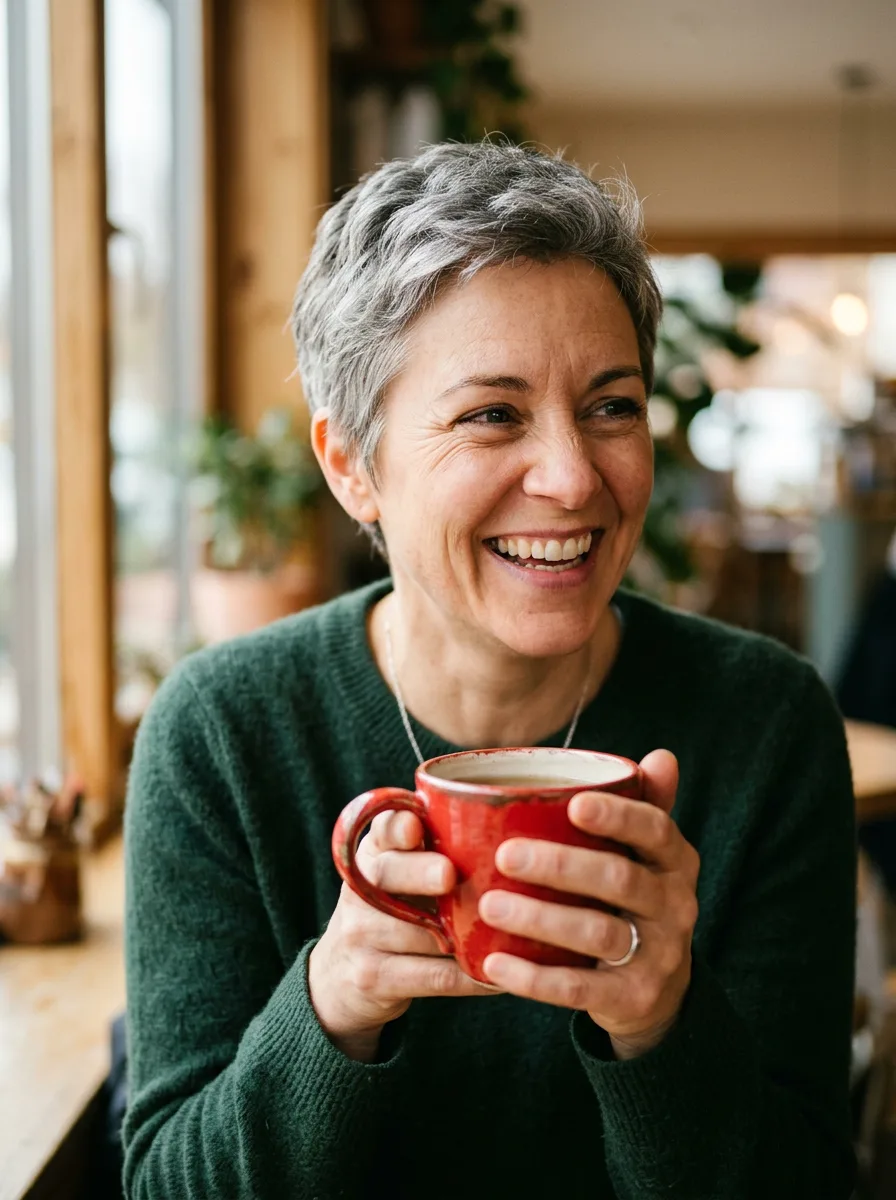
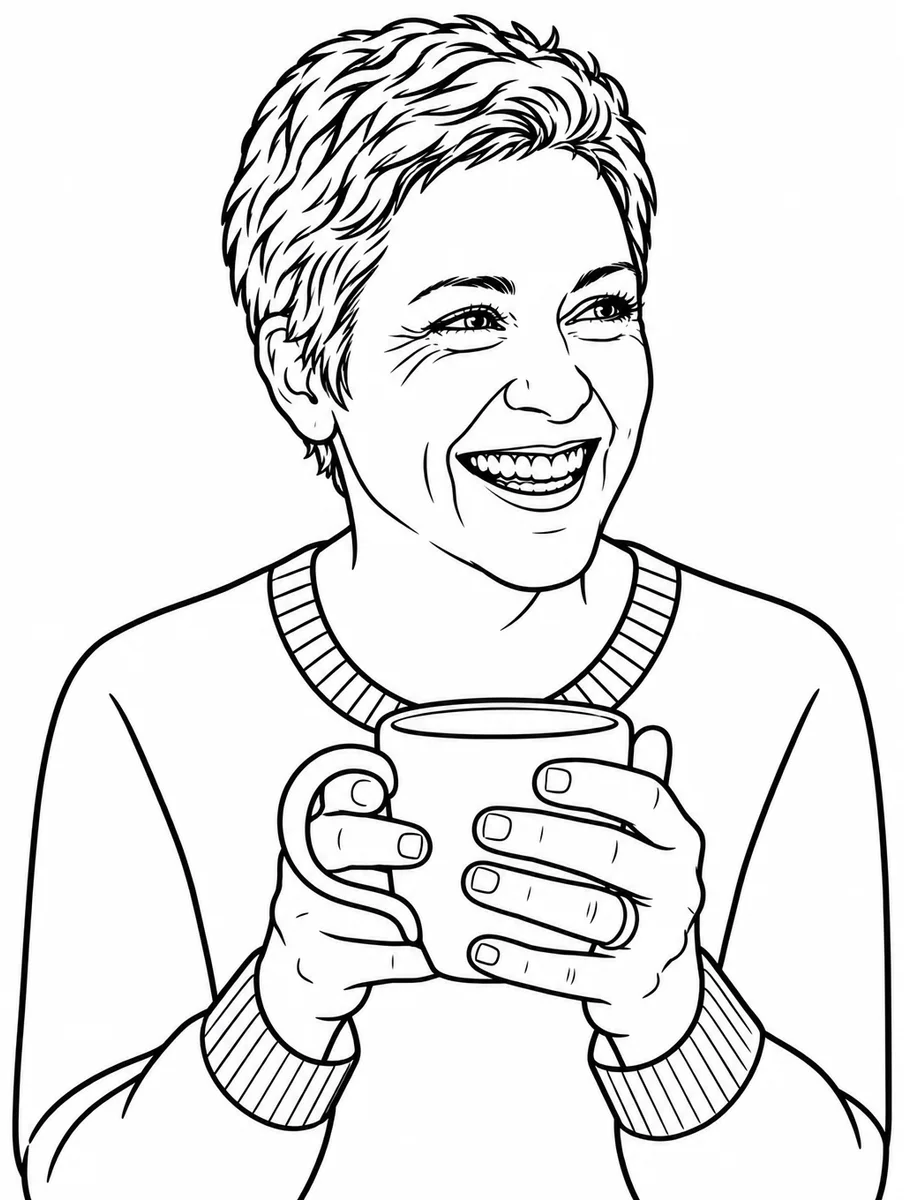
Keep the woman and her mug. Drop the background and simplify the sweater. The photo is one we generated with Nano Banana 2 for our model tests, so nobody's likeness is involved.
Kids
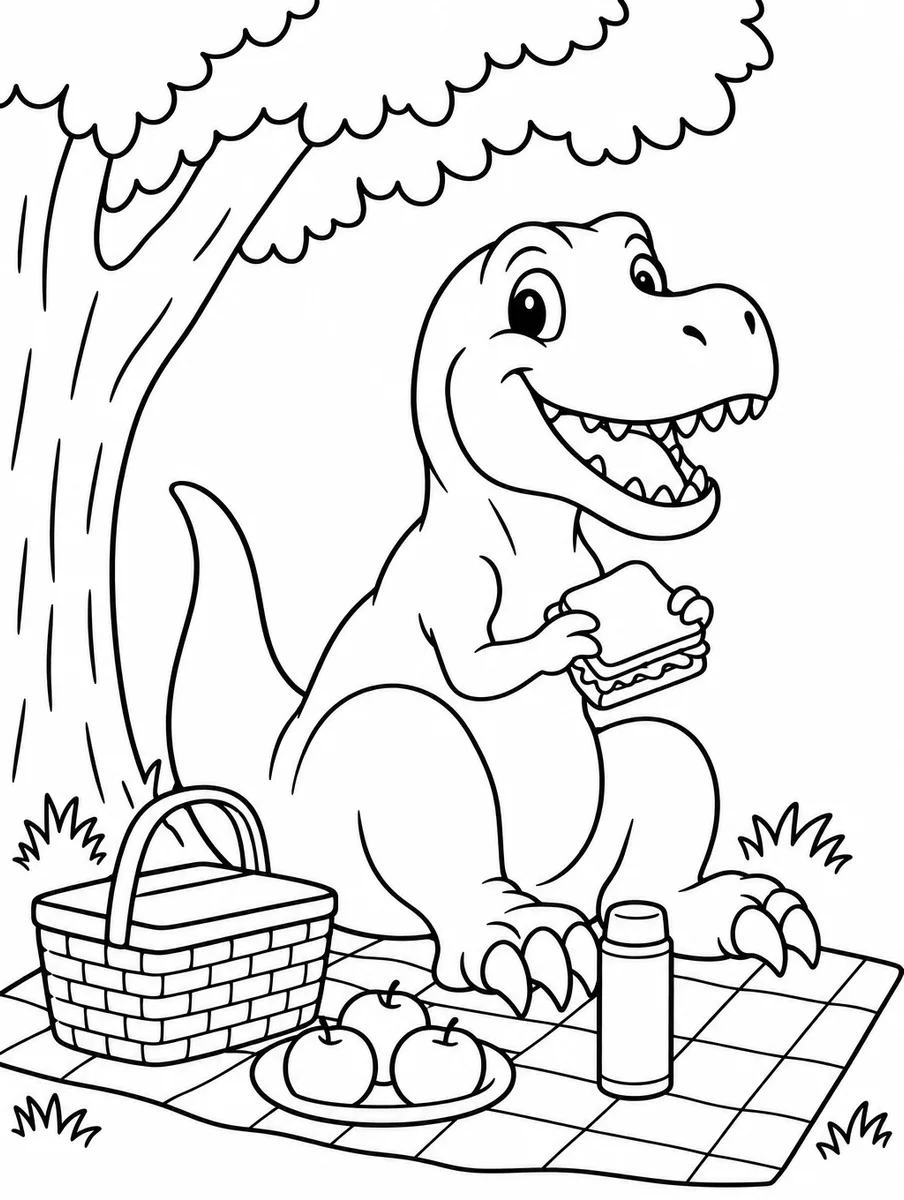
A friendly T. rex having a picnic under a tree
Kids
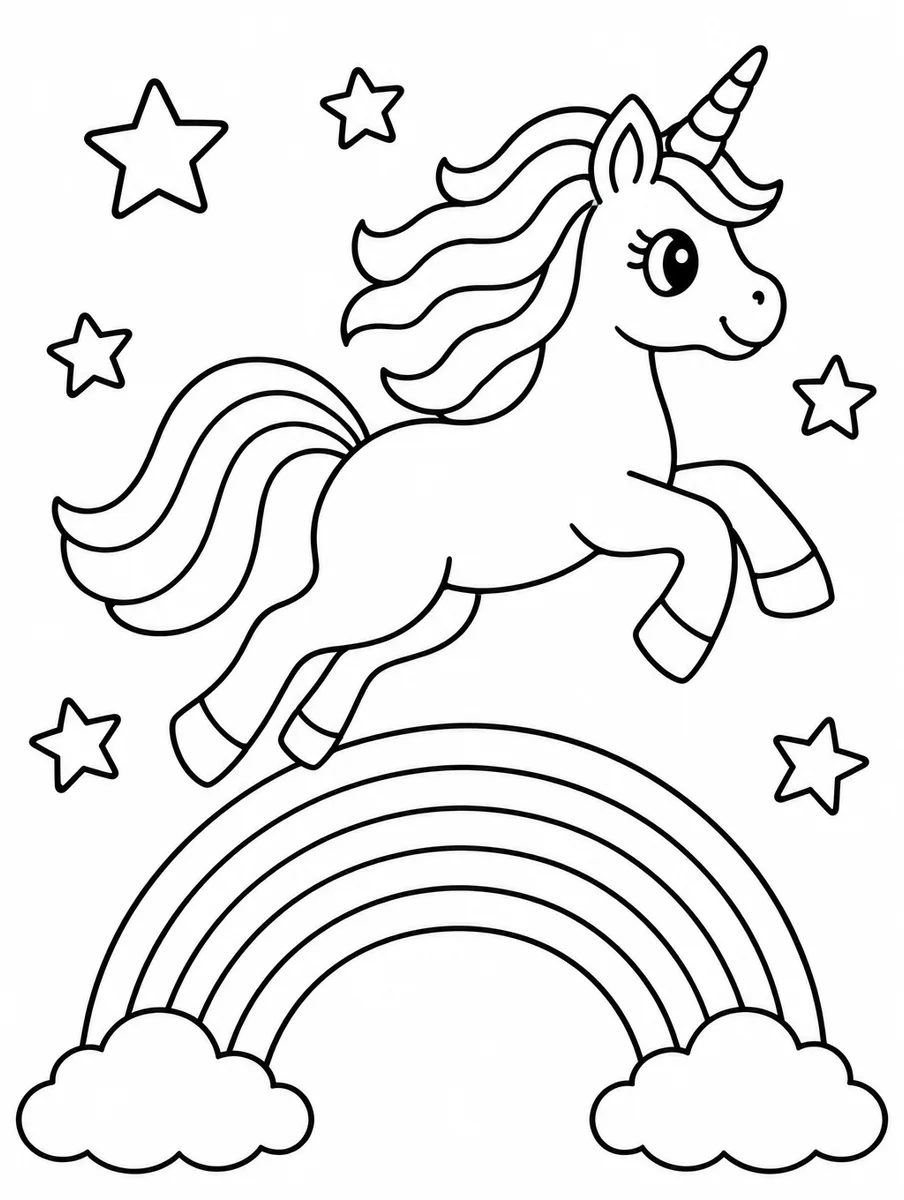
A unicorn jumping over a rainbow with stars around it
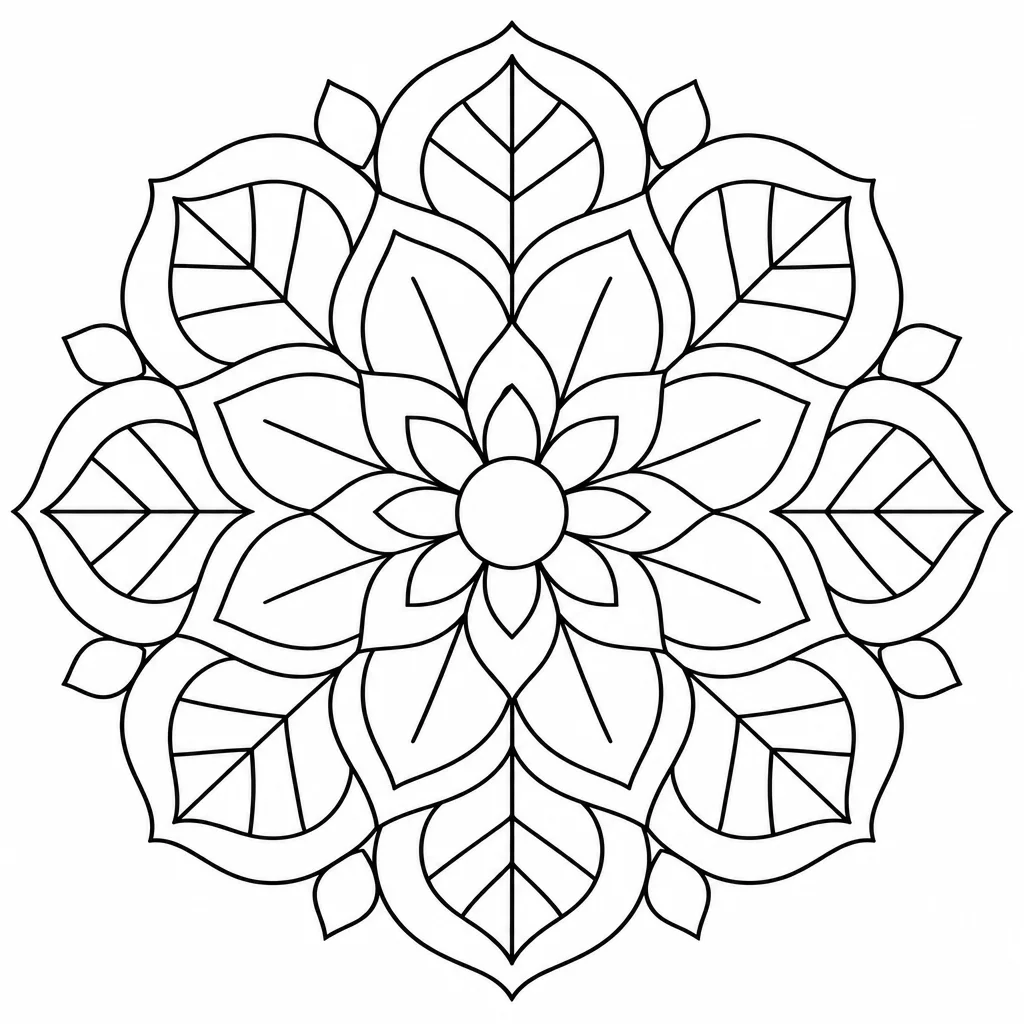
Adults
An intricate circular mandala with leaves and petals
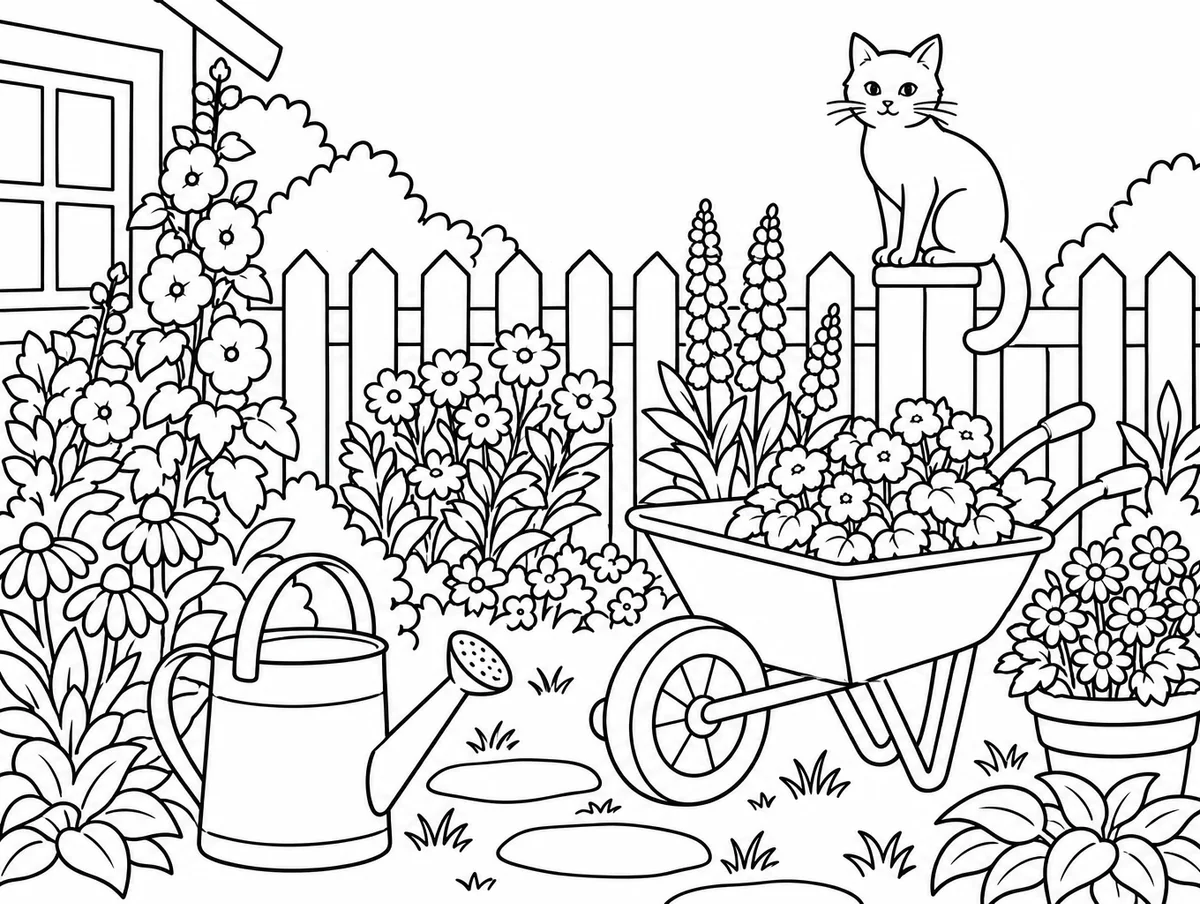
Scene
A cottage garden with a watering can, a wheelbarrow and a cat on the fence
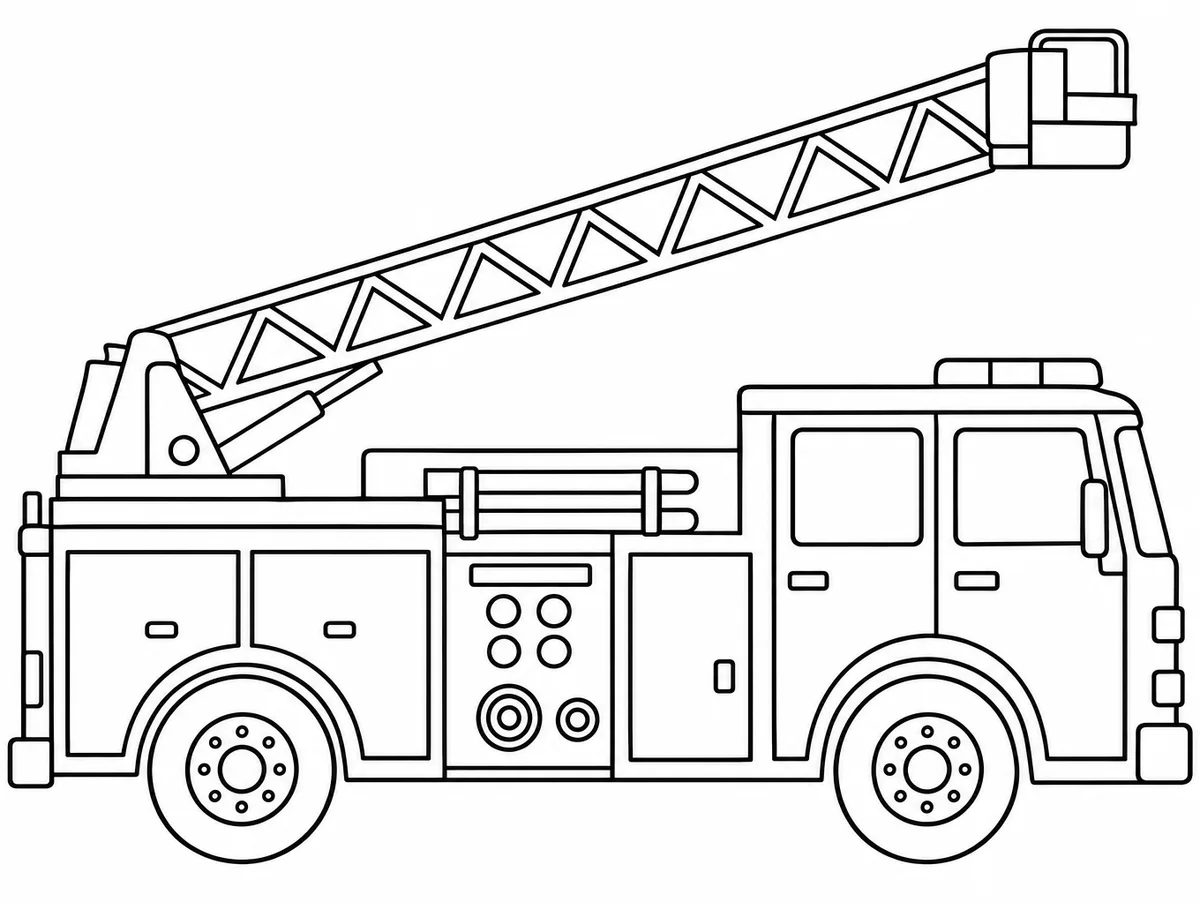
Vehicles
A fire truck with its ladder up, side view
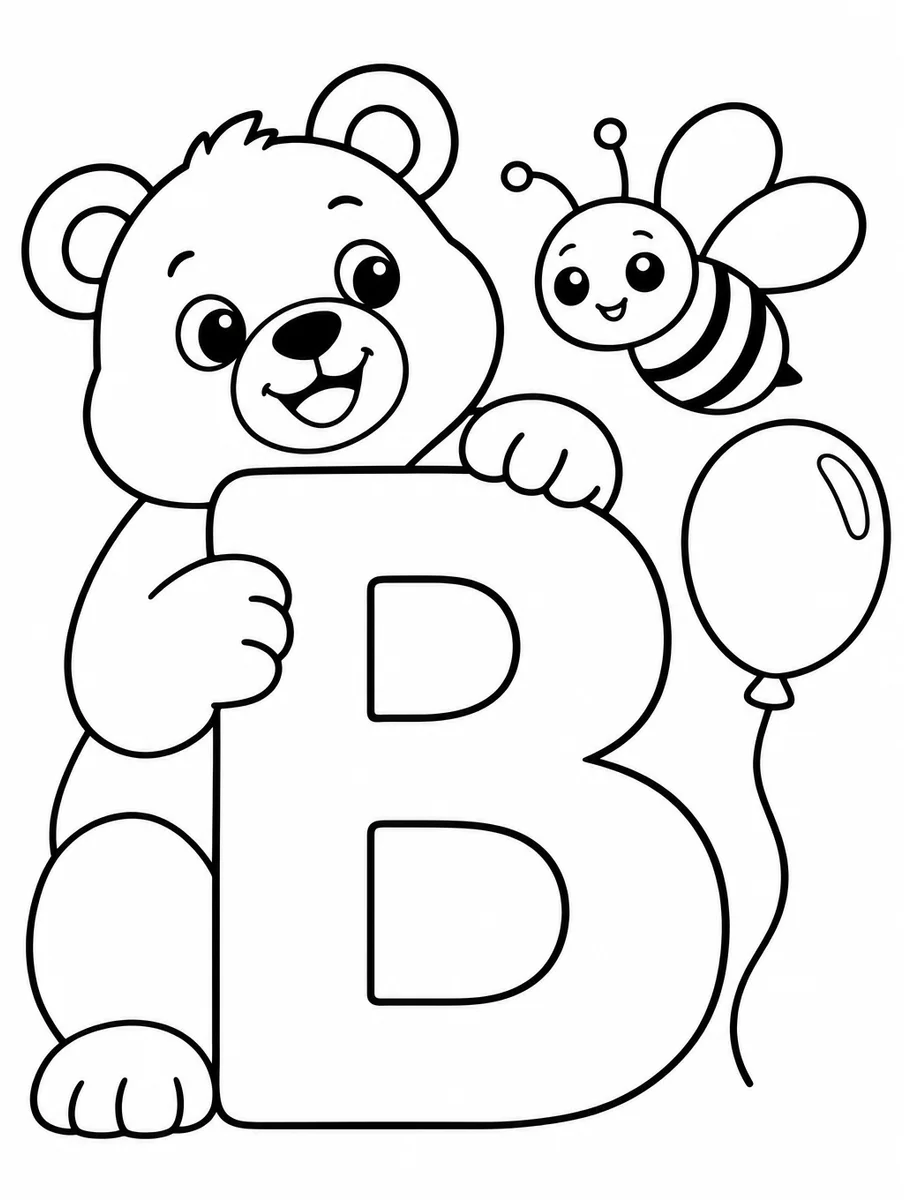
Learning
The letter B with a big bear, a bee and a balloon around it
Animals
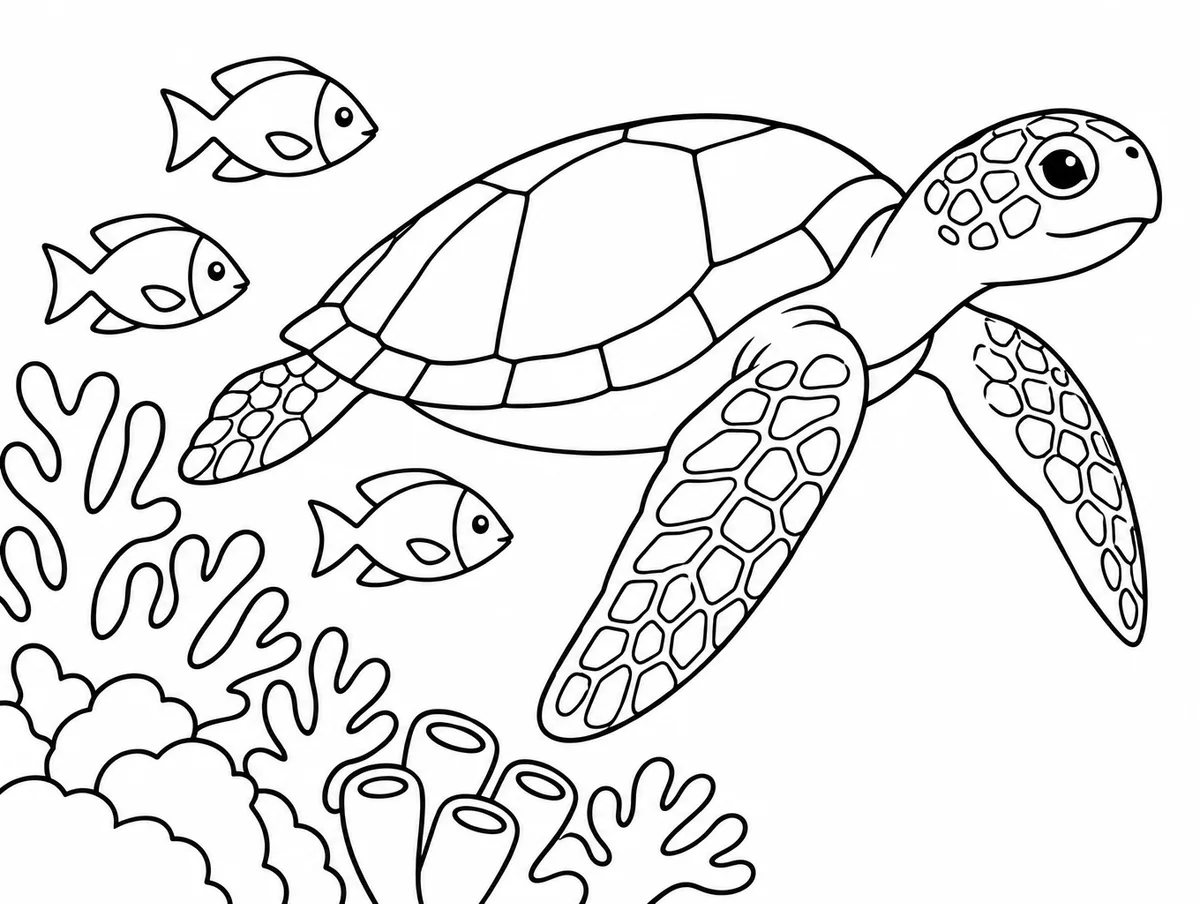
A sea turtle swimming past coral with three small fish
Every example was generated by us with the prompt shown on GPT Image 2.5 Flare, one try each, unedited.
How it works
- 1
Describe it or drop in a photo
A scene for a five-year-old, a mandala for yourself, or a photo of the family dog. Say who it is for and the detail level follows.
- 2
Pick a detail level
Simple for young kids, detailed for older ones and adults. It changes how many small areas the page has.
- 3
Generate and print
The page opens on a Letter or A4 canvas. Add a name or a title, then export a PDF and print.
Which AI is best at coloring page?
One prompt, every model, one try each: “A friendly T. rex having a picnic under a tree” with the same coloring page instruction appended. Nothing re-rolled.
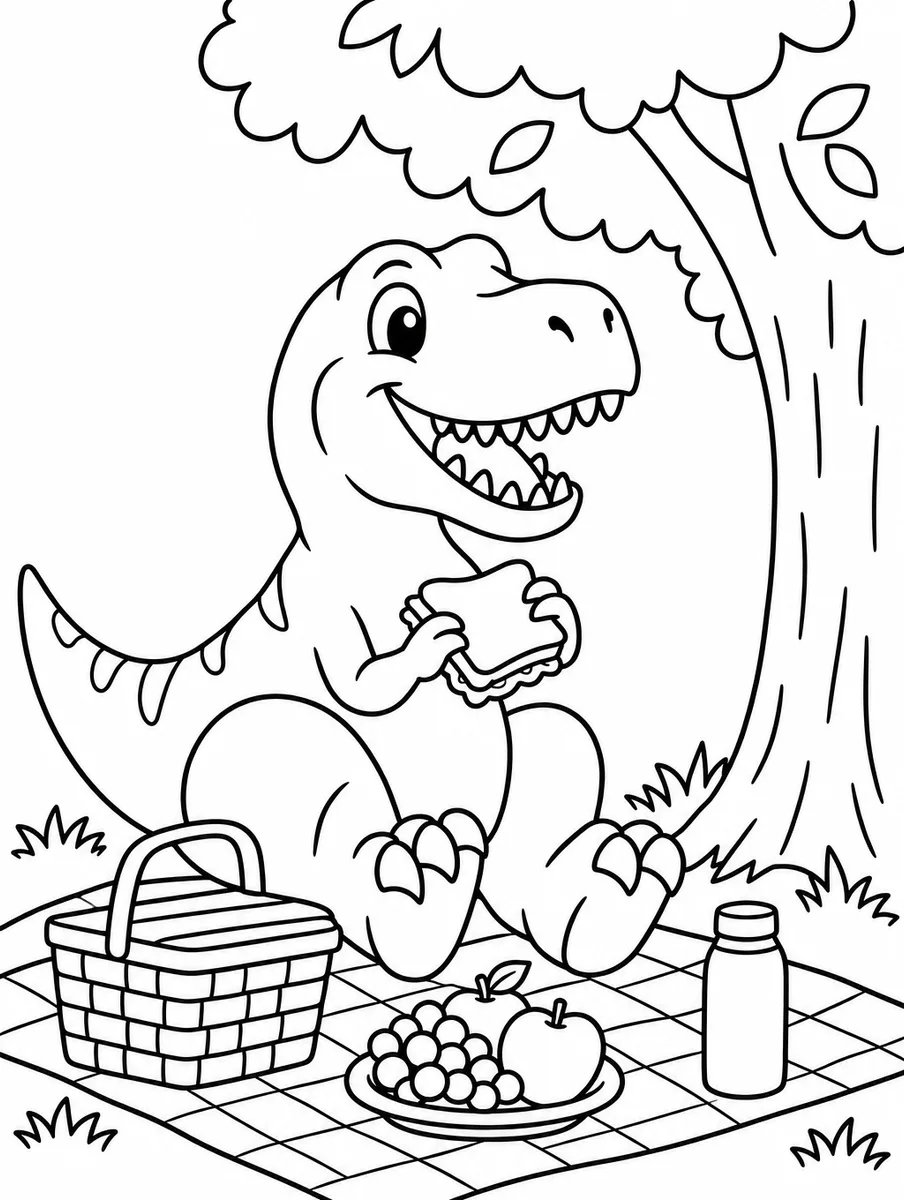
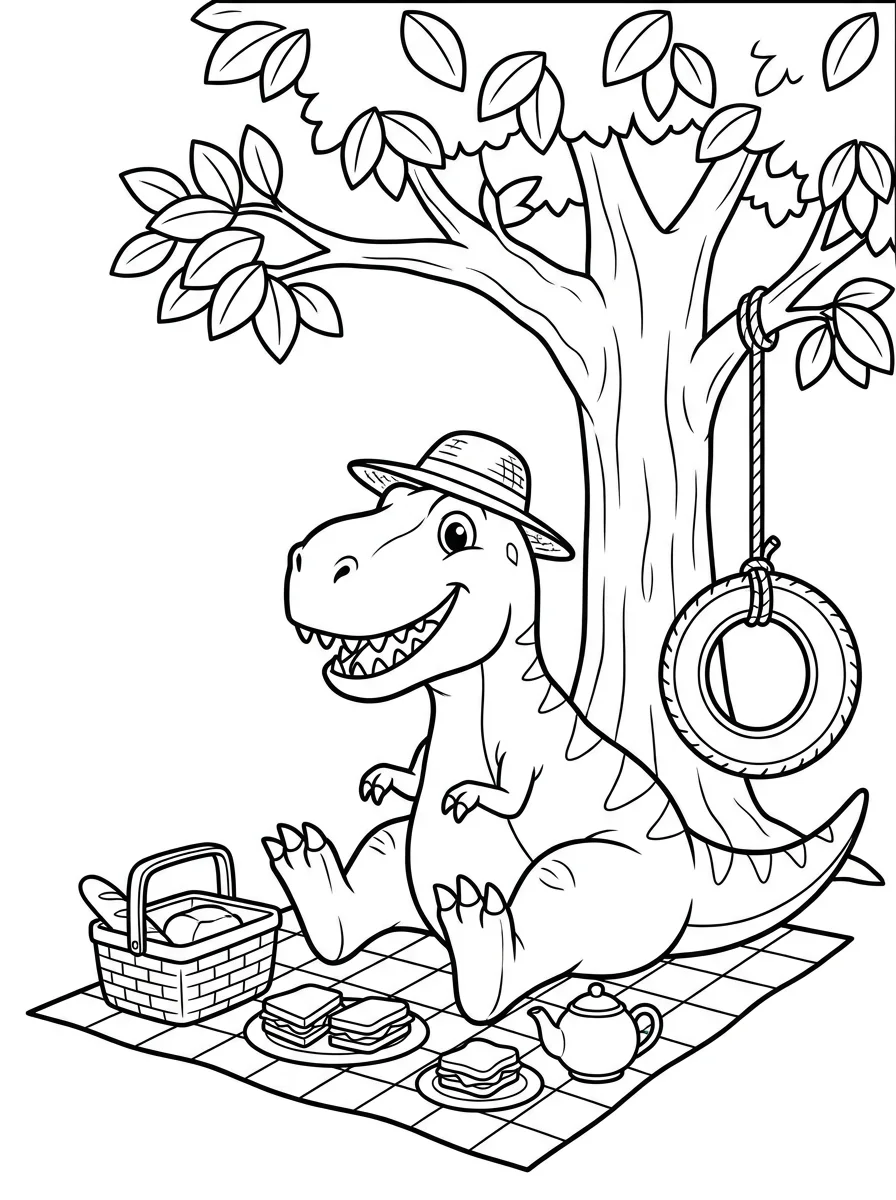
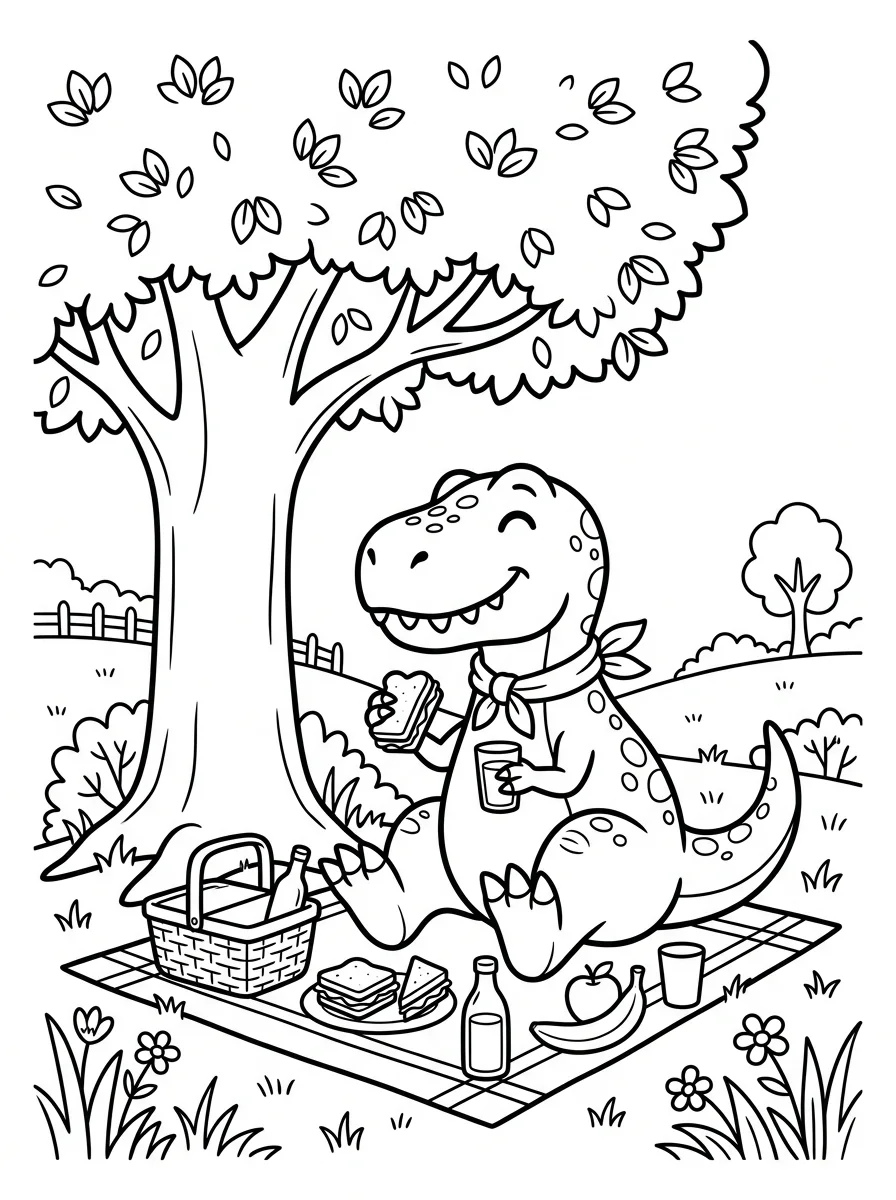
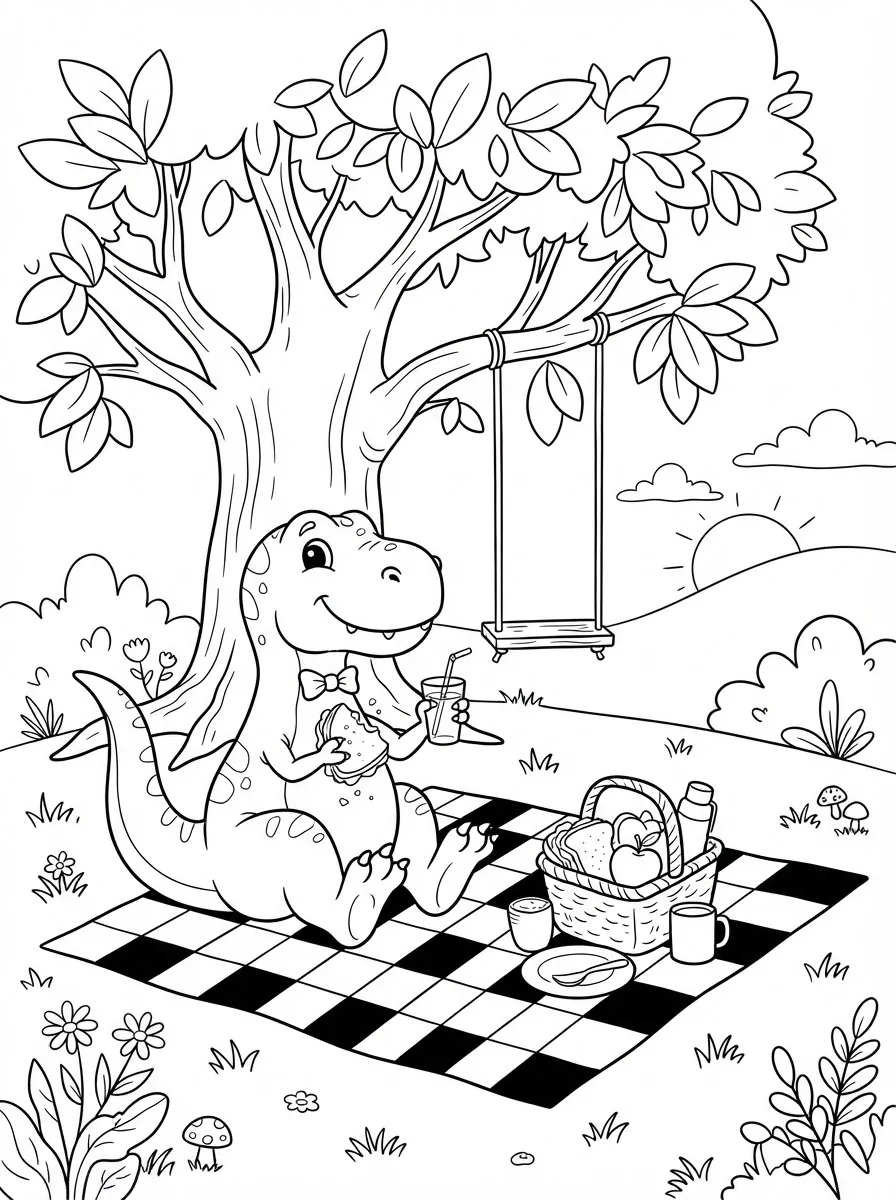
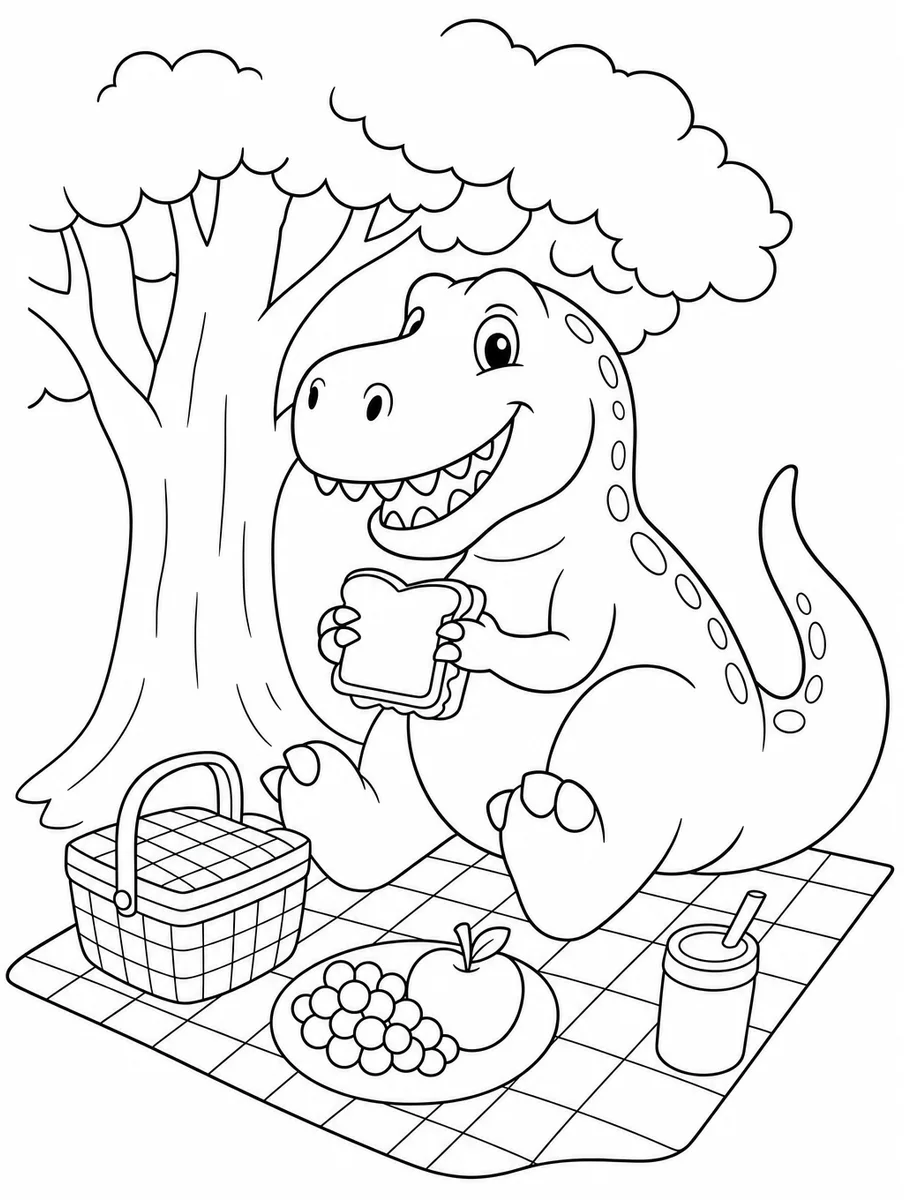
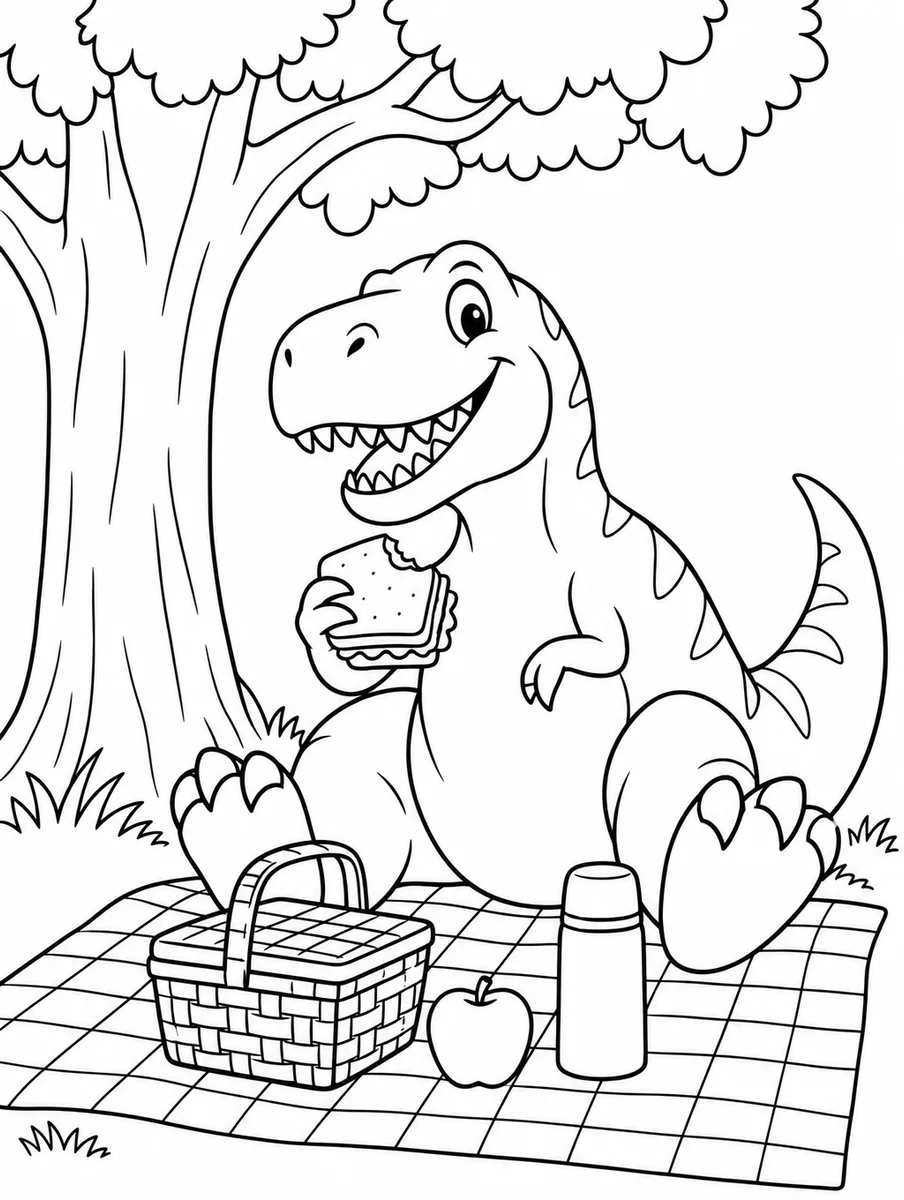
Why the generator defaults to GPT Image 2.5 Flare: Flare is the default because its page had the qualities a child's coloring page needs most: big closed shapes, one thick even line weight and a background kept to a tree and a blanket, in 24 seconds for about four cents. Sunburst was close, with a little more clutter. Nano Banana 2 and 2 Lite drew far more detail, falling leaves, a swing, mushrooms and flowers, which suits older kids and adults but leaves areas too small for a young hand; both are quicker and cheaper if that is the audience. All six kept shapes closed and the page free of grey.
What coloring page is, and what makes it read as coloring page
A coloring page is a line drawing built to be filled in, which is a stricter thing than ordinary line art. Every shape must be closed so colour has somewhere to stop. Lines need one even weight, dark enough to survive a home printer. Areas must be big enough for the hand that will colour them: a four-year-old needs shapes the size of a thumb, an adult mandala can go much finer. And there must be no grey anywhere, because a printer turns grey into dots and a child turns dots into frustration.
The common failures in generated coloring pages are the ones the constraints predict: a shaded background that prints as a grey wash, tiny detail nobody can colour, and open shapes where a fill would leak. A photo converted to a page also needs simplifying; the model has to drop the background and flatten patterns, or a sweater becomes a hundred cells.
What people make with it
Rainy-day pages for kids
Their favourite animal, their name, their own drawing turned into something to colour.
Classroom worksheets
A page per letter, number or topic, generated in a batch and printed as a pack.
Party favours
A coloring page of the birthday child, made from a photo, with the date at the top.
Adult coloring
Mandalas, botanicals and patterns at a detail level a fine pen can handle.
Coloring books to sell
Thirty pages on one theme, a cover, and a PDF; the pages are yours to sell.
Frequently asked questions
Is there a free coloring page generator?
Yes. Moda's free plan includes a monthly allowance of image generations and a coloring page counts as one. Sign up, describe or upload, and export a PDF to print. Paid plans raise the allowance.
How do I turn a photo into a coloring page?
Upload the photo, say what to keep and what to drop, and generate. The model traces the subject in closed outlines and removes the background. Photos with one clear subject and a plain background convert best; simplify busy clothing or patterns in the prompt.
What size should I print at?
Letter in the US, A4 elsewhere. The page opens on a canvas at that size, so what you see is what prints. Export as PDF rather than a screenshot to keep the lines crisp.
Which AI is best at coloring pages?
We ran the same prompt through six current models; the results are on this page. The generator defaults to the one that kept every shape closed and the background empty. You can switch models on the canvas.
Can I sell coloring pages I make?
Yes. Images you generate in Moda are yours to use commercially. Do not upload photos or characters you do not have the rights to.