Tattoo design generator
Describe the idea. Get a clean, black-ink flash design you can refine on a canvas and hand to your artist.
Free to try with a Moda account. Your result opens on a canvas you can edit and export.
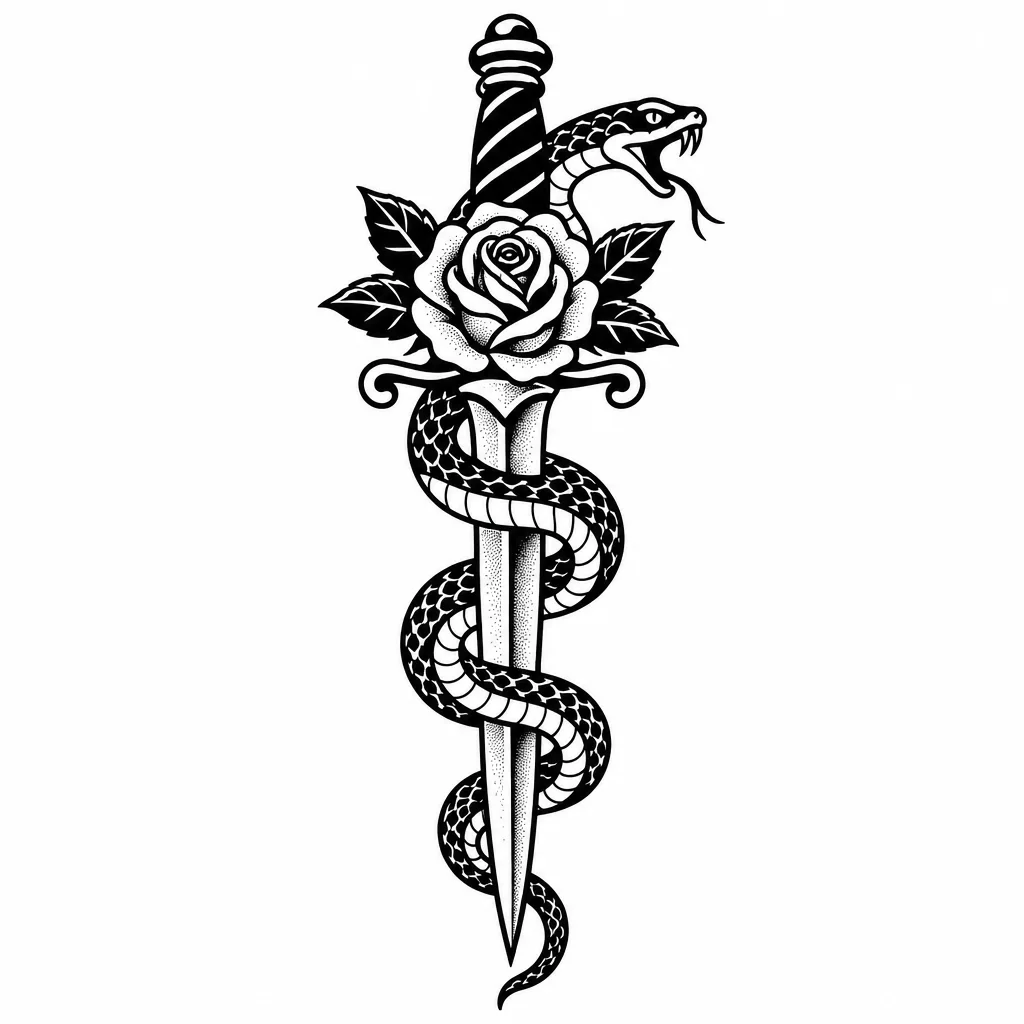
Traditional
A snake wrapped around a dagger with a rose at the hilt
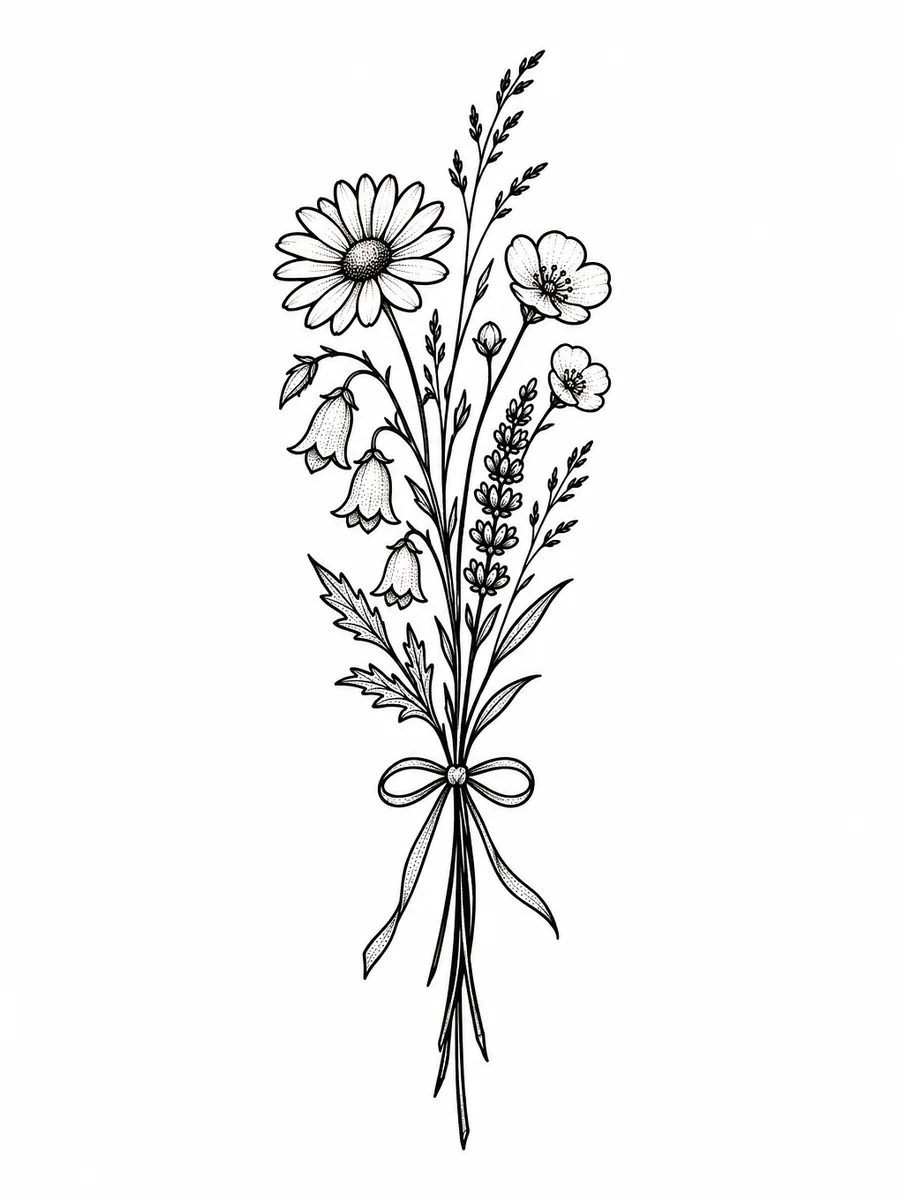
Fine line
A single-needle fine-line sprig of wildflowers tied with a thin ribbon
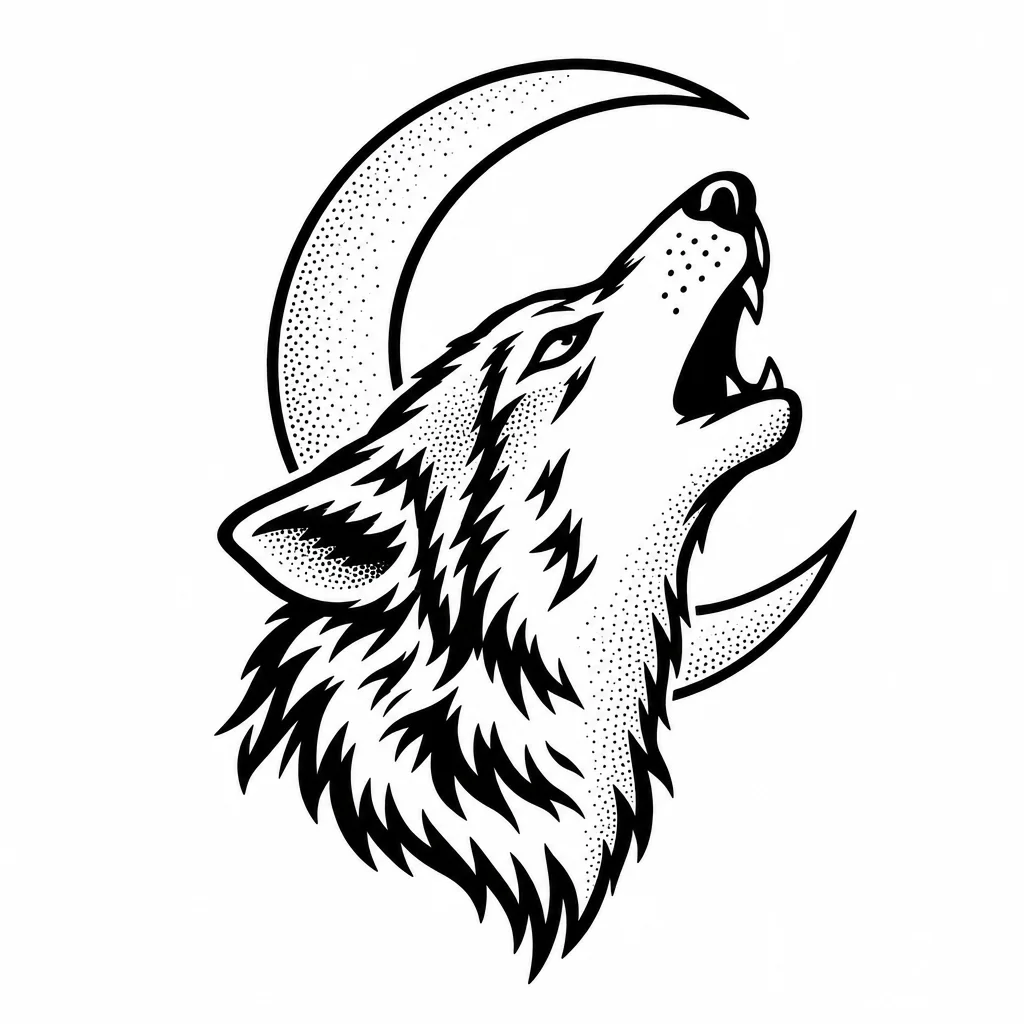
Animal
A howling wolf head in front of a crescent moon
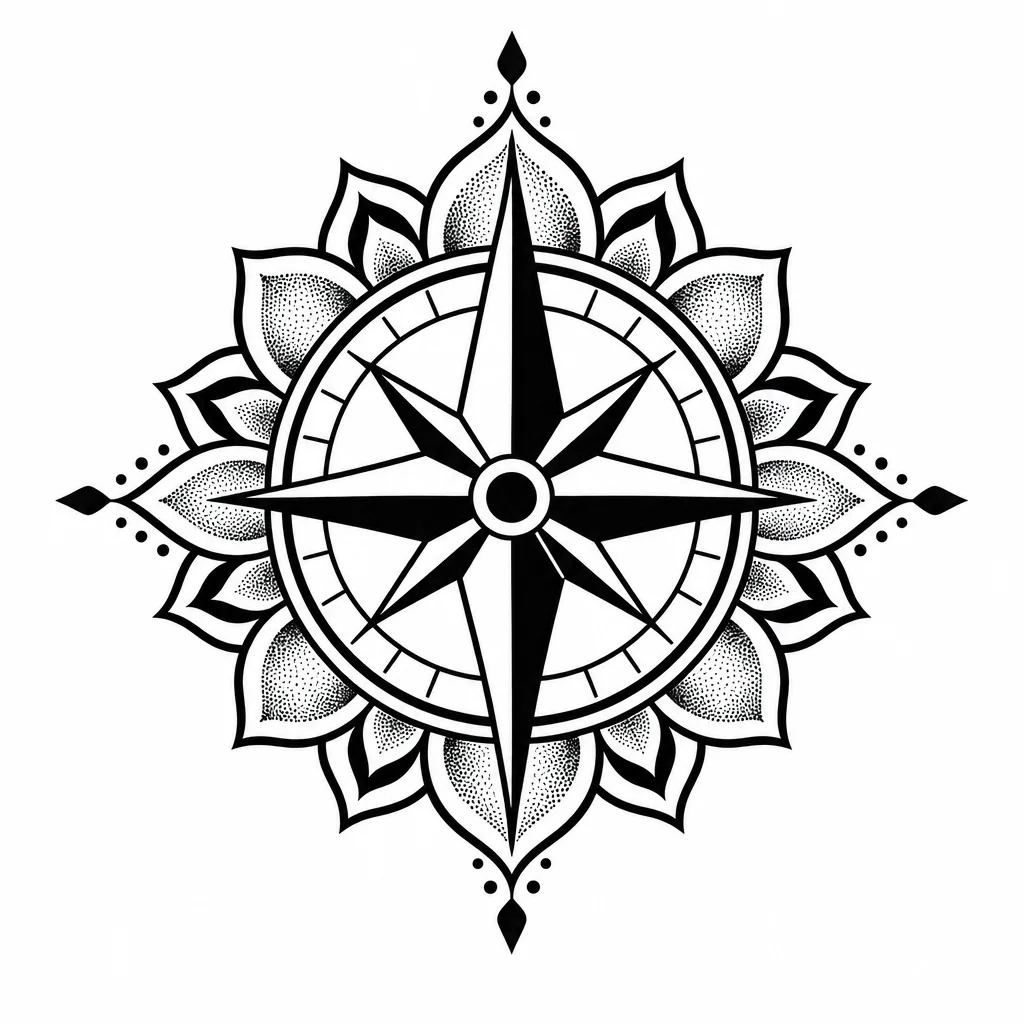
Geometric
A compass rose inside a geometric mandala
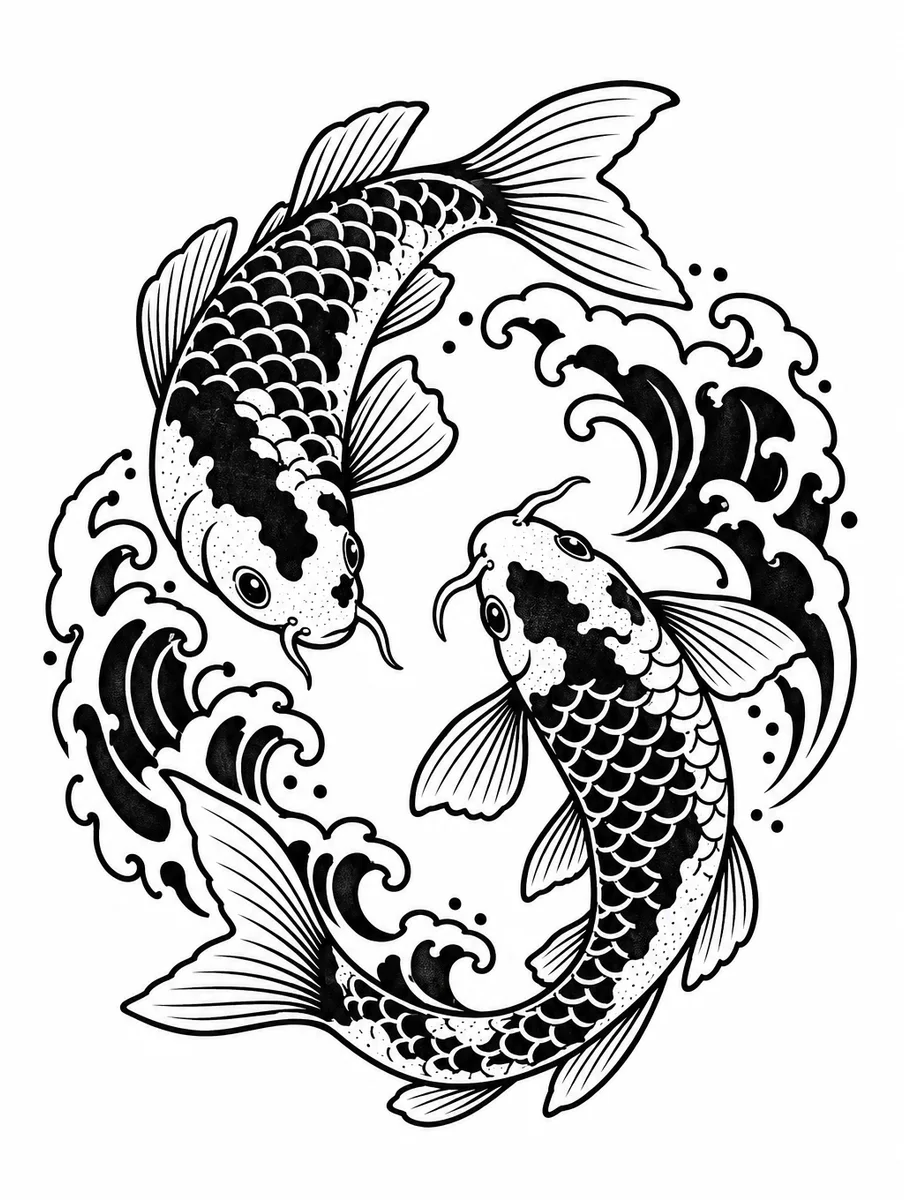
Japanese
Two koi fish circling each other among waves
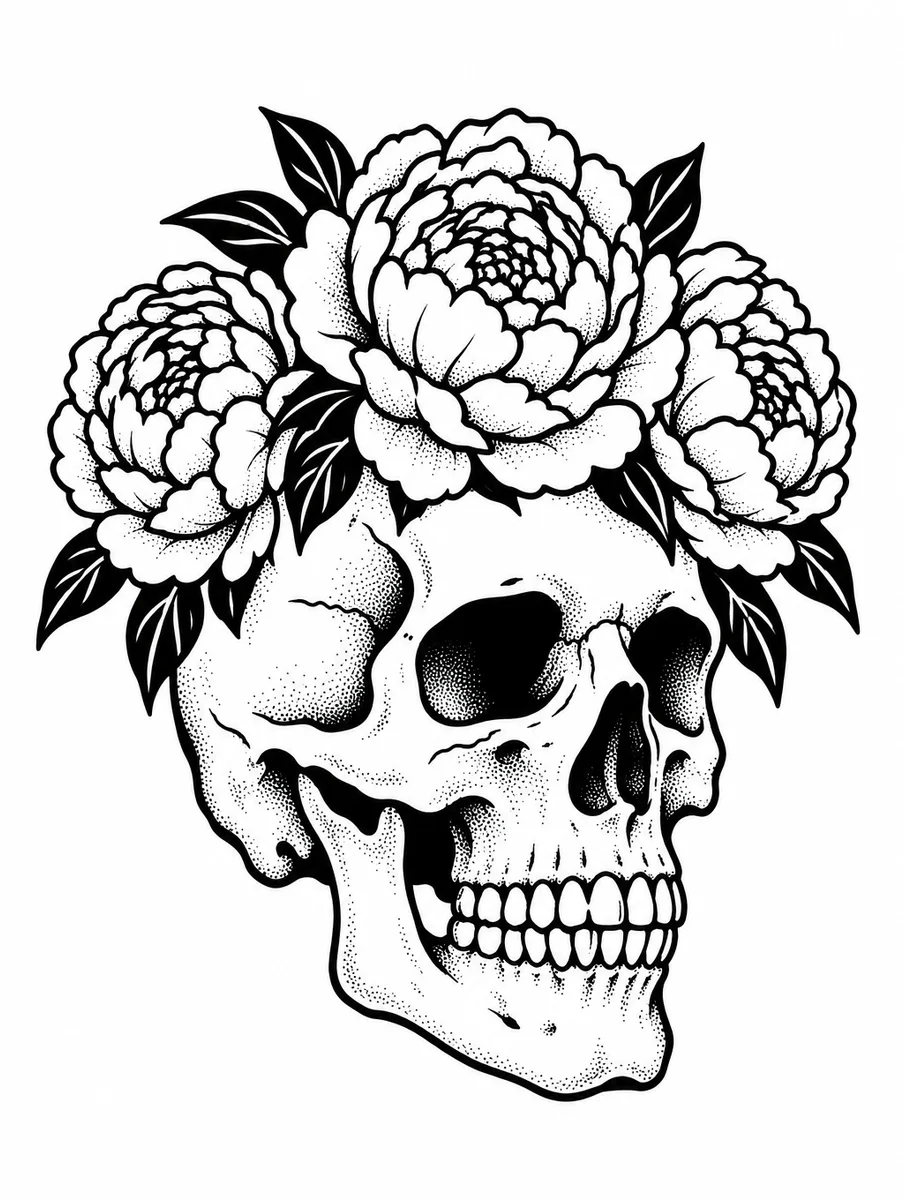
Neo-traditional
A skull wearing a crown of peonies
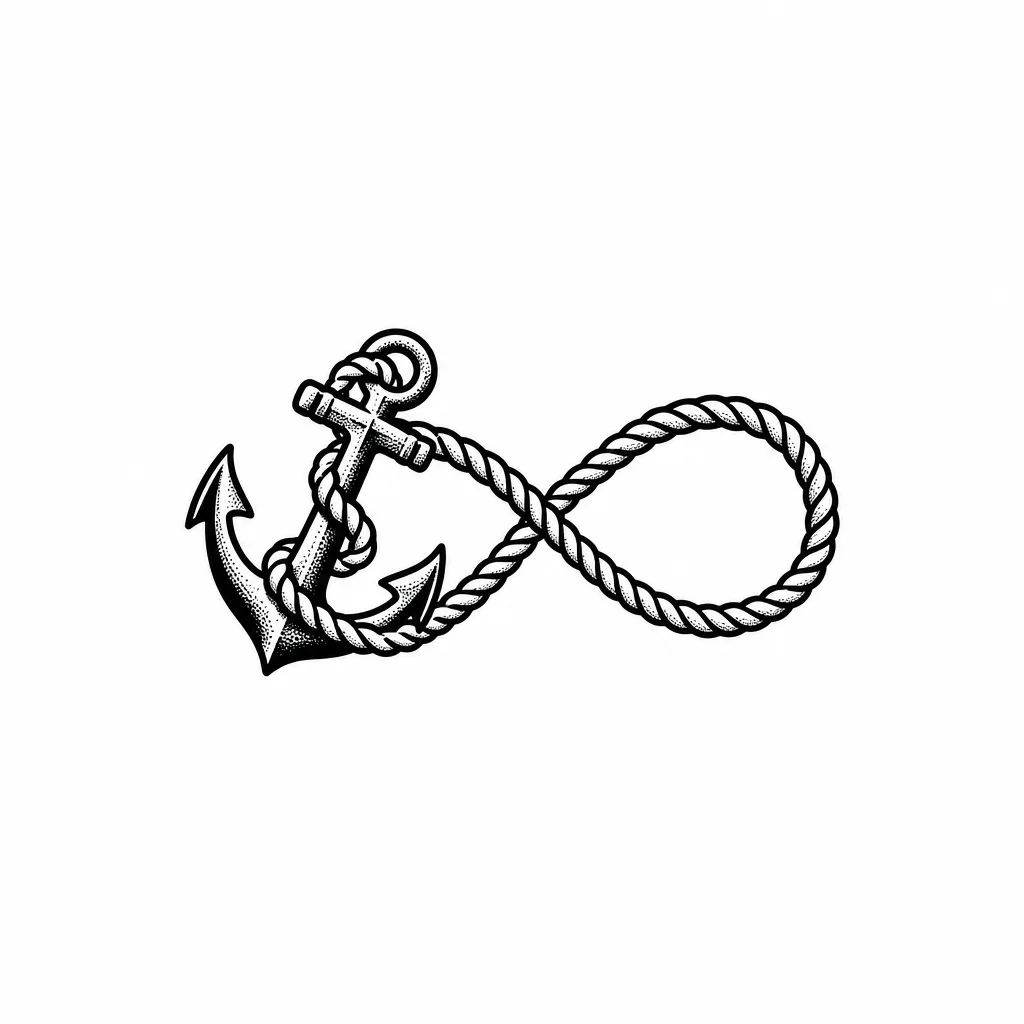
Small piece
A tiny anchor with a rope forming an infinity loop, wrist-sized
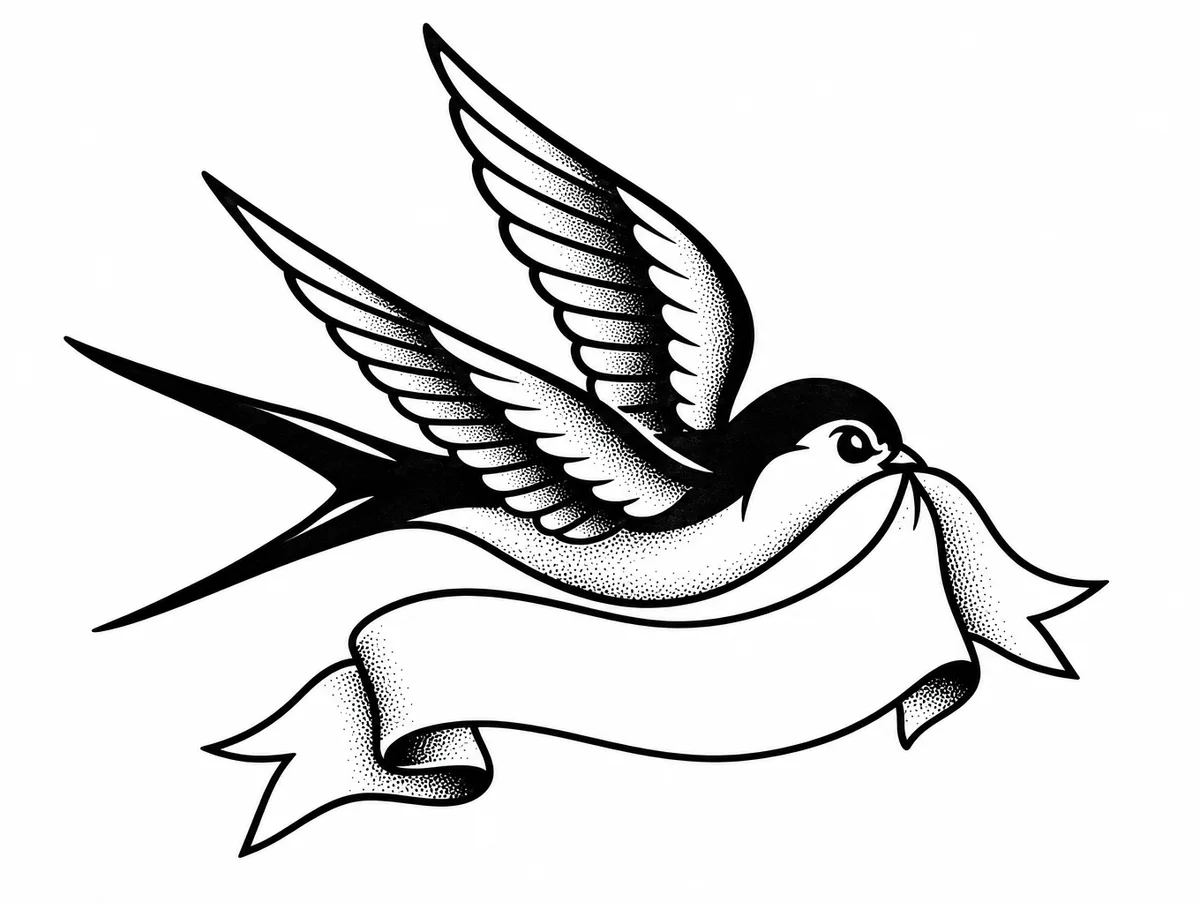
Memorial
A swallow carrying a banner with space for a name
Every example was generated by us with the prompt shown on GPT Image 2.5 Flare, one try each, unedited.
How it works
- 1
Describe the idea
Subject, style and where it goes. 'A koi fish for my forearm, Japanese style' is plenty.
- 2
Pick a style
Traditional, fine line, geometric, Japanese or neo-traditional. Each changes the linework the model uses.
- 3
Refine, then bring it to your artist
The design opens on a canvas where you can resize it, remove a detail or add lettering, then export it as a reference.
Which AI is best at tattoo design?
One prompt, every model, one try each: “A snake wrapped around a dagger with a rose at the hilt” with the same tattoo design instruction appended. Nothing re-rolled.
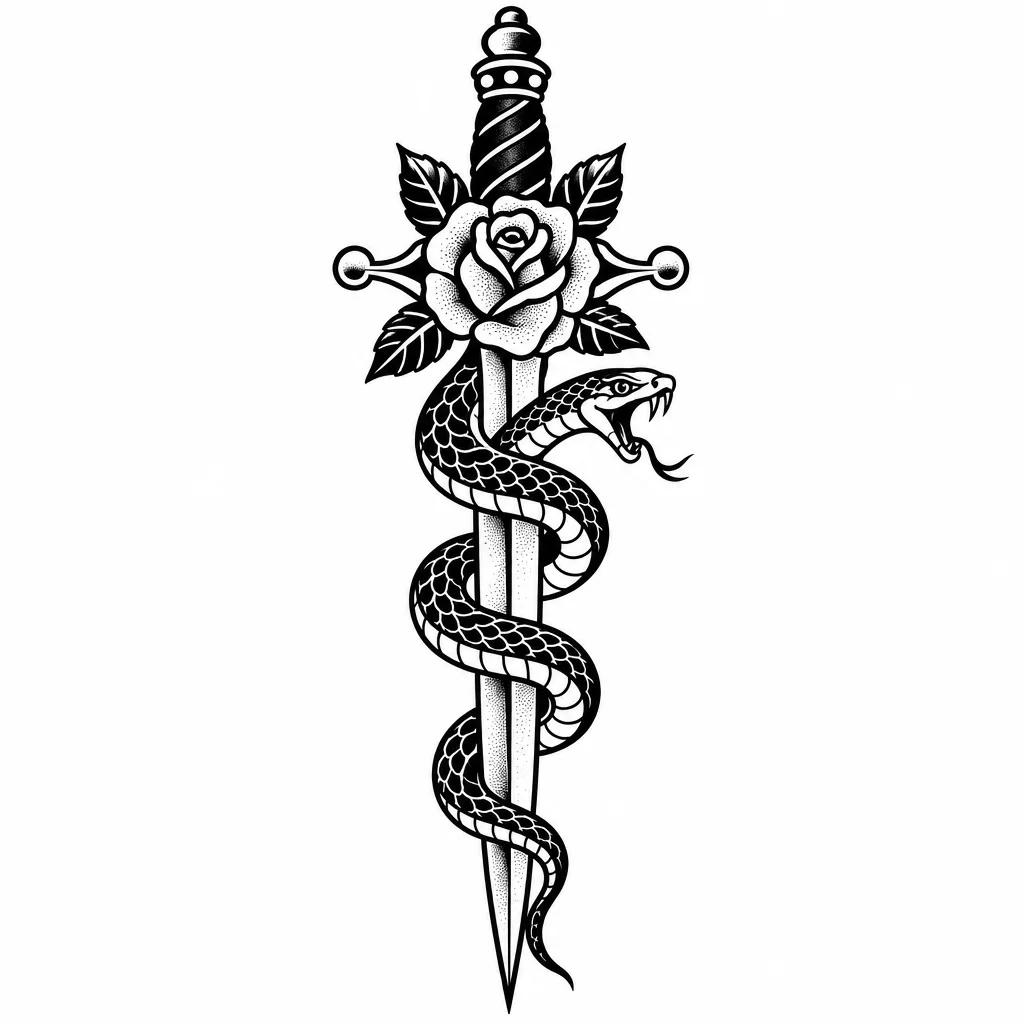
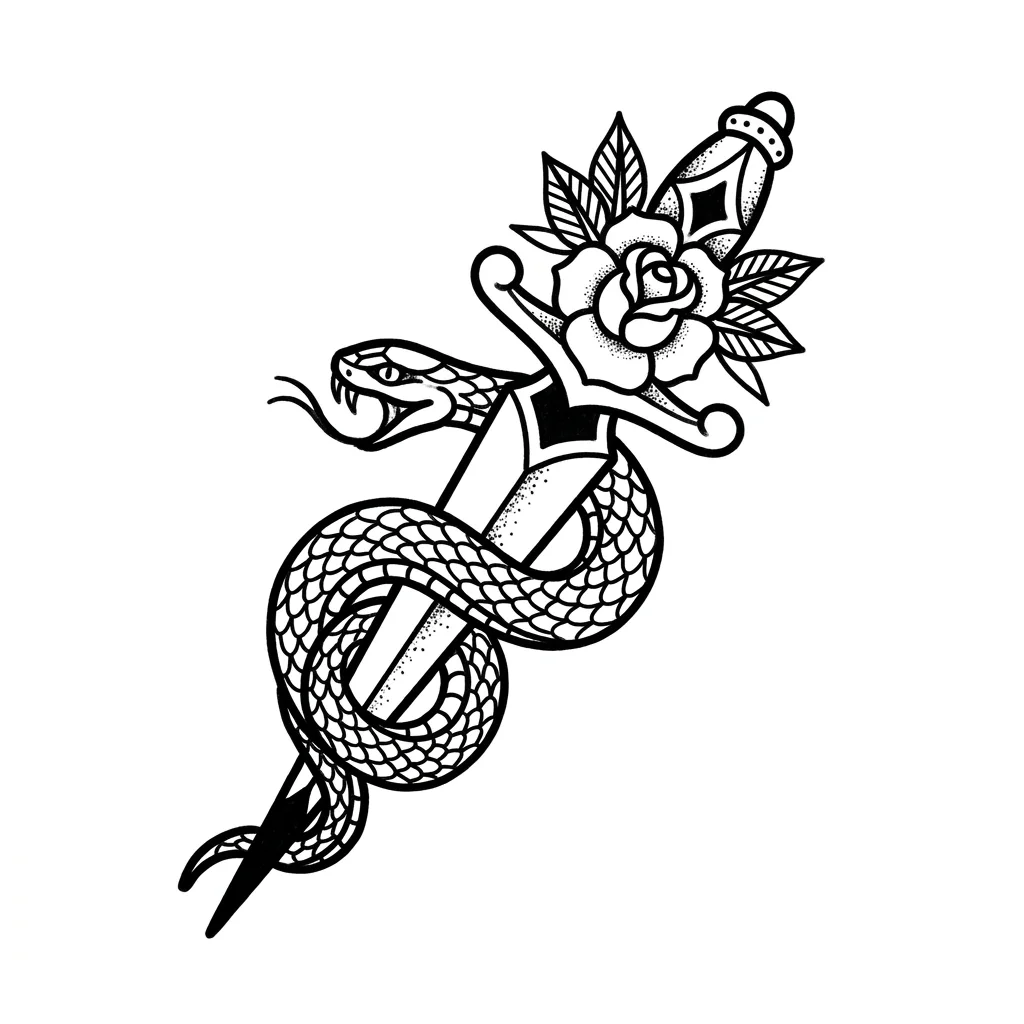
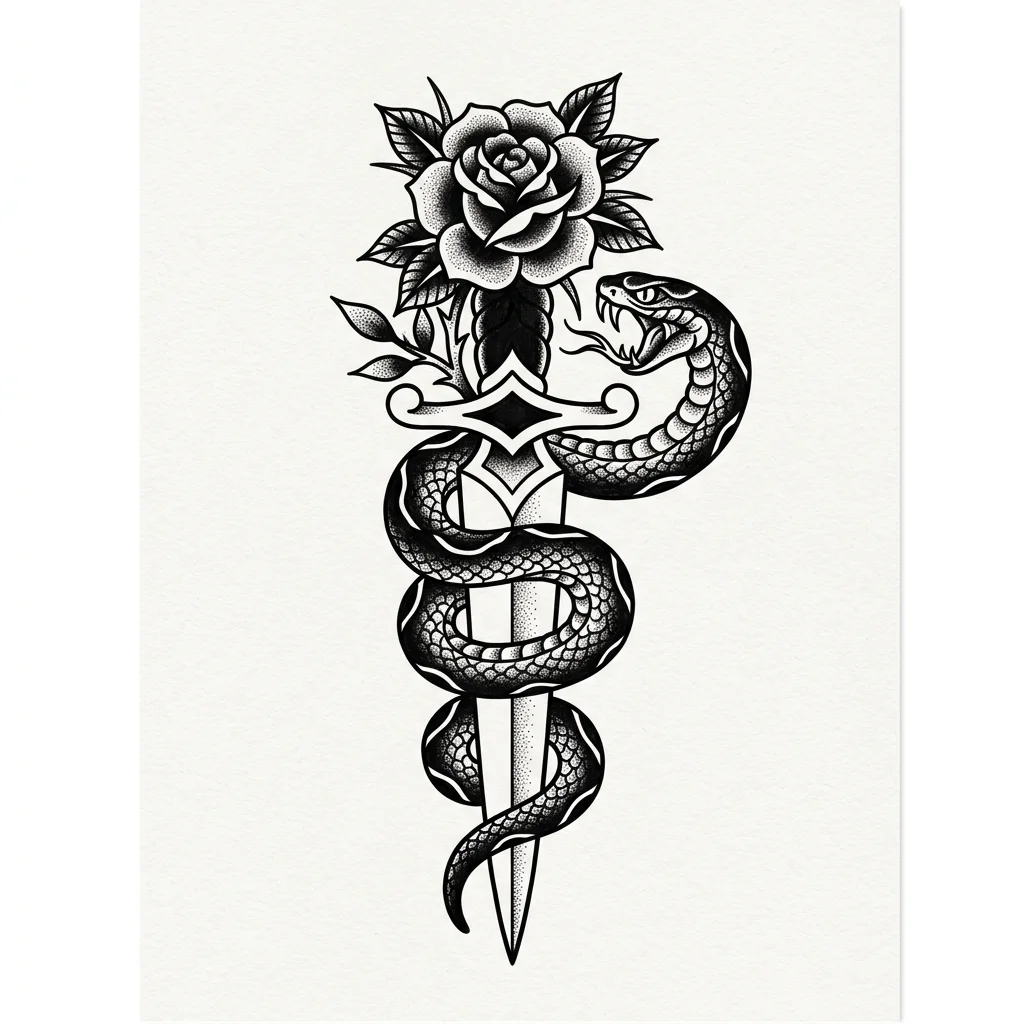
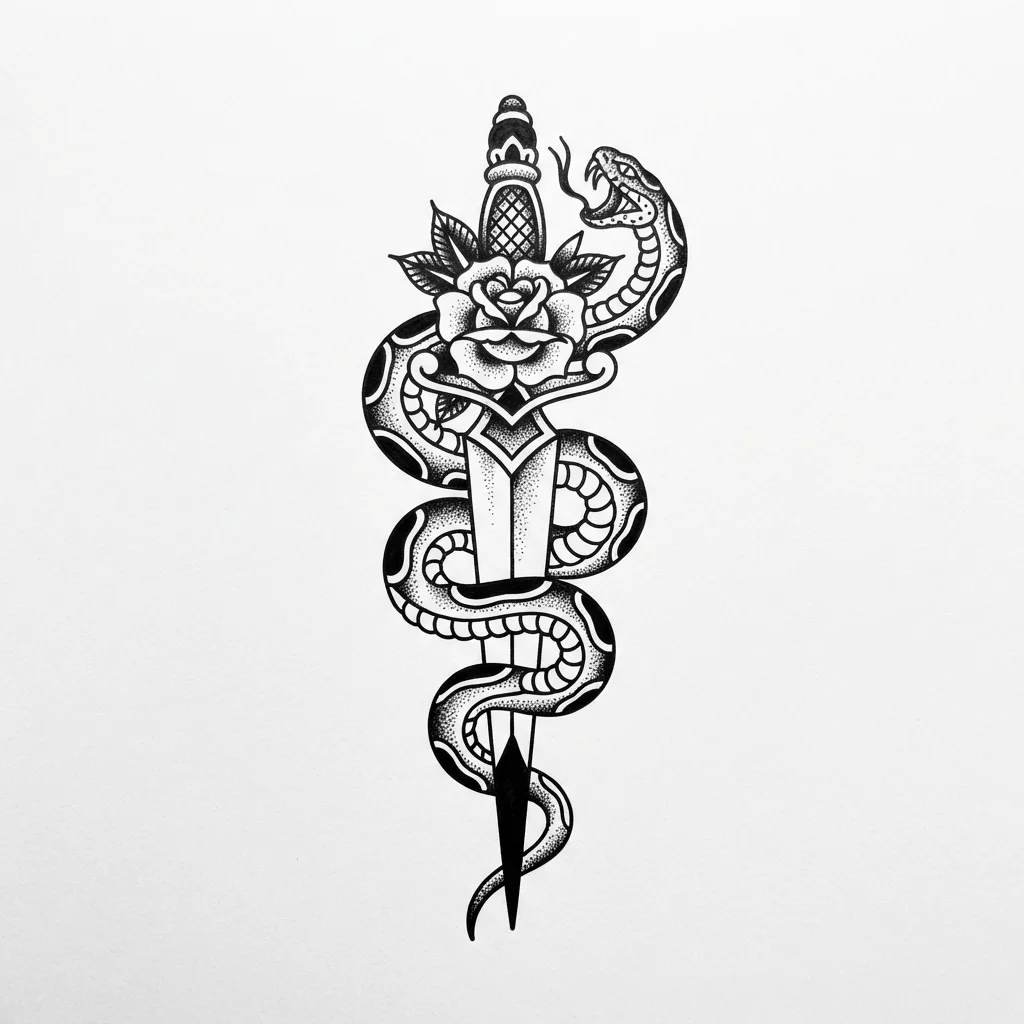
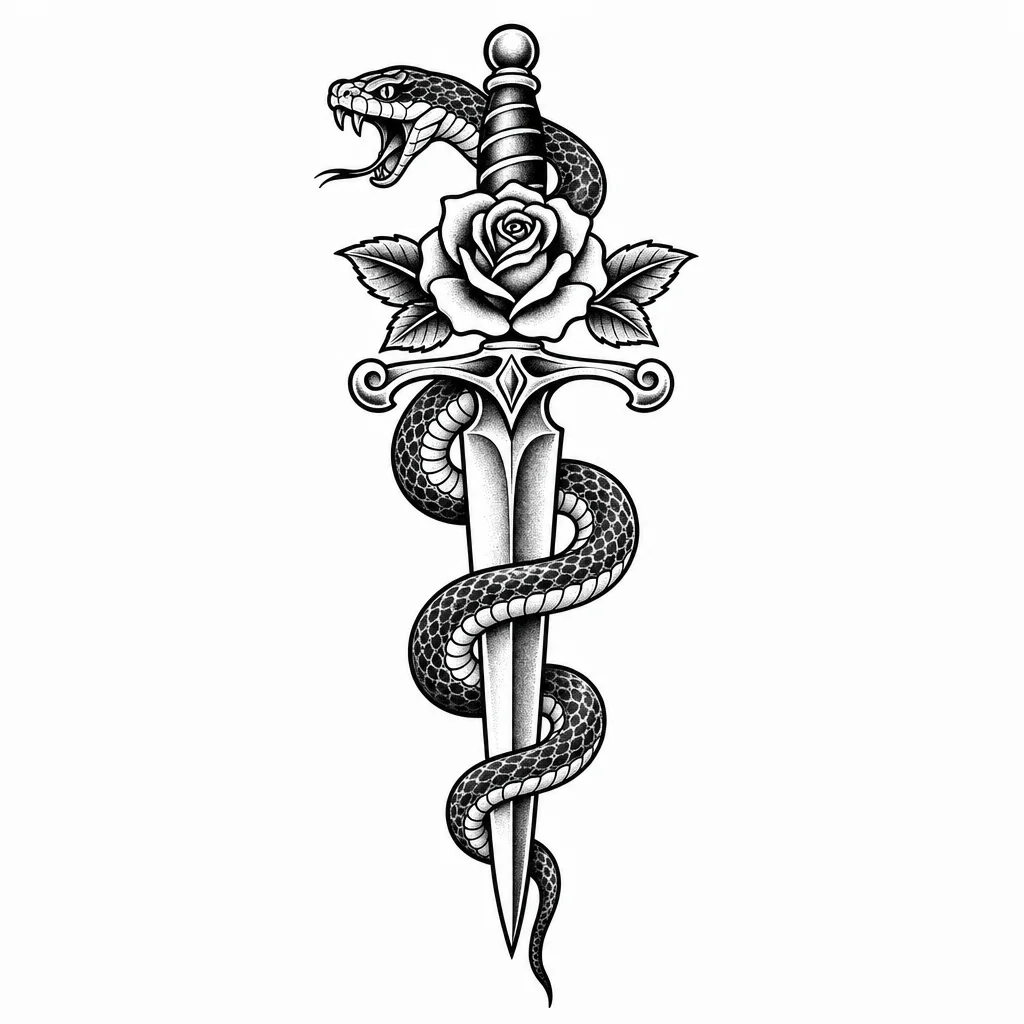
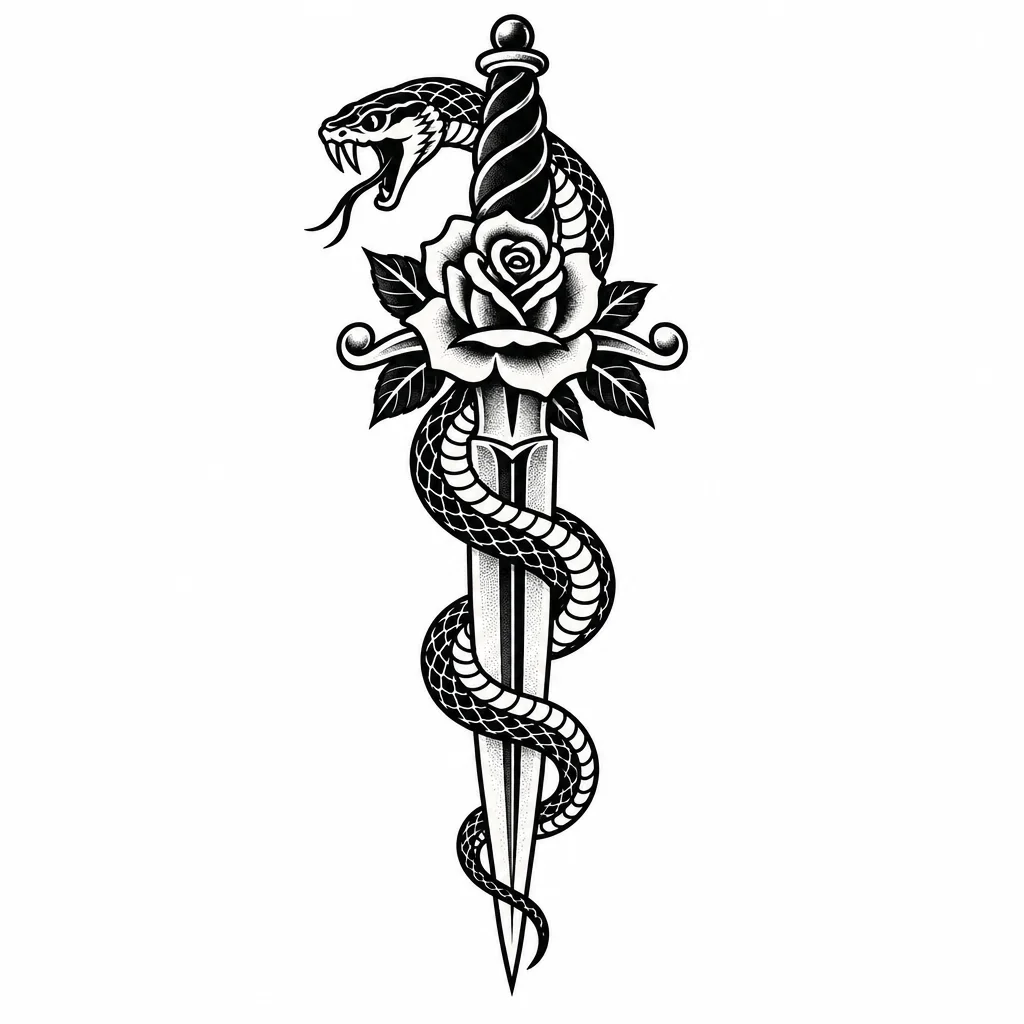
Why the generator defaults to GPT Image 2.5 Flare: Flare and Sunburst both returned bold, unbroken outlines with dot shading on a pure white background, which is what a tattoo artist wants to see; Flare did it in 24 seconds for about five cents, so it is the default. GPT Image 2 was as clean but took two minutes and four times the cost. Nano Banana Pro's linework was good but its shading ran greyer. Nano Banana 2 and 2 Lite drew the design on a textured, off-white paper that would print as a grey wash, so they need a background fix before the design is usable.
What tattoo design is, and what makes it read as tattoo design
A tattoo design is a drawing made to be inked, which puts constraints on it that other illustration ignores. Lines must be thick enough to hold as skin ages, shading has to be built from dots and whip strokes rather than smooth gradients, and negative space is what keeps a piece readable from across a room. Flash-sheet style, the bold-outline look you see on shop walls, exists because it survives all of that.
Generated tattoo designs are a starting point, not a stencil. The value is getting a composition and a style pinned down before you sit in the chair. A good artist will redraw for your placement and skin; a good design makes that conversation short. The failures to watch for in generated work are outlines that thin to nothing, shading that is really a grey gradient, and symmetry that is almost but not quite right on mandalas and geometric pieces.
What people make with it
A reference for your artist
Export the design at print size and bring it to the consultation. Artists prefer a clear reference over a vague description.
Flash sheets
Generate a set in one style, arrange them on a canvas, and you have a sheet.
Trying an idea before committing
Ten variations of the same subject in ten minutes, before you decide which one lives on you for decades.
Merch and prints
Flash-style art sells on shirts, stickers and prints; the same design works for all three.
Frequently asked questions
Is there a free AI tattoo generator?
Yes. Moda's free plan includes a monthly allowance of image generations and a tattoo design counts as one. Sign up, describe the design, and download it. Paid plans raise the allowance.
Can I get the design tattooed exactly as generated?
Treat it as a reference. A tattoo artist will redraw it for your placement, size and skin, thicken lines that would not hold, and replace any grey shading with dot work. The design gets you to the right idea fast; the artist makes it inkable.
Which AI is best at tattoo designs?
We ran the same brief through six current models; the results are on this page. The generator defaults to the one that kept bold, unbroken outlines and a clean white background. You can switch models on the canvas.
Can it show the tattoo on my body?
Not on this page. It produces the design on white, which is what an artist wants. Placement mock-ups on skin are a different job and easy to get wrong about how ink actually sits.
Can I use the design commercially, for prints or shirts?
Yes. Images you generate in Moda are yours to use. Check that your design does not copy a specific artist's existing work.