Pixel art generator
Describe a character, an item or a scene. Get crisp pixel art with real square pixels and a limited palette.
Free to try with a Moda account. Your result opens on a canvas you can edit and export.
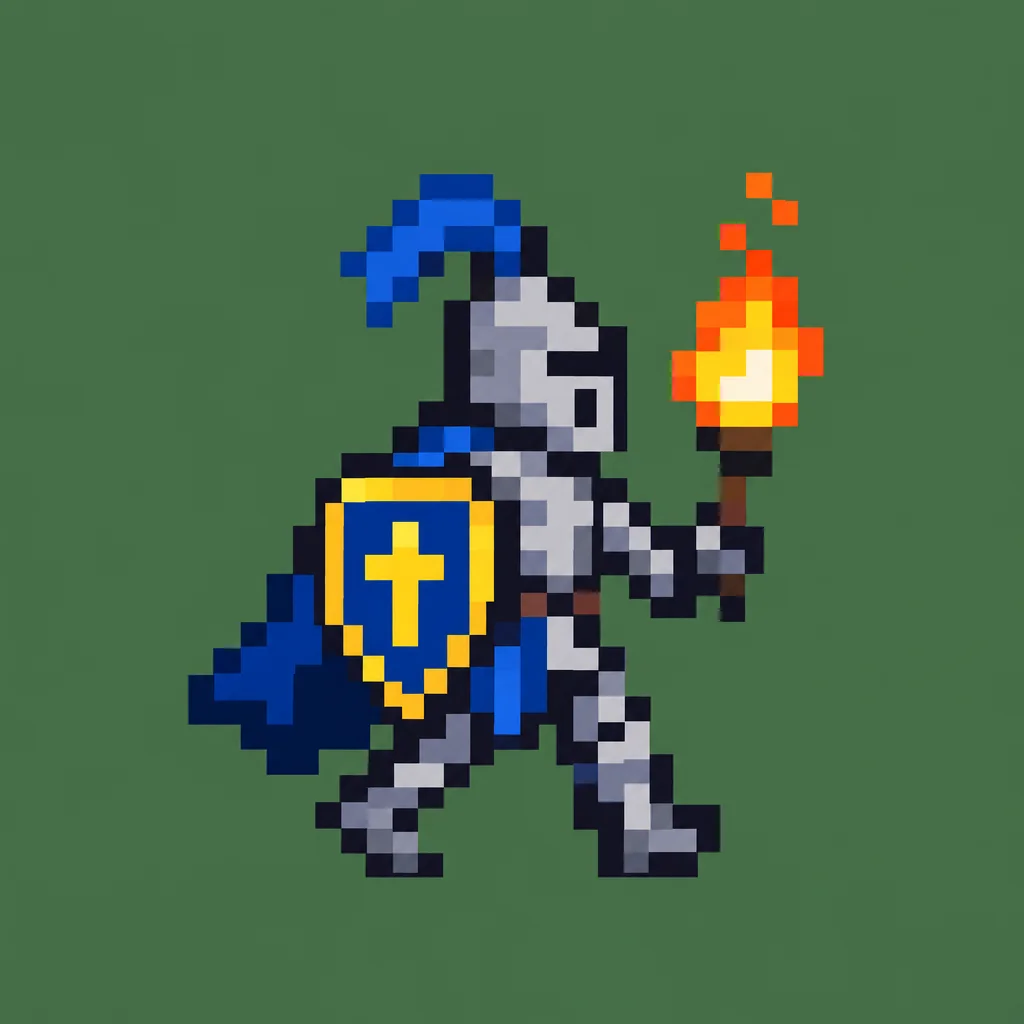
Character sprite
A knight with a shield and a torch, walking right
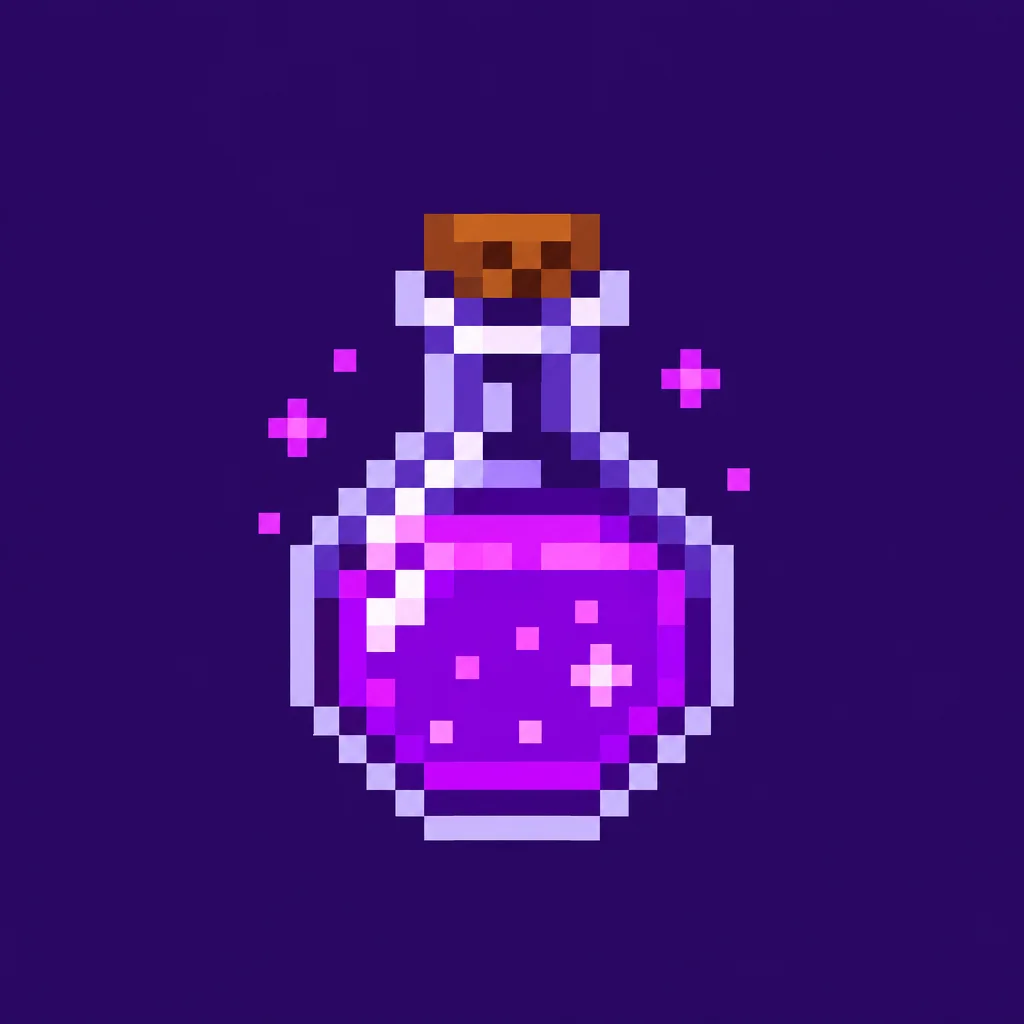
Game item
A glowing purple potion bottle with a cork
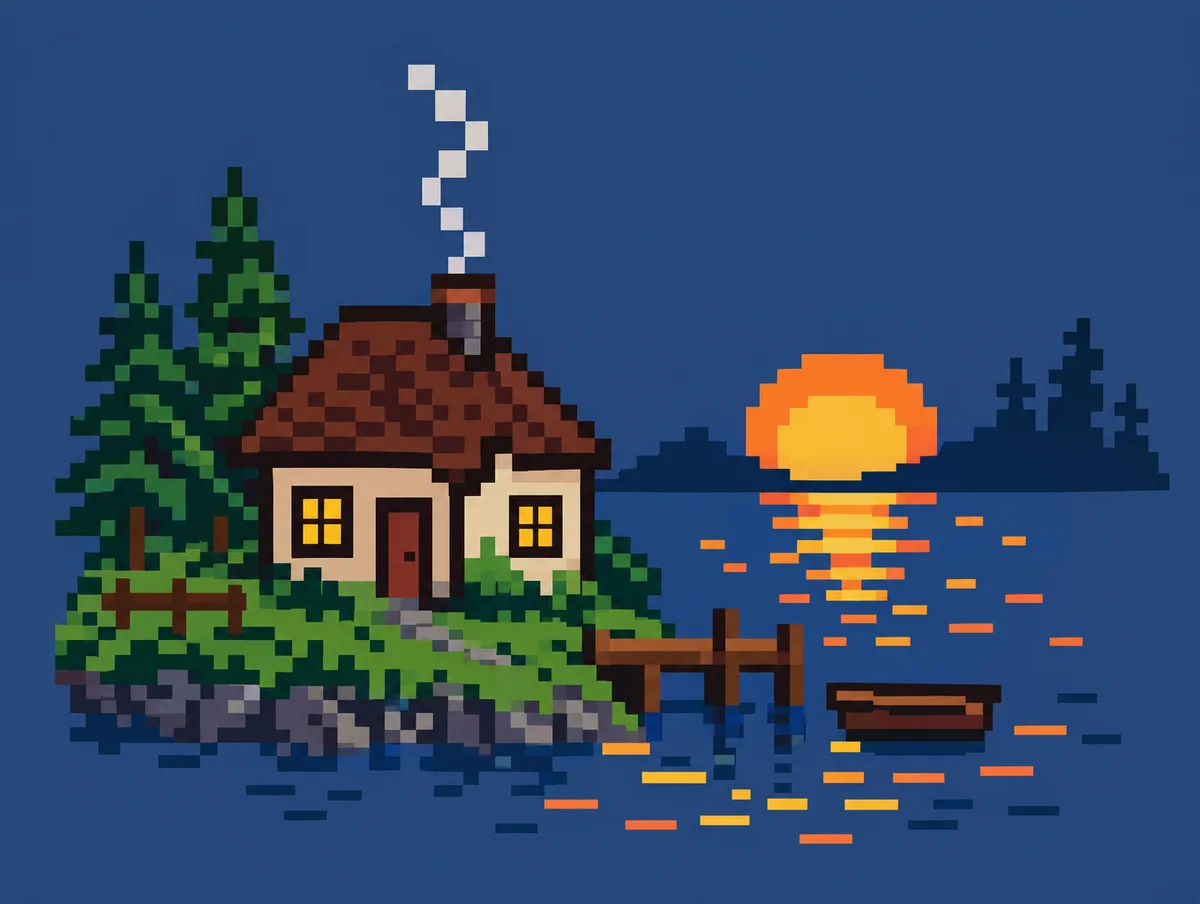
Scene
A cottage by a lake at sunset with smoke from the chimney
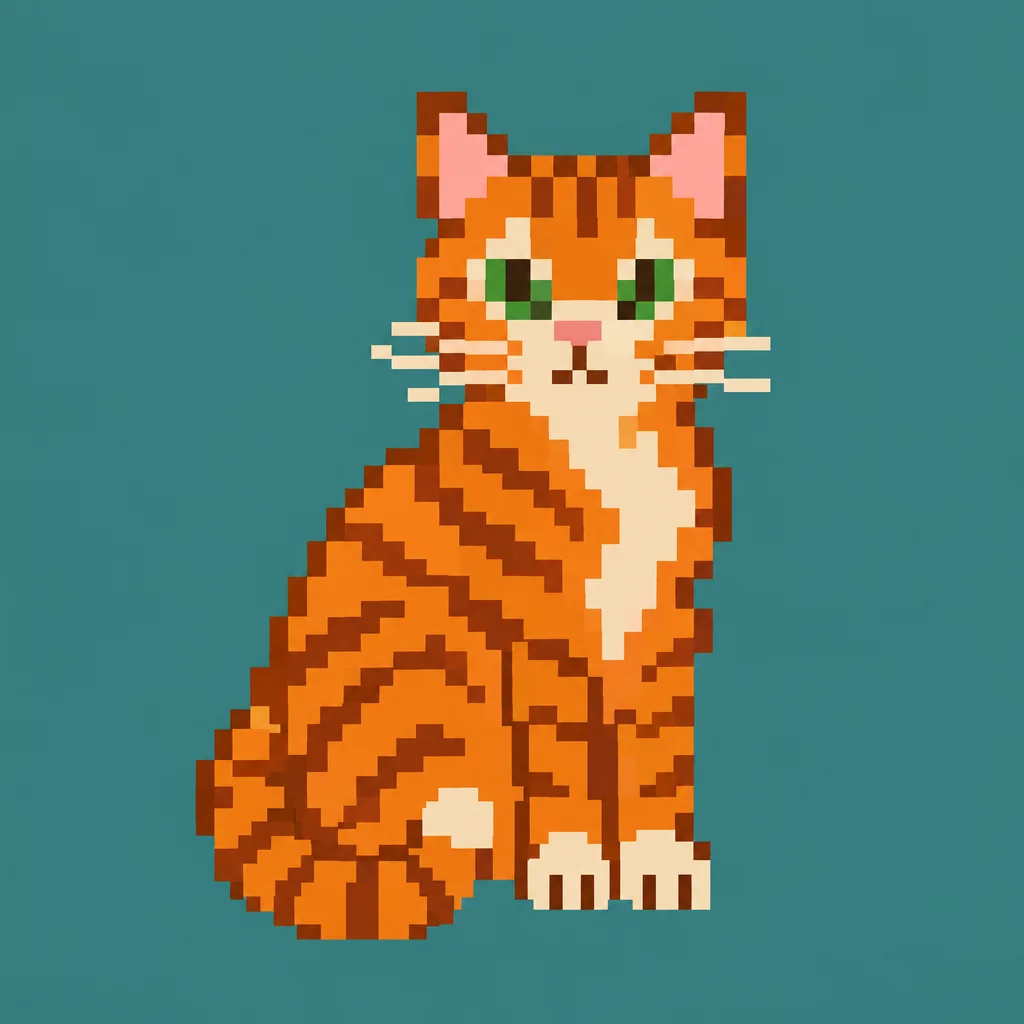
Animal
An orange tabby cat sitting, tail curled
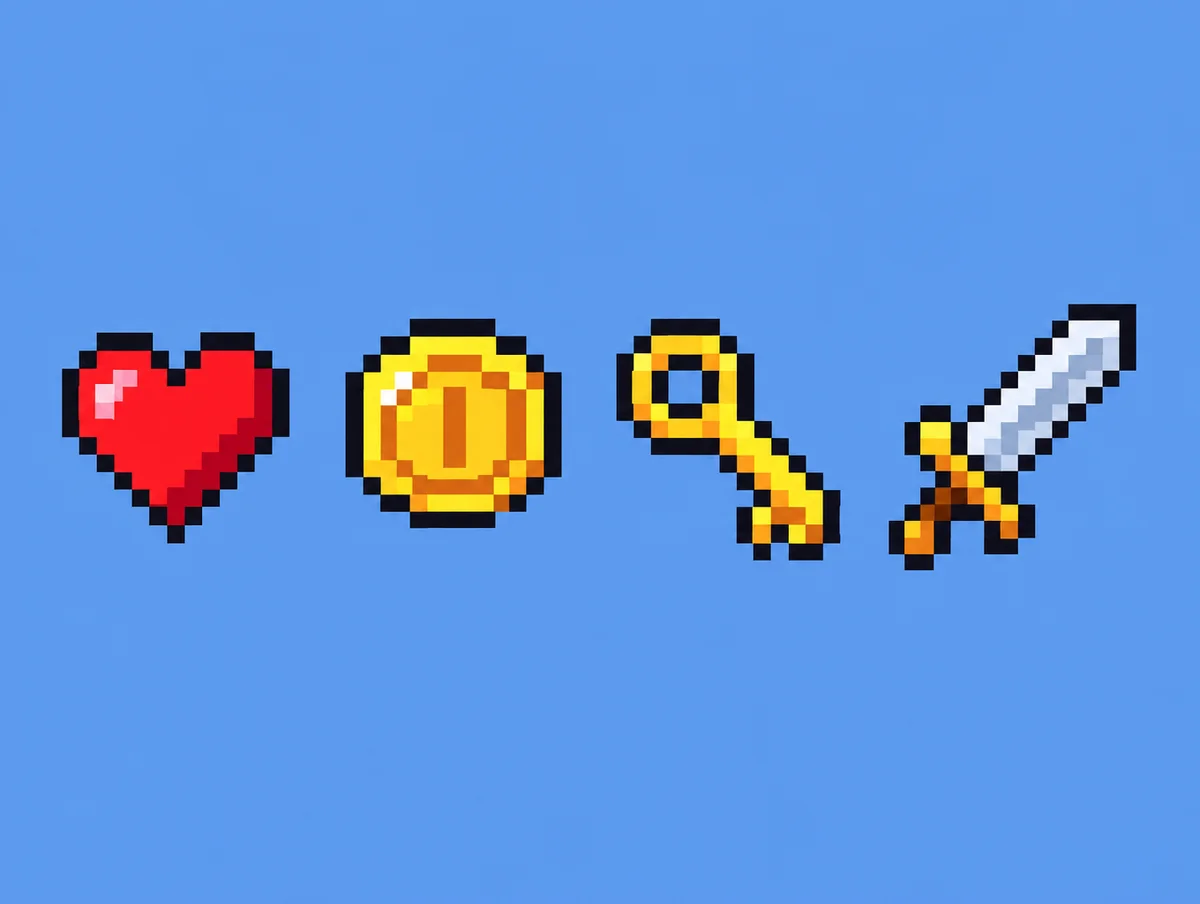
Icon set
Four game icons in a row: a heart, a coin, a key and a sword
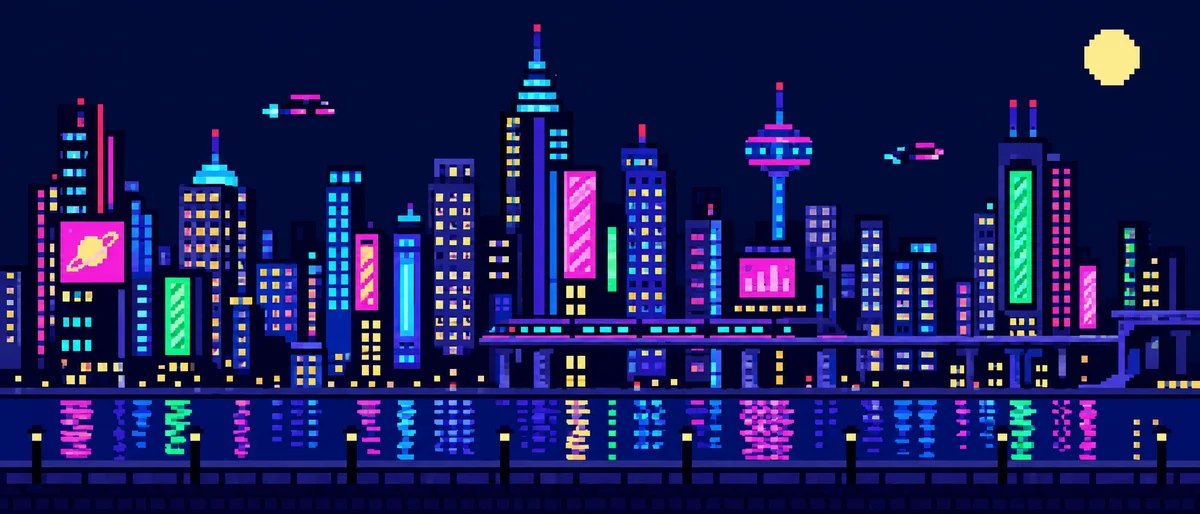
Background
A night city skyline with neon signs, side-scroller background
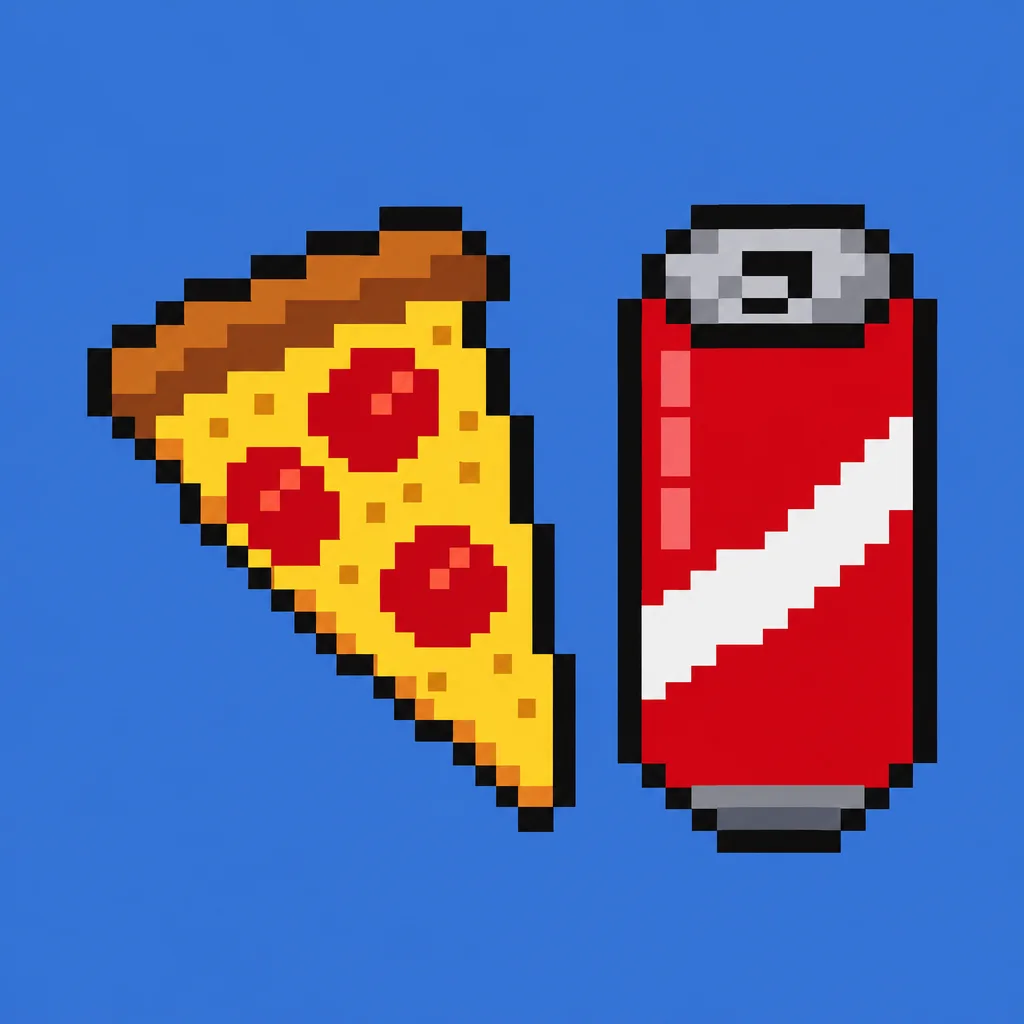
Food
A slice of pizza and a soda can
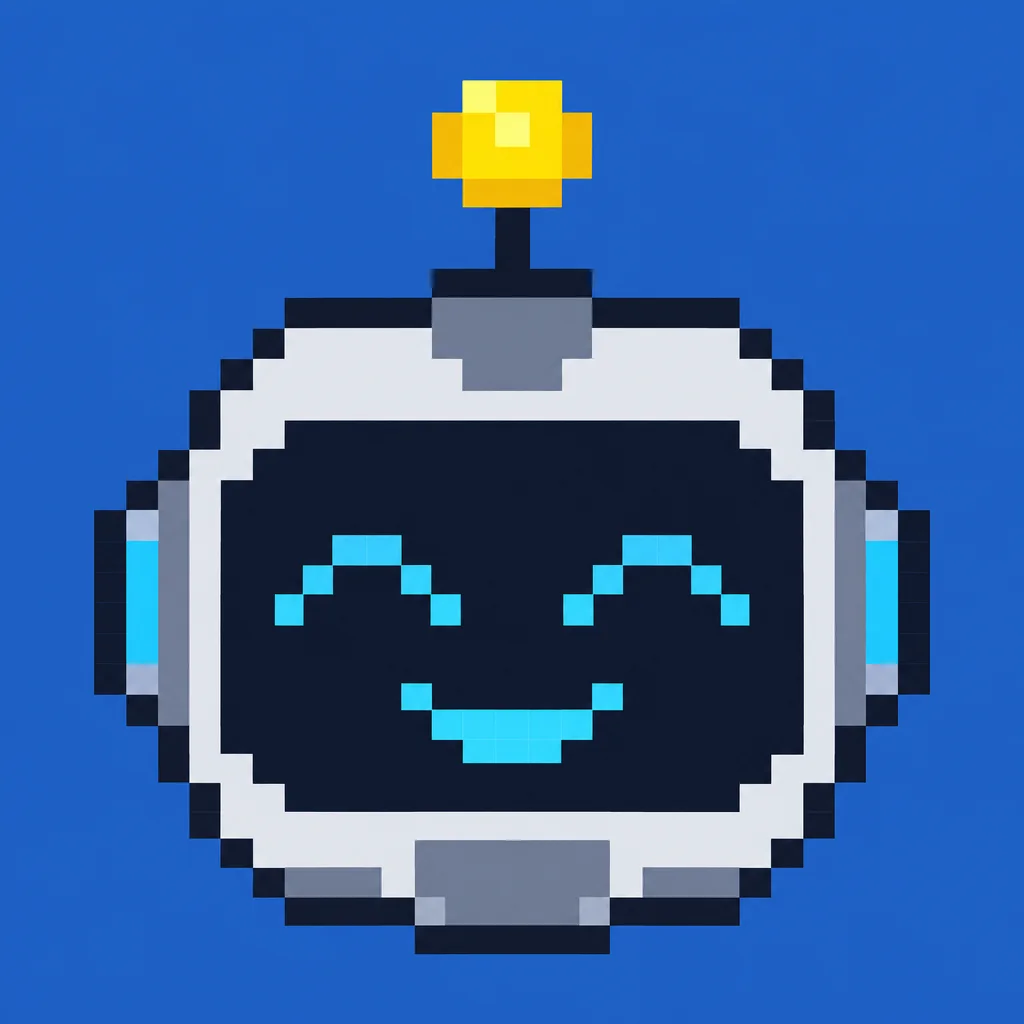
Portrait
A friendly robot face, front view, for an avatar
Every example was generated by us with the prompt shown on GPT Image 2.5 Flare, one try each, unedited.
How it works
- 1
Describe the sprite or scene
What it is, which way it faces, what it is holding. Name a game era if you have one in mind.
- 2
Pick a grid
16, 32 or 64 pixels. Smaller is chunkier and reads better as an icon; larger holds a scene.
- 3
Generate and edit
The art opens on a canvas where you can scale it up without blur, recolour the palette or line up a sprite sheet.
Which AI is best at pixel art?
One prompt, every model, one try each: “A knight with a shield and a torch, walking right” with the same pixel art instruction appended. Nothing re-rolled.
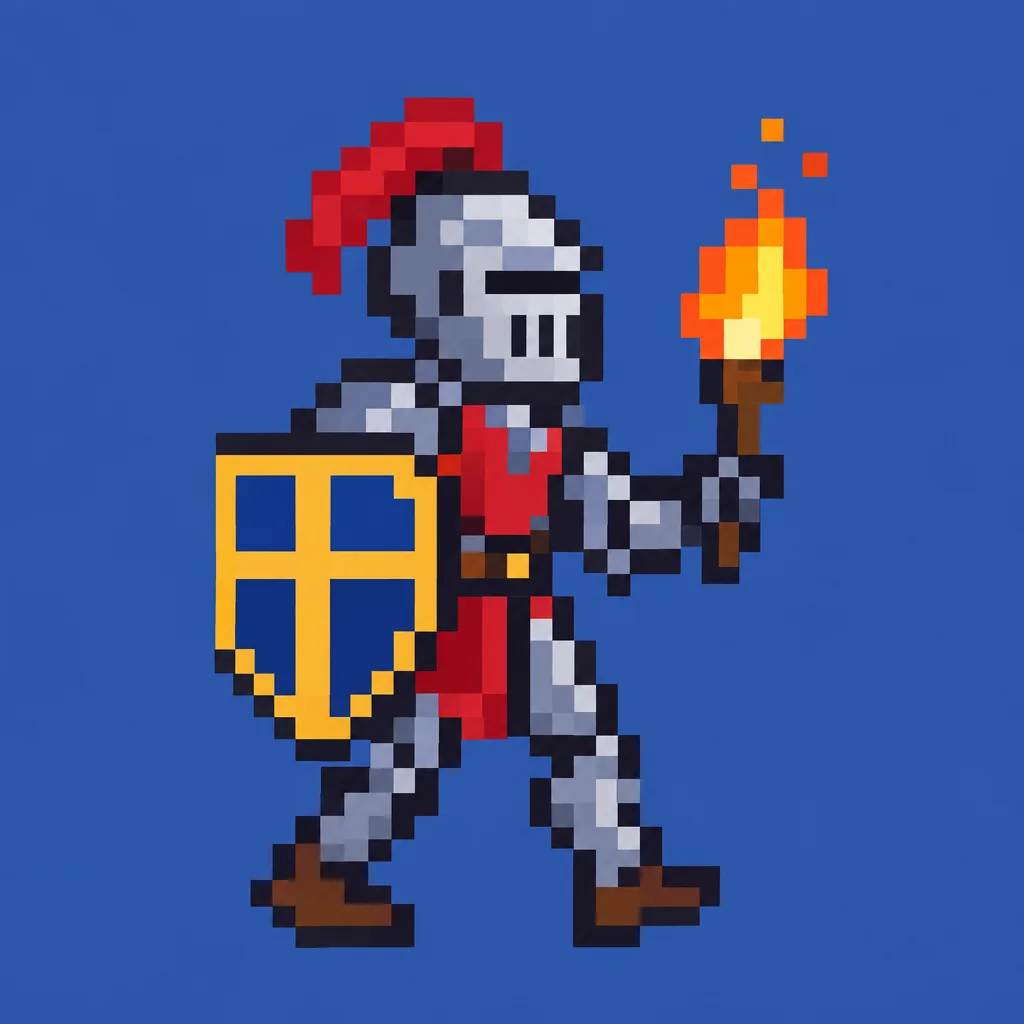
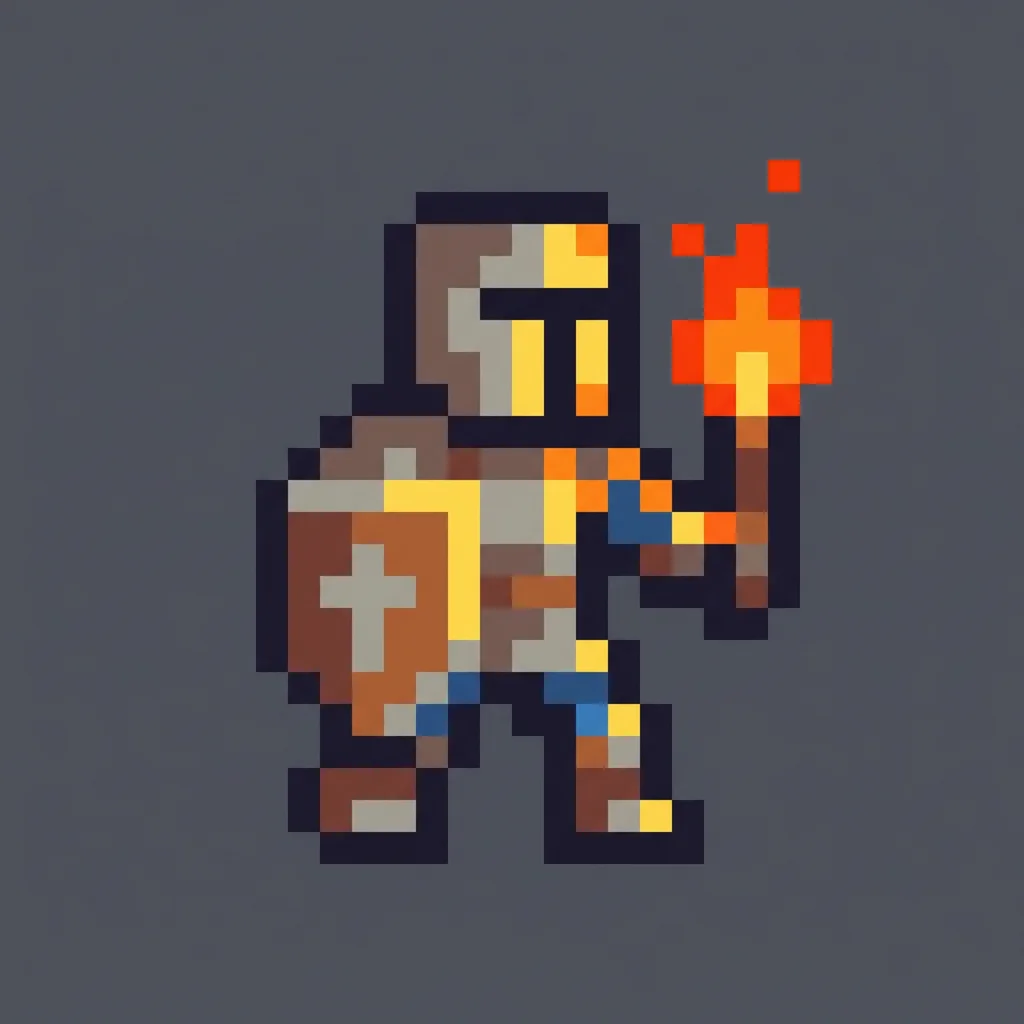
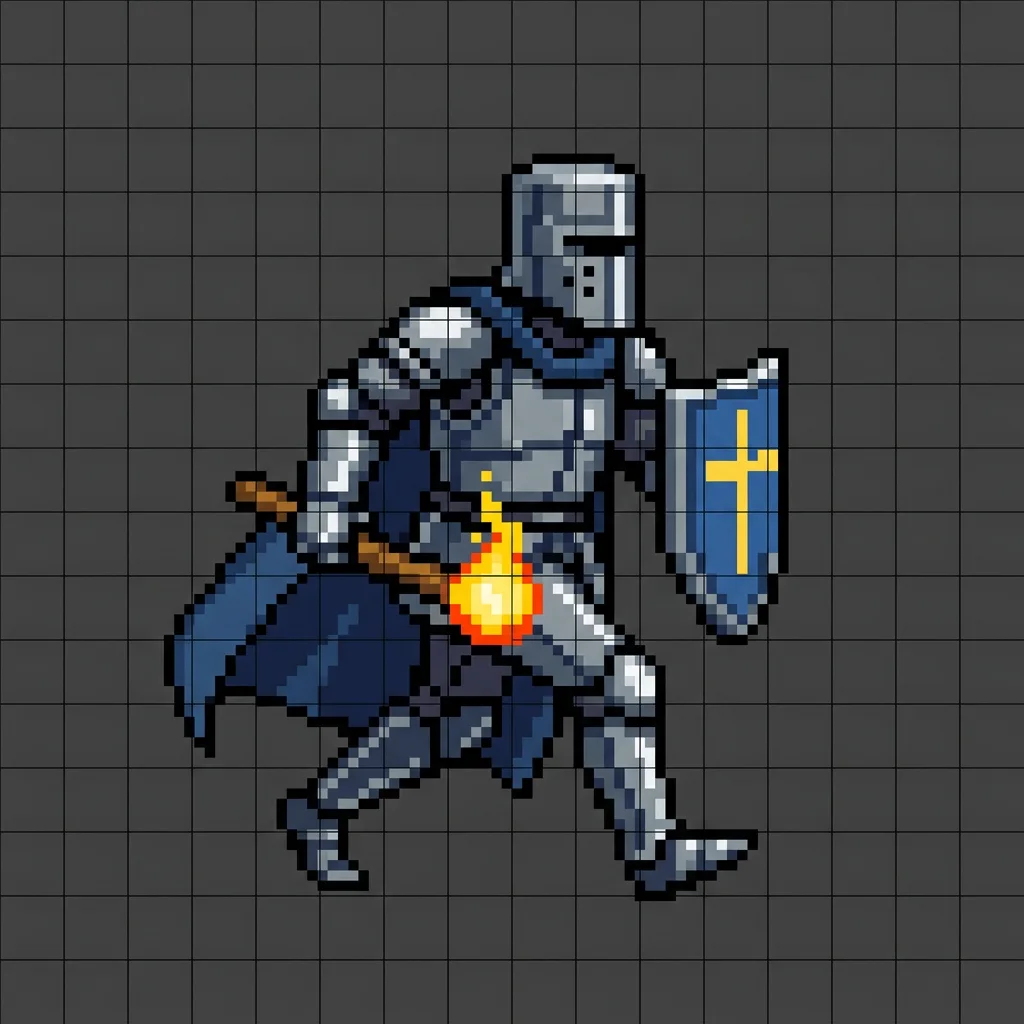
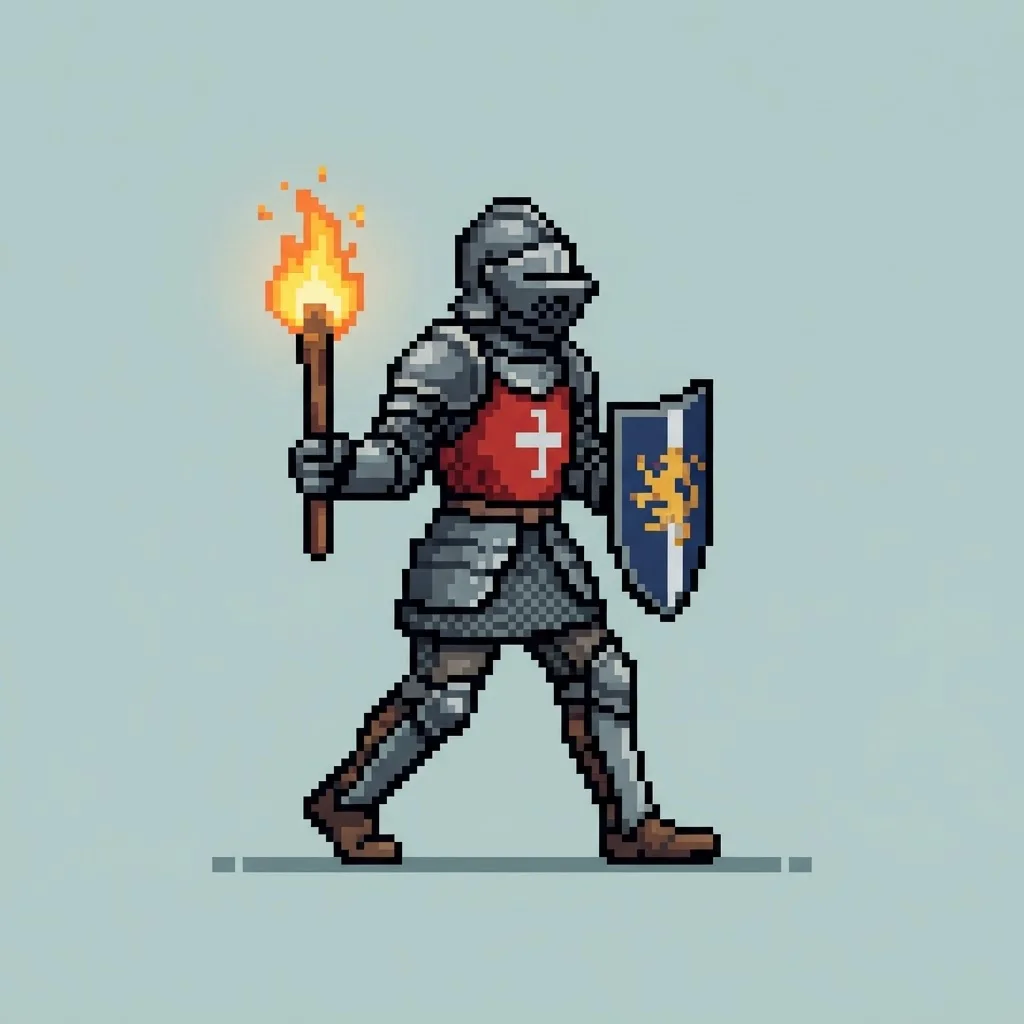
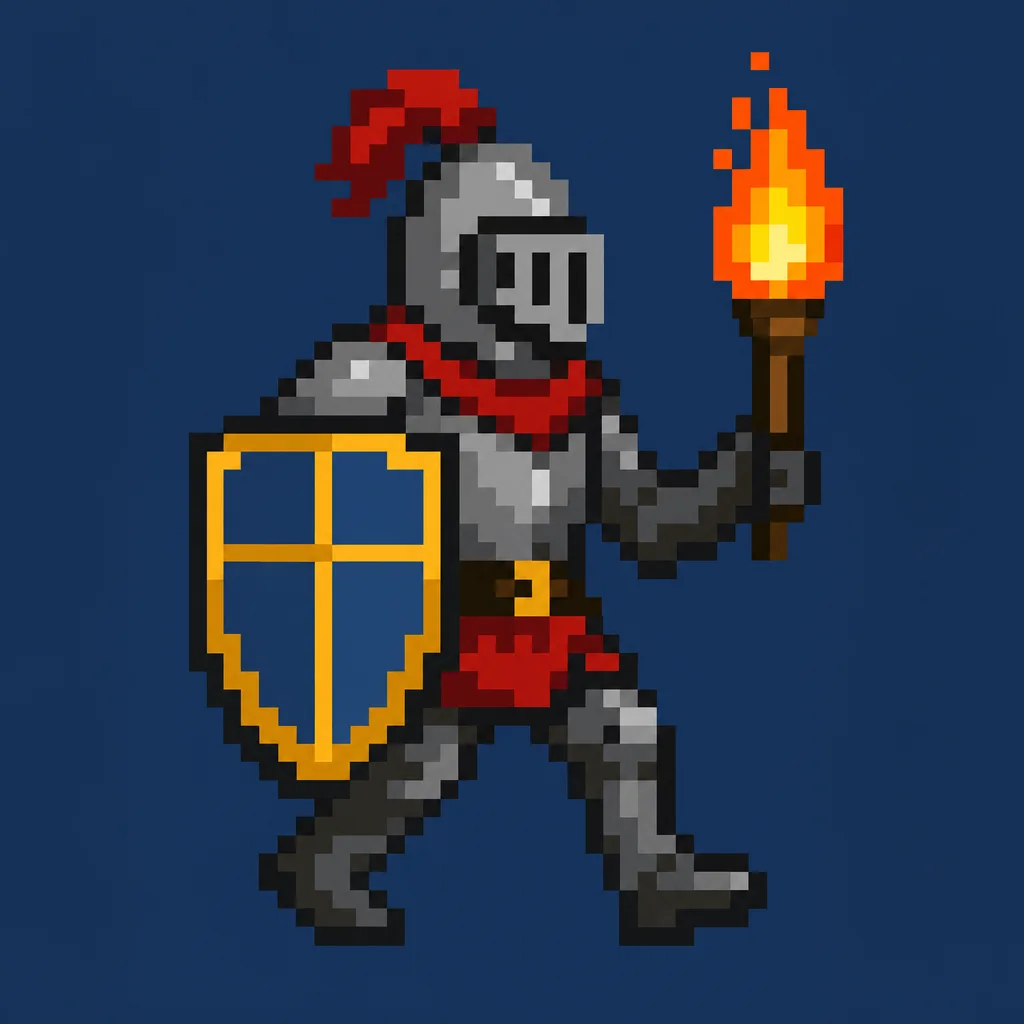
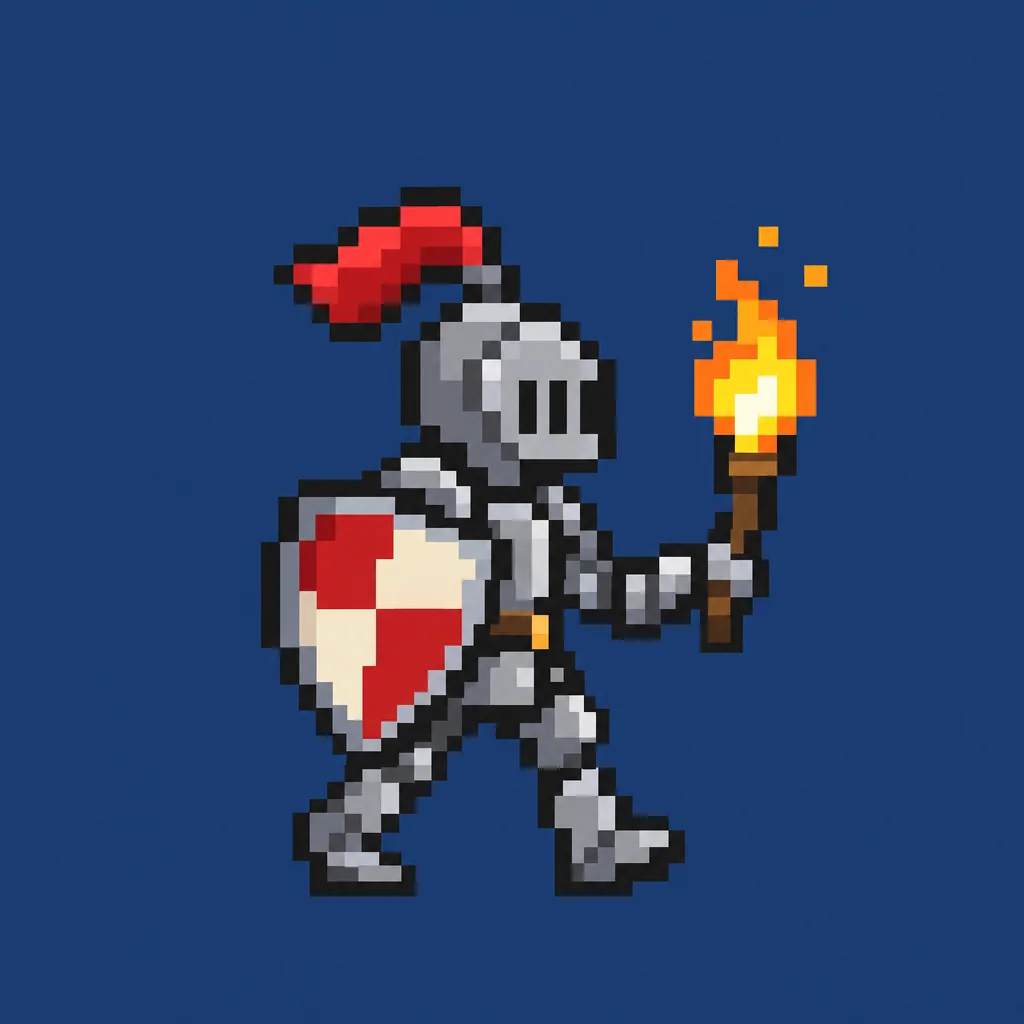
Why the generator defaults to GPT Image 2.5 Flare: Four of the six held a true grid of square pixels: Flare, Sunburst, GPT Image 2 and Nano Banana Pro. Flare is the default because it did so in 25 seconds for about five cents; GPT Image 2 took over two minutes for the same result and Nano Banana Pro is three times the price, though its chunkier, darker-background sprite is the one to pick if you want a Google model. Nano Banana 2 drew a smooth illustration and then laid grid lines over it, and Nano Banana 2 Lite returned a smooth drawing with only a hint of pixelation; neither is pixel art as drawn.
What pixel art is, and what makes it read as pixel art
Pixel art is drawing at the resolution where each pixel is a deliberate choice. A sprite might be 32 pixels wide; every one of them is placed by hand, from a palette of a dozen colours, and there is no blending between them. Shading is done by choosing the next darker colour, outlines are one pixel wide, and a diagonal is a staircase. That constraint is the aesthetic; the moment pixels are blurred or the palette runs to hundreds of colours, it stops being pixel art and becomes a low-resolution picture.
That is exactly where image models struggle, because they were trained on photographs and smooth illustration. A generated result often has pixels that are not square, a grid that drifts across the image, anti-aliased edges and a palette of thousands. The prompt we use fights all of that, and the bake-off below shows which models actually hold a grid. Even the best result usually wants one pass on the canvas to snap stray pixels to the grid.
What people make with it
Game sprites and items
Characters, enemies, potions and keys for a prototype or a jam entry.
Avatars and profile pictures
A pixel portrait reads clearly at 64 pixels, which is where avatars live.
Stream overlays and emotes
Small, high-contrast and instantly recognisable; pixel art was made for it.
Retro branding
A pixel logo or mascot for a product that wants an 8-bit feel.
Cross-stitch and perler patterns
Pixel art is already a grid of coloured squares. Print it and follow it.
Frequently asked questions
Is there a free AI pixel art generator?
Yes. Moda's free plan includes a monthly allowance of image generations and a pixel art piece counts as one. Sign up, describe it, and download it. Paid plans raise the allowance.
Why do AI pixel art results look blurry or uneven?
Image models were trained on smooth pictures, so they tend to anti-alias edges and let the grid drift. Our prompt asks for crisp square pixels, a fixed grid and a small palette, and the bake-off shows which models hold it. For a perfect grid, snap the result on the canvas or reduce it to the true resolution and scale back up.
Can I get a real 32 by 32 pixel image?
The model returns a high-resolution image drawn to look like 32 pixels across. On the canvas you can downscale it to the true grid size with nearest-neighbour sampling, which gives you the real sprite.
Which AI is best at pixel art?
We ran the same prompt through six current models; the results are on this page. The generator defaults to the one that kept pixels square and the palette small. You can switch models on the canvas.
Can I make a sprite sheet or animation?
Generate each frame separately with the same description and a different pose, then line them up on the canvas. Consistency between frames is the hard part; describe the character in exactly the same words each time.