Photo to sketch
Turn a photo into a pencil drawing, or describe a scene and get it sketched. Loose graphite strokes, real-looking hatching, no colour.
Free to try with a Moda account. Your result opens on a canvas you can edit and export.
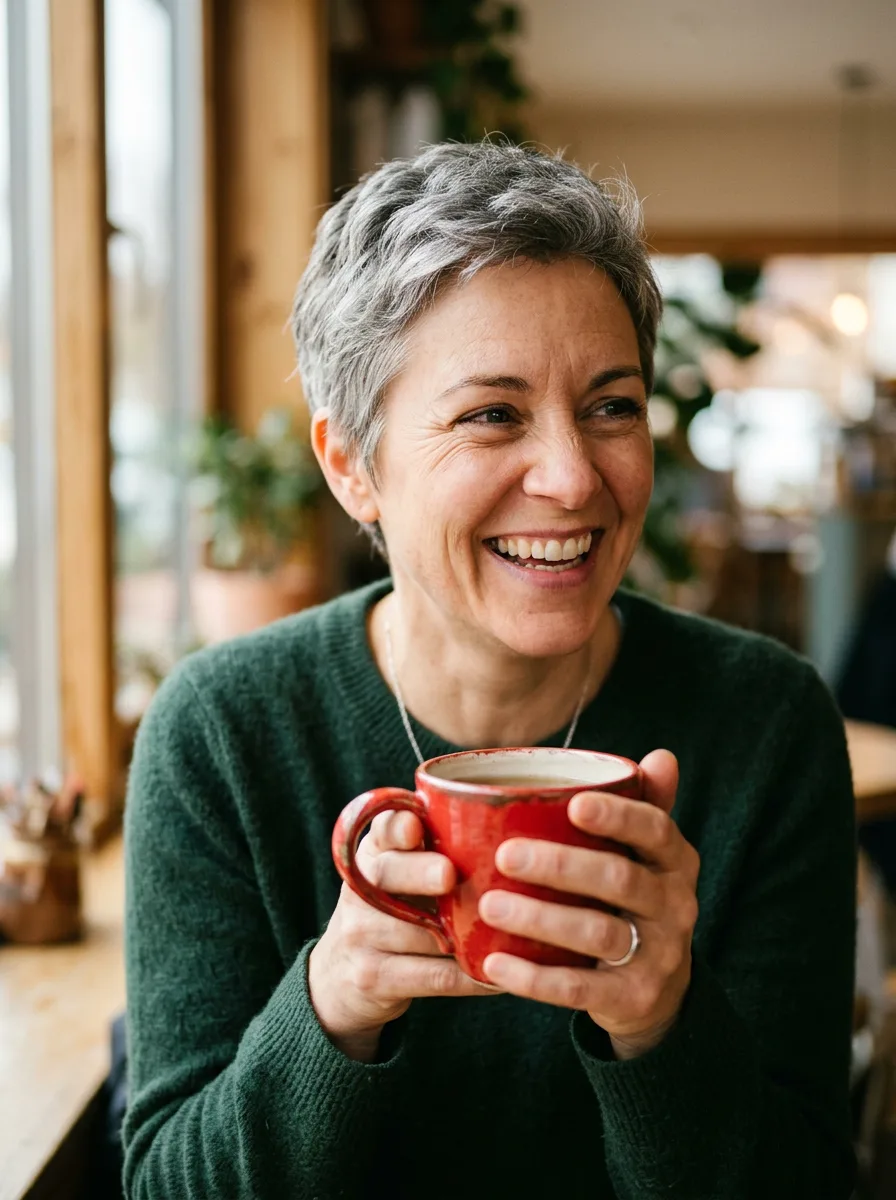
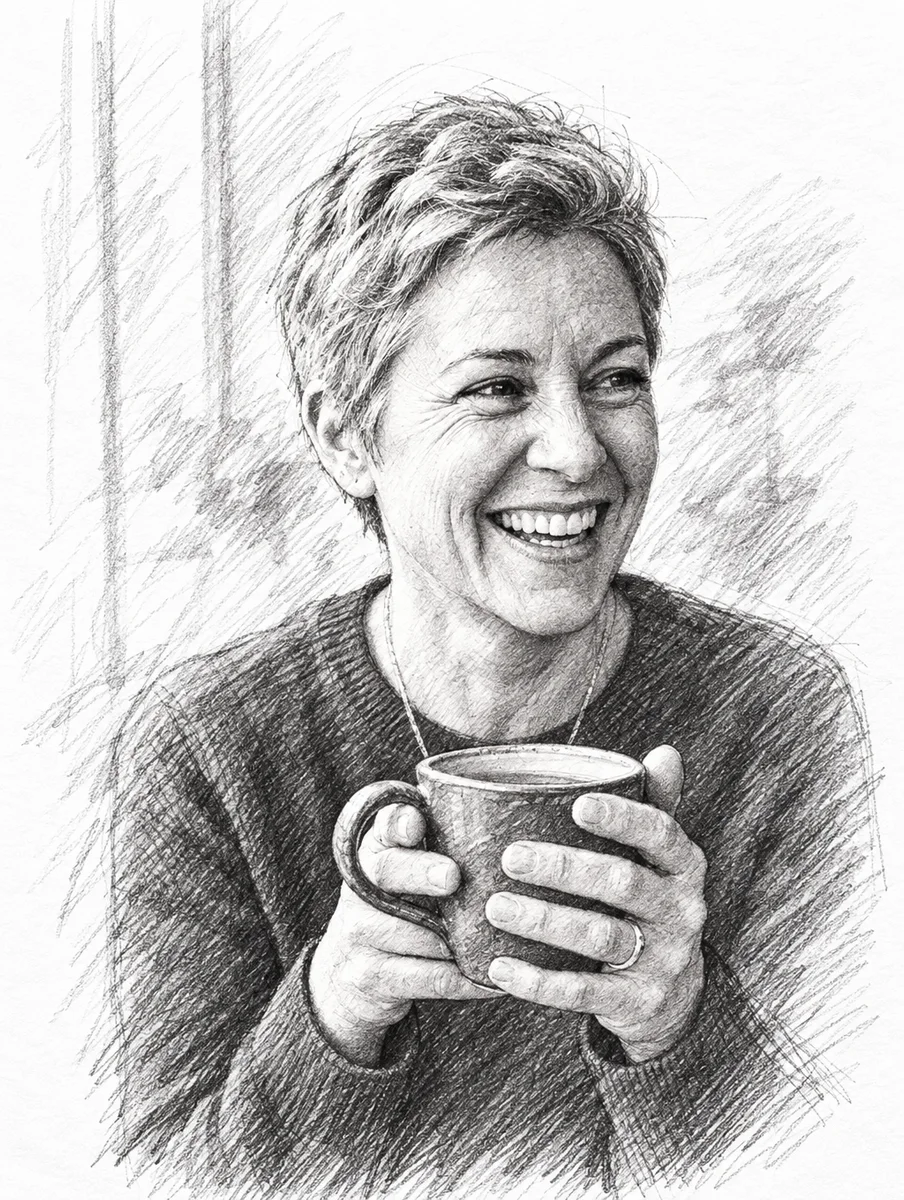
From a photo
Keep the woman and her mug. Soften the background into a few loose strokes. The photo is one we generated with Nano Banana 2 for our model tests, so nobody's likeness is involved.
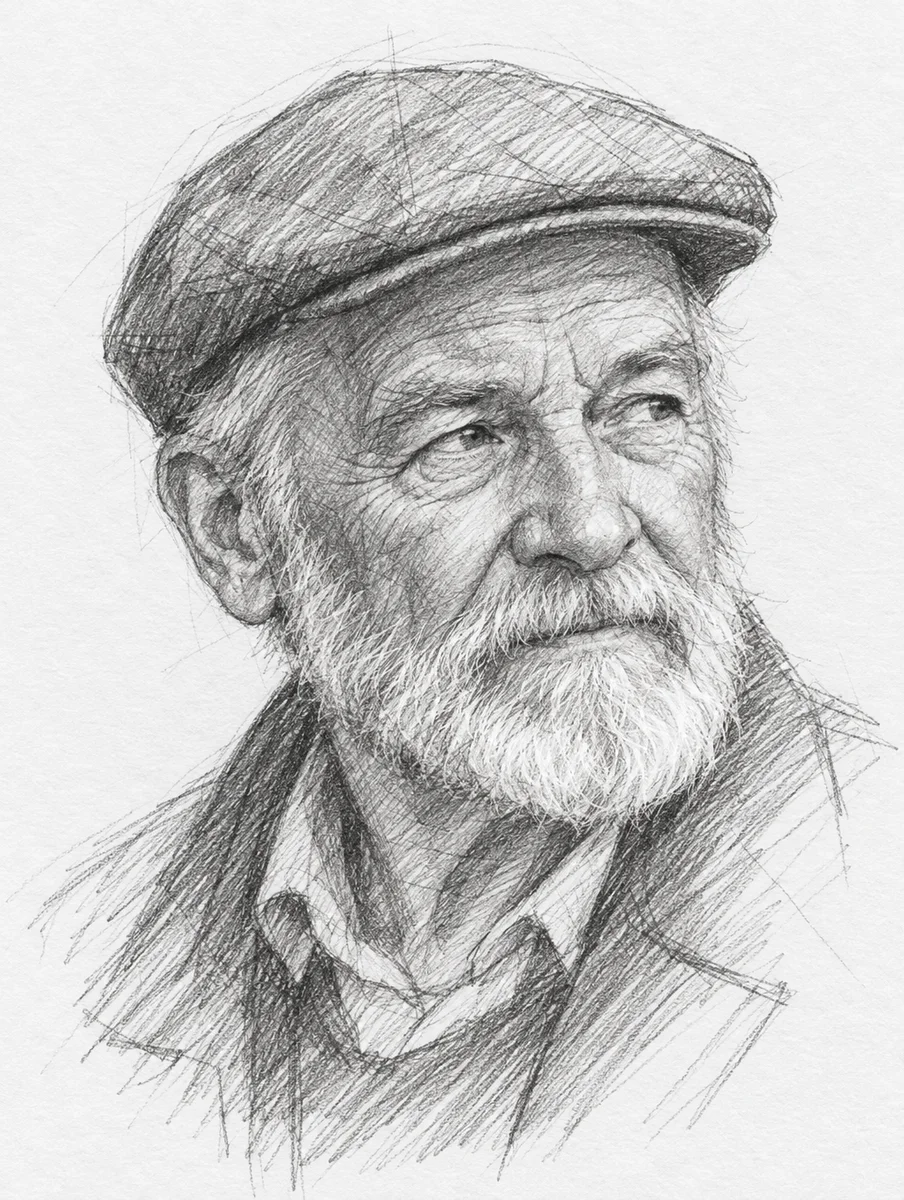
Portrait
An old man with a beard and a flat cap, looking slightly off camera
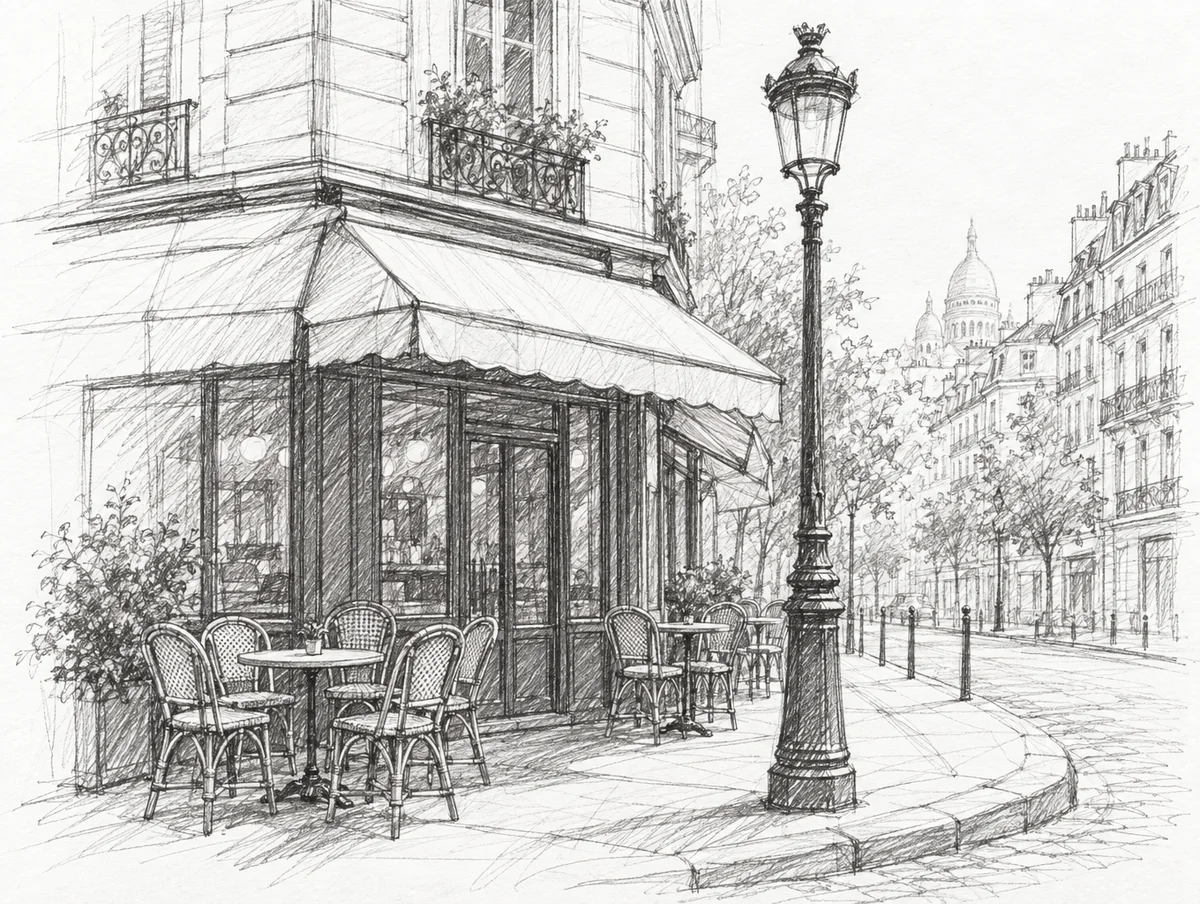
Urban sketch
A Paris street corner cafe with chairs outside and a lamp post
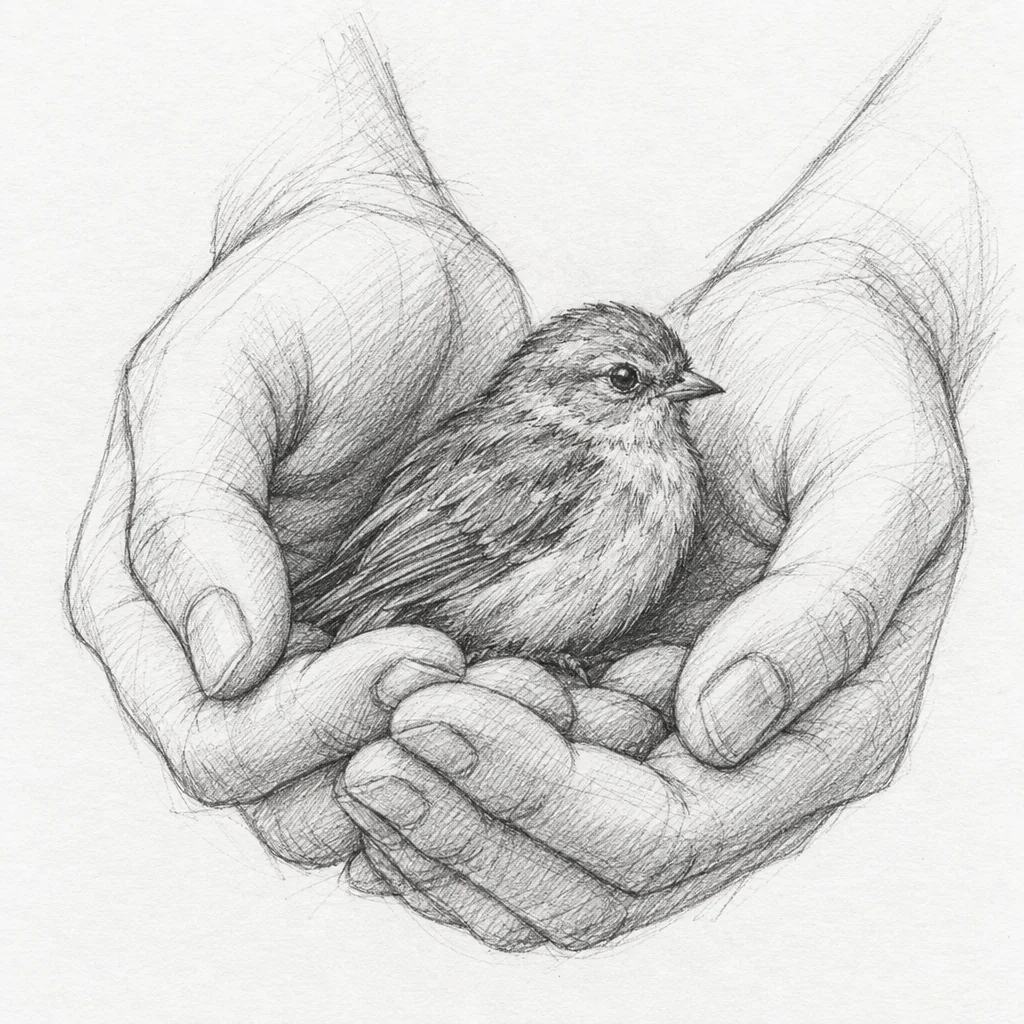
Study
Two hands cupping a small bird
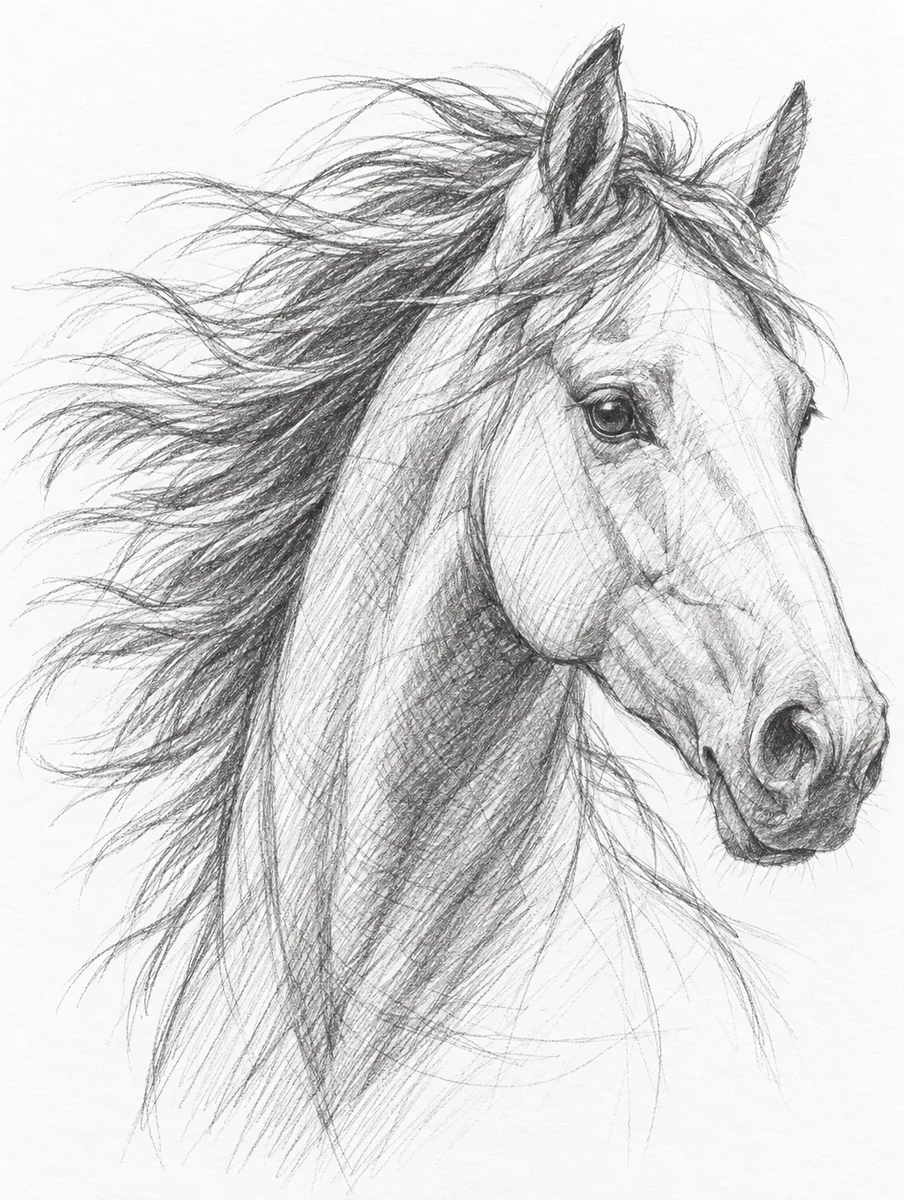
Animal
A horse's head and neck, mane in motion
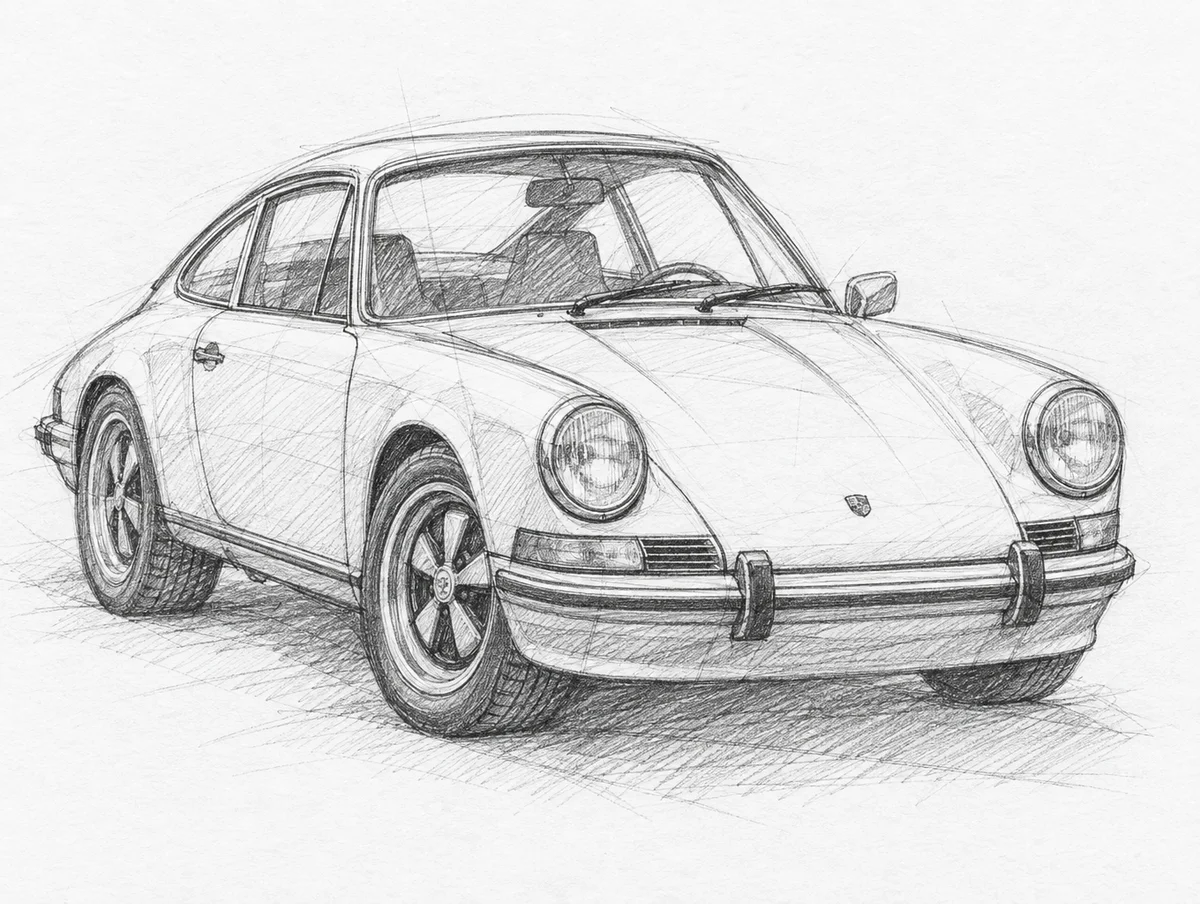
Product
A classic Porsche 911, front three-quarter view
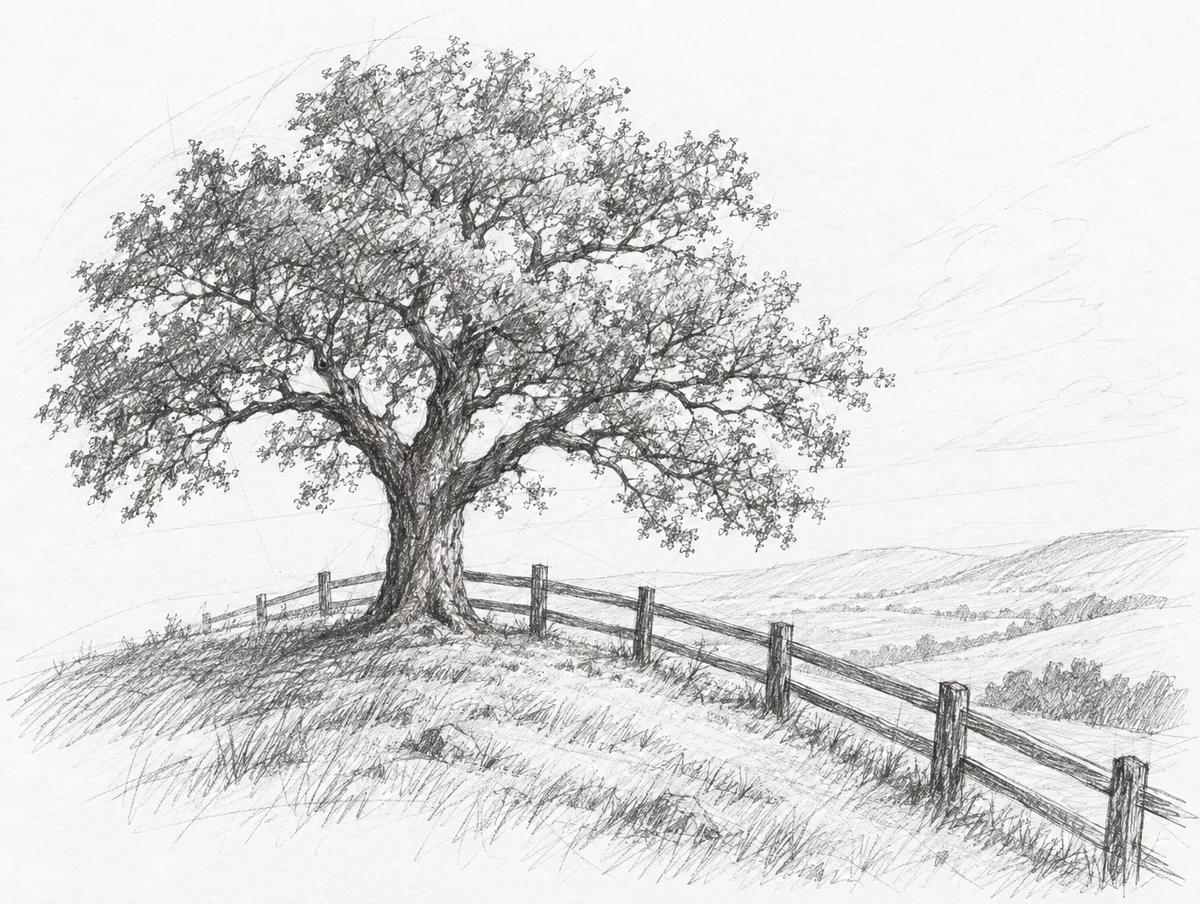
Landscape
A lone oak tree on a hill with a wooden fence
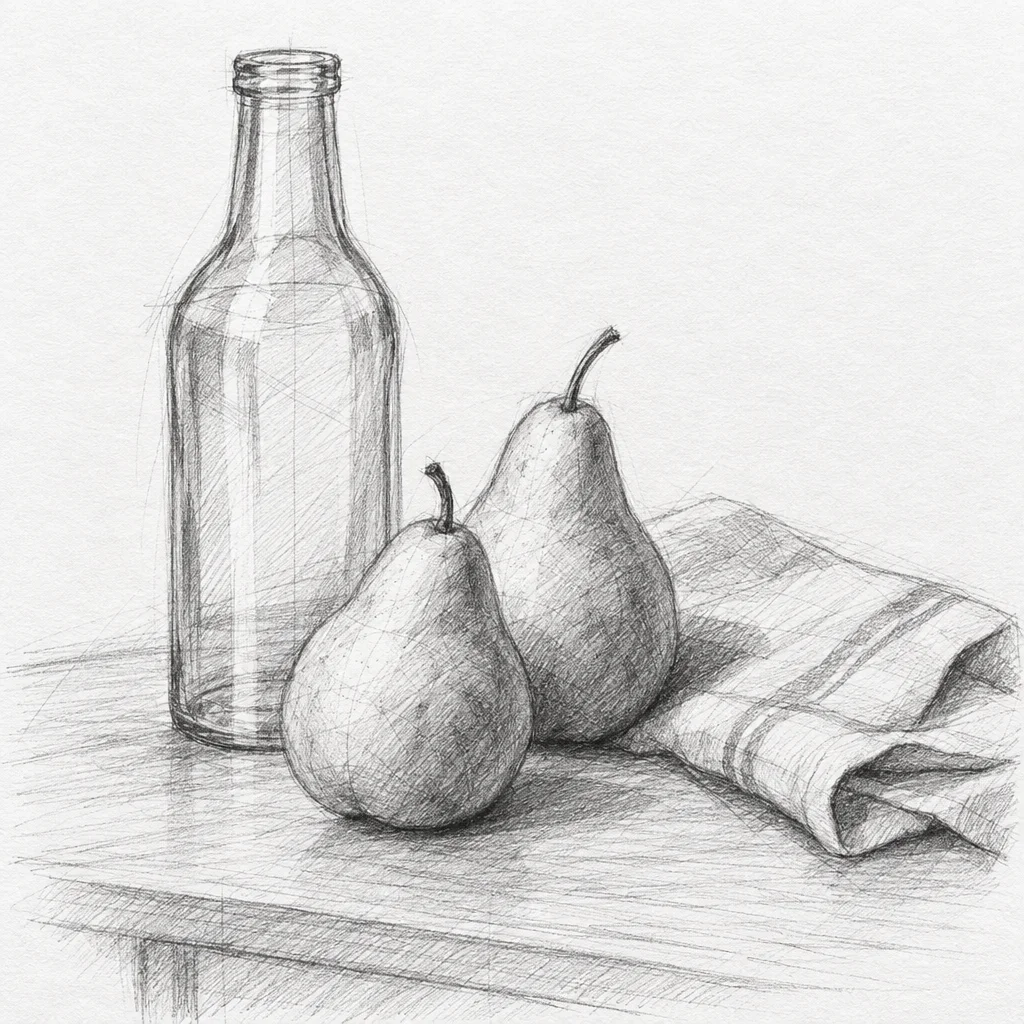
Still life
A glass bottle, two pears and a folded cloth on a table
Every example was generated by us with the prompt shown on GPT Image 2.5 Flare, one try each, unedited.
How it works
- 1
Upload a photo or describe a scene
Portraits, pets, buildings and objects all work. For a photo, say what to keep and what to lose.
- 2
Choose how finished it looks
Loose for a quick study, detailed for a finished drawing. It changes how much hatching and how many construction lines stay.
- 3
Generate and edit
The sketch opens on a canvas where you can crop, add a caption or place it in a card or a frame.
Which AI is best at pencil sketch?
One prompt, every model, one try each: “An old man with a beard and a flat cap, looking slightly off camera” with the same pencil sketch instruction appended. Nothing re-rolled.
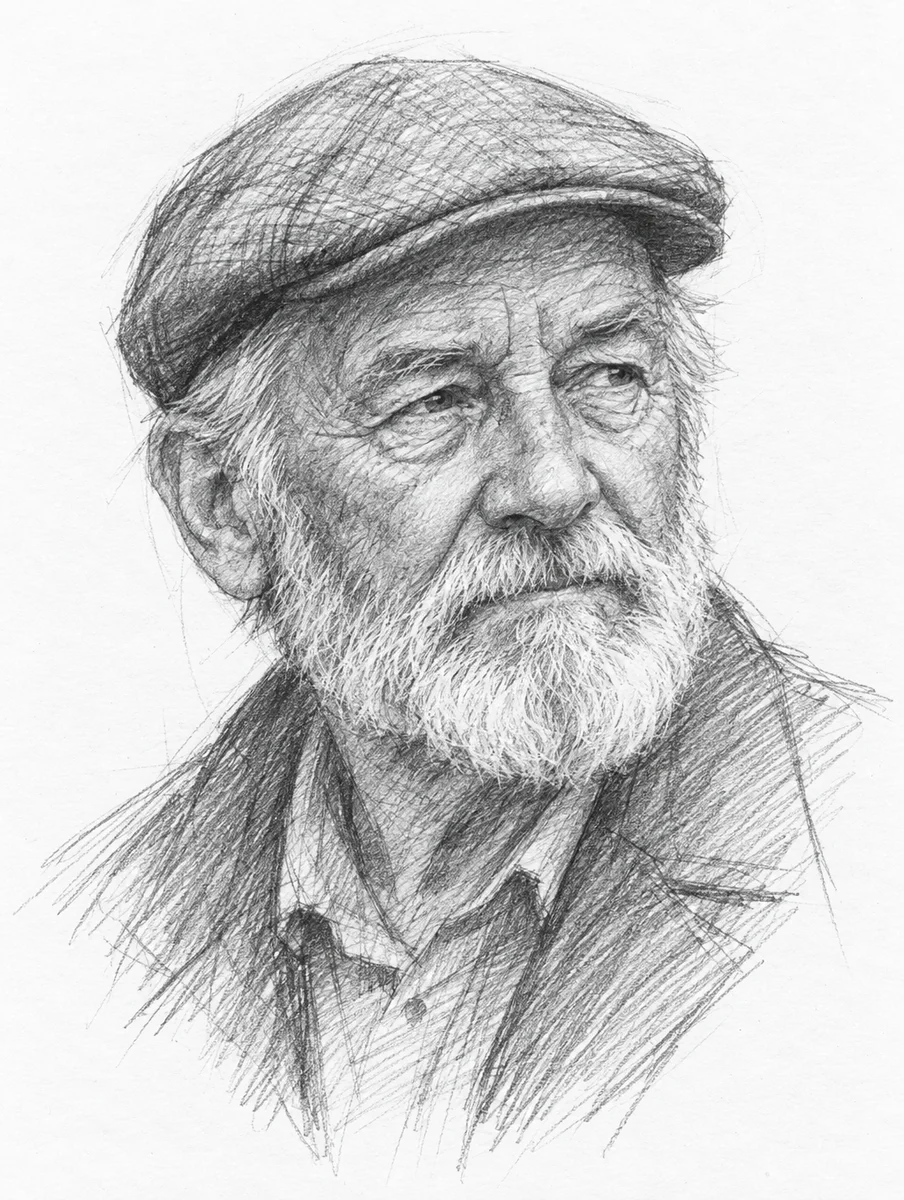
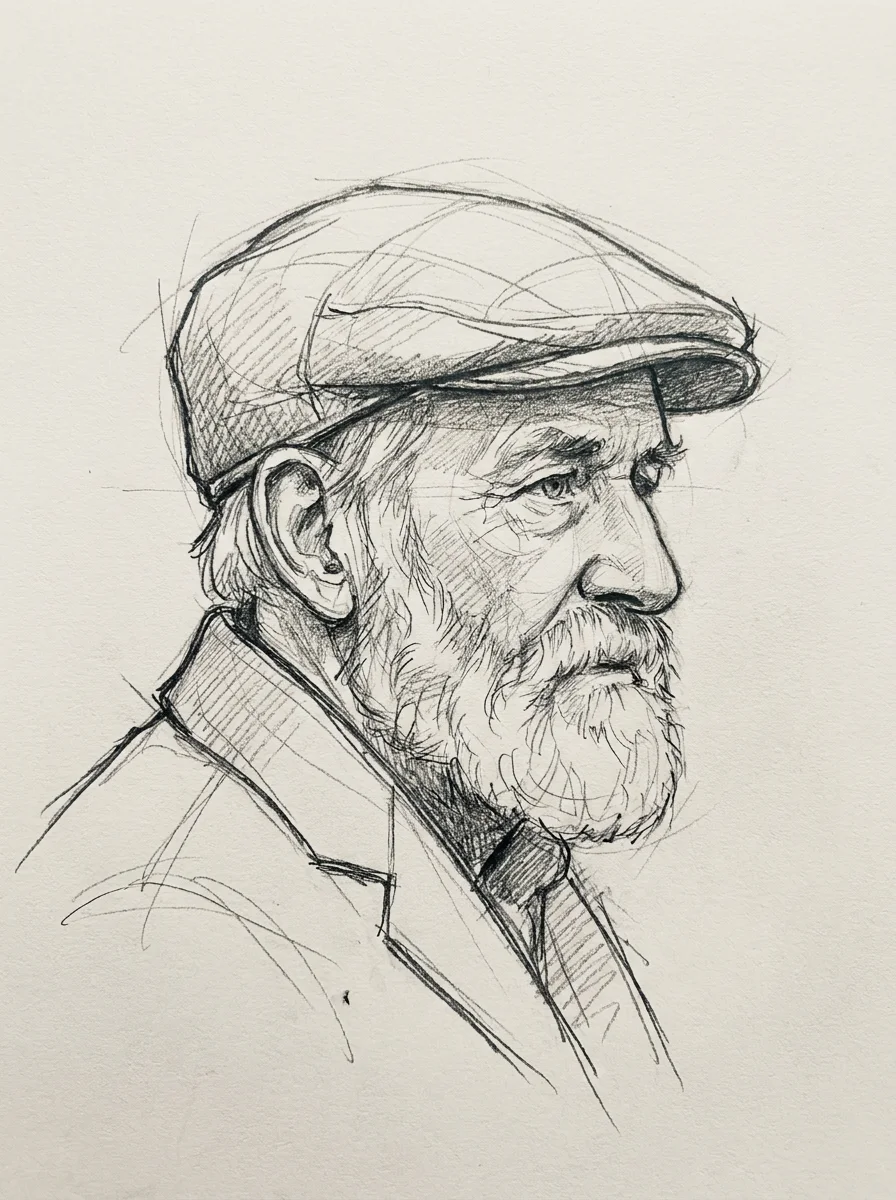
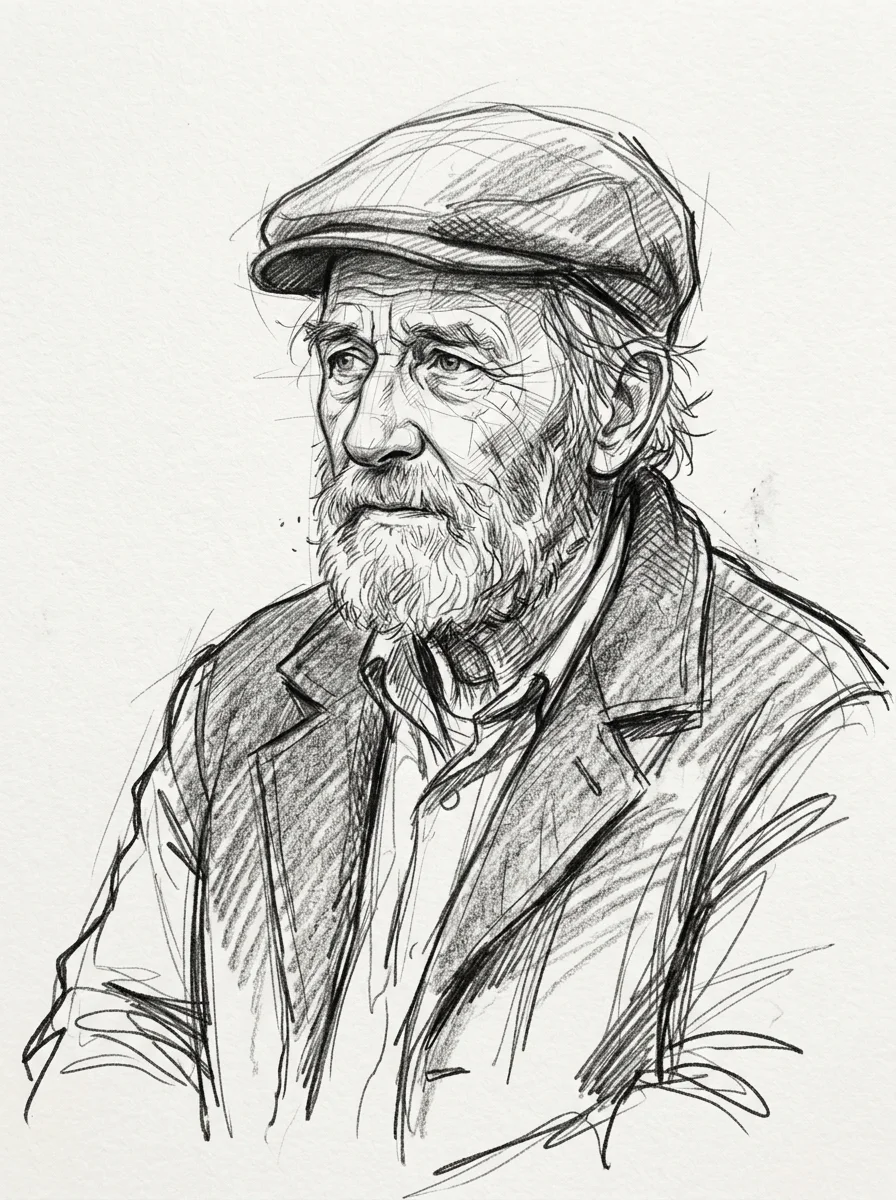
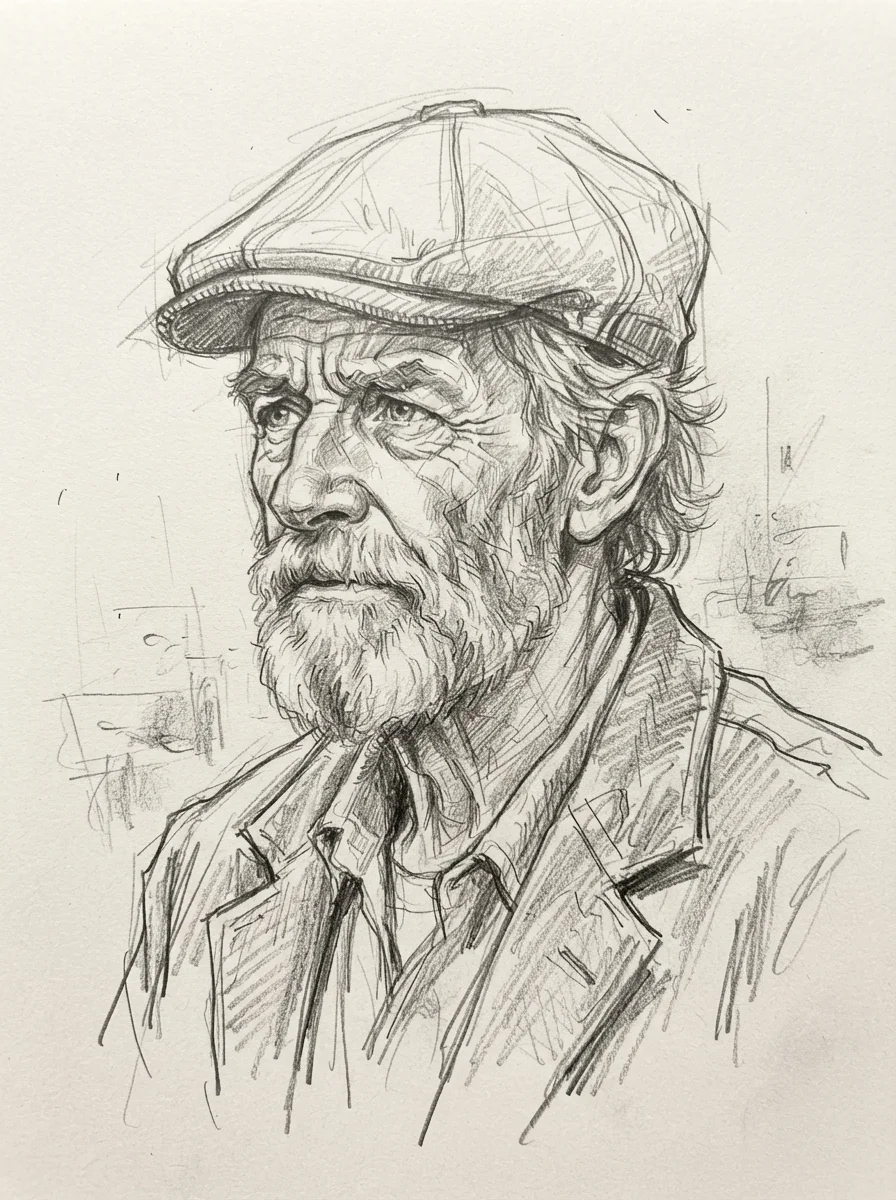
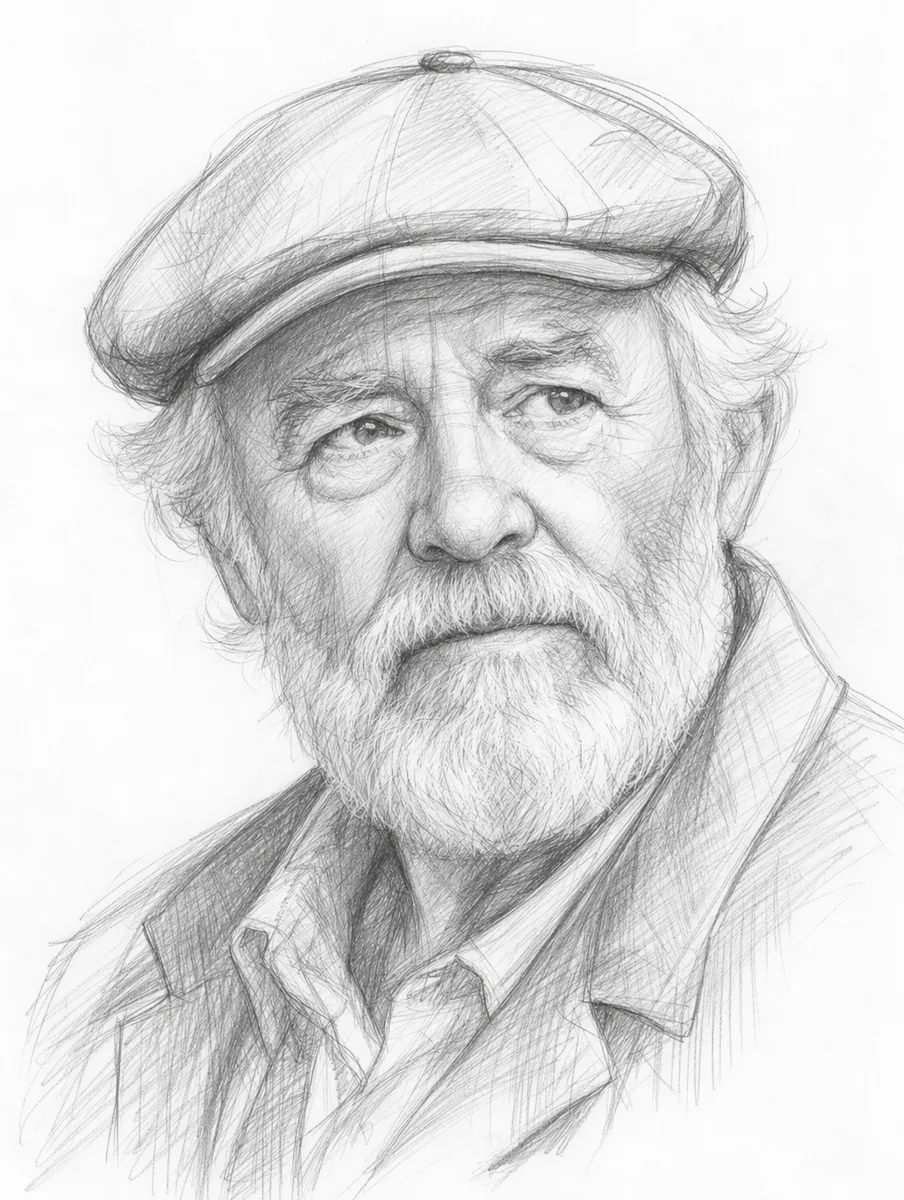
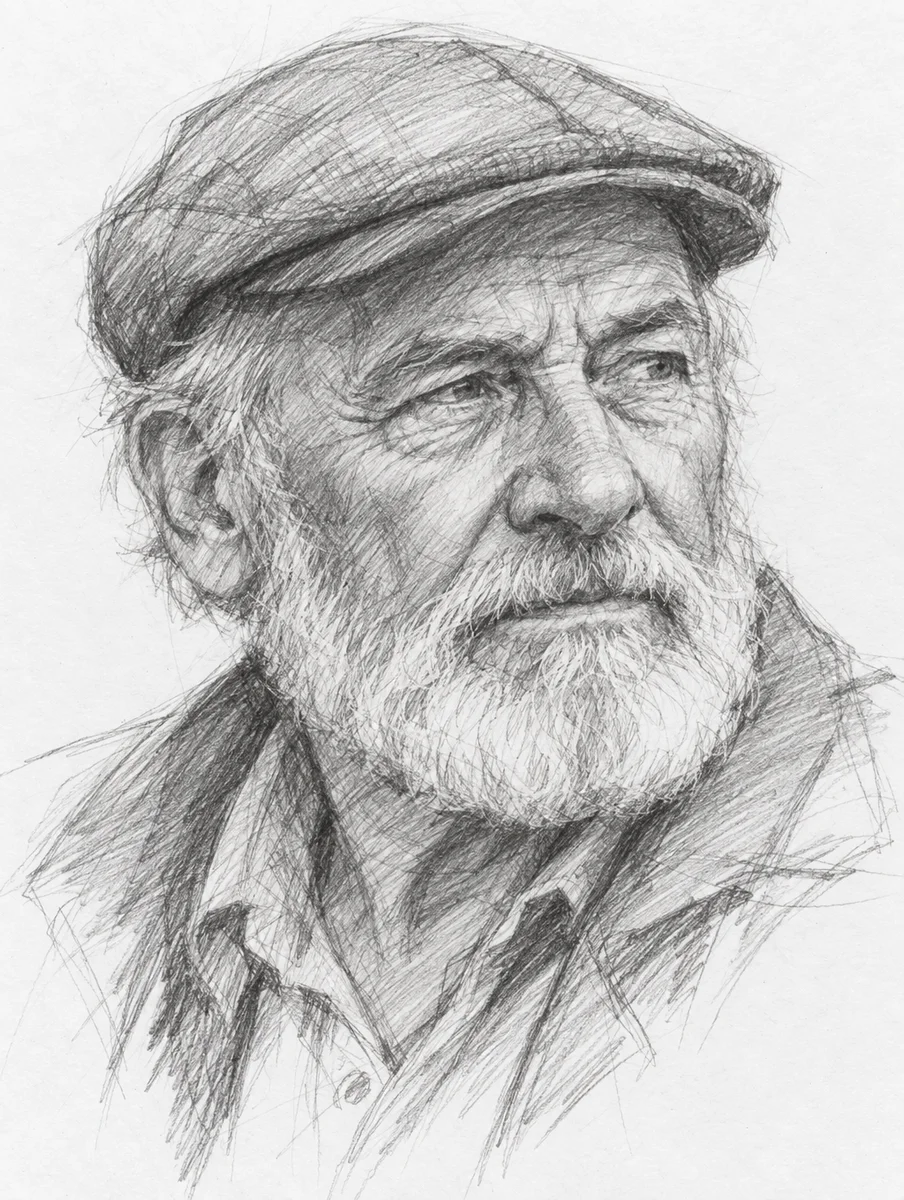
Why the generator defaults to GPT Image 2.5 Flare: Flare is the default because its portrait read as a drawing rather than a filter: dense cross-hatching that follows the form, sharp and lost edges, and a pure white paper that prints clean, in 21 seconds for about four cents. Sunburst was as convincing and slightly finer at 31 seconds. Nano Banana 2 and 2 Lite were the loosest and most hand-made looking of the six, with visible construction lines and a scribbled background, and are the ones to try if you want a quick-study feel; both drew on a cream, textured paper, so expect an off-white page. GPT Image 2 and Nano Banana Pro were both convincing and both slower or dearer than Flare.
What pencil sketch is, and what makes it read as pencil sketch
A pencil sketch reads as a sketch because of how it is made: tone is built from strokes you can see, not from smooth gradients, and the drawing shows its own process in construction lines, corrections and areas left unfinished. The white of the paper is the brightest value. Get those three things right and a drawing looks like a person made it; miss them and it looks like a photo with a filter.
That is where generated sketches most often go wrong. A filter-style result has perfectly even grey shading and no visible strokes. A better one has cross-hatching that follows the form, edges that vary from sharp to lost, and a few stray lines that were never cleaned up. From a photo, the model also has to decide what to leave out; a good sketch drops the background to a few marks and spends its detail on the face.
What people make with it
Portraits as gifts
A photo of a grandparent or a pet as a framed pencil drawing.
Wedding and event stationery
The venue sketched from a photo, on the invitation and the menu.
Architecture and property
A house or a storefront as a drawing for a brochure or a sign.
Product and concept sheets
A sketched version of a product for a pitch, when a render looks too finished.
Social posts
A sketched version of a photo stands out in a feed full of photos.
Frequently asked questions
Is there a free photo to sketch converter?
Yes. Moda's free plan includes a monthly allowance of image generations and a sketch counts as one. Sign up, upload the photo, and download the drawing. Paid plans raise the allowance.
How do I turn a photo into a pencil drawing?
Upload the photo, keep the default prompt or say what to keep and drop, and generate. The model redraws the subject in graphite strokes with hatching for shadow and fades the background. Portraits with even light work best.
Will it look like a real drawing or a filter?
Look at the examples above. A filter gives smooth grey; these show strokes, hatching and construction lines. If a result comes back too smooth, add 'loose strokes, visible hatching, unfinished edges' to the prompt.
Which AI is best at pencil sketches?
We ran the same prompt through six current models; the results are on this page. The generator defaults to the one whose shading read as strokes rather than gradient. You can switch models on the canvas.
Can I get it in colour, as a coloured pencil drawing?
Yes, add 'coloured pencil, muted palette' to the prompt. This page defaults to graphite because that is what most people mean by a sketch.