Line art generator
Turn a photo into a line drawing, or describe one from scratch. Clean, single-weight lines you can recolour, resize and drop into a design.
Free to try with a Moda account. Your result opens on a canvas you can edit and export.
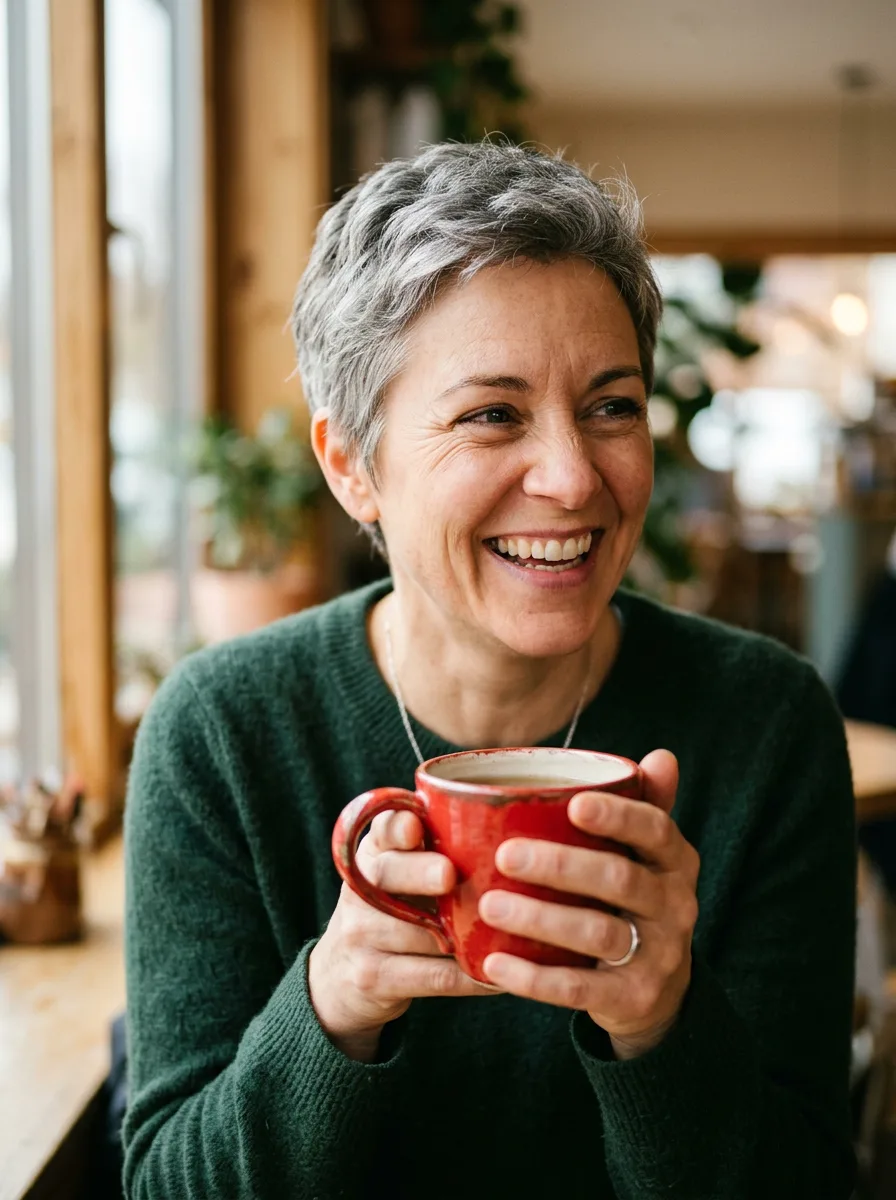
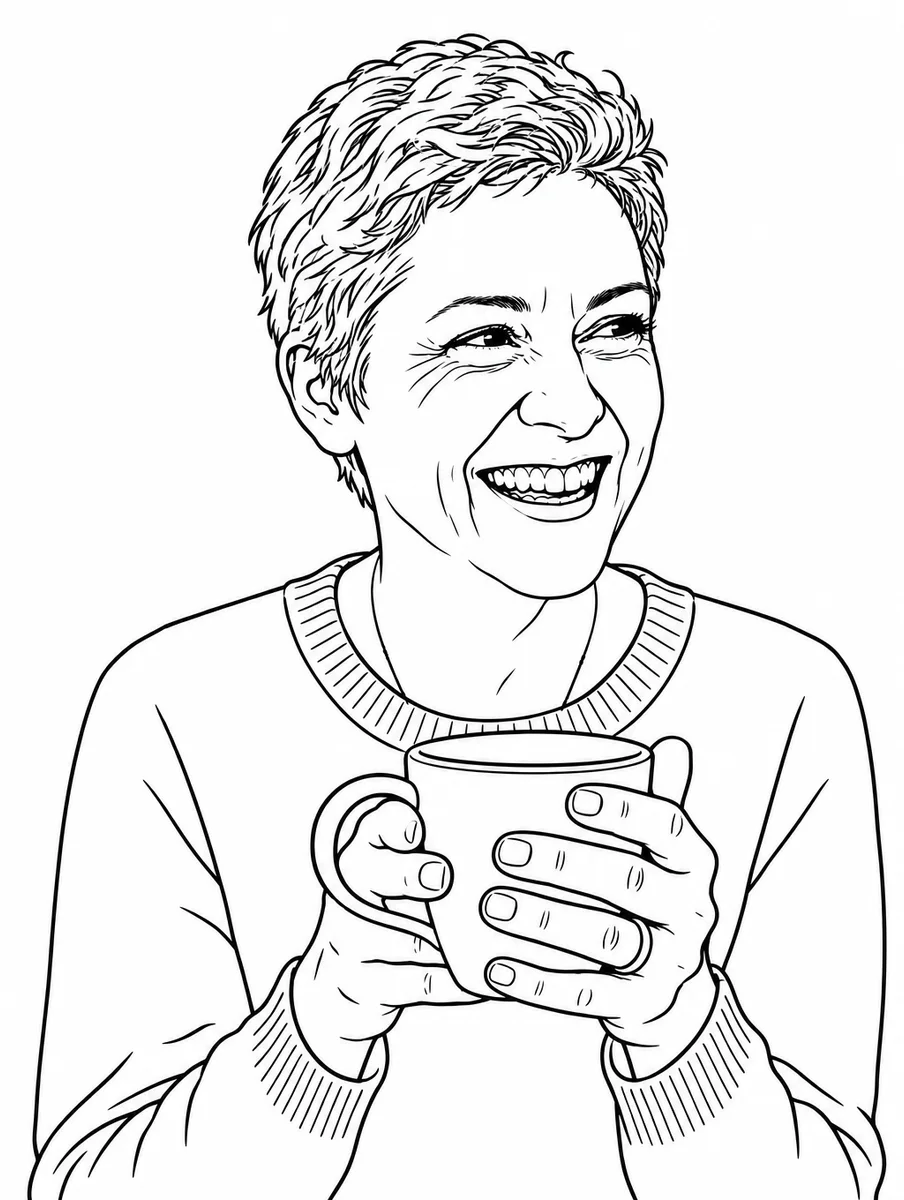
From a photo
Keep the woman, the mug and her hands. Drop the background. The photo is one we generated with Nano Banana 2 for our model tests, so nobody's likeness is involved.
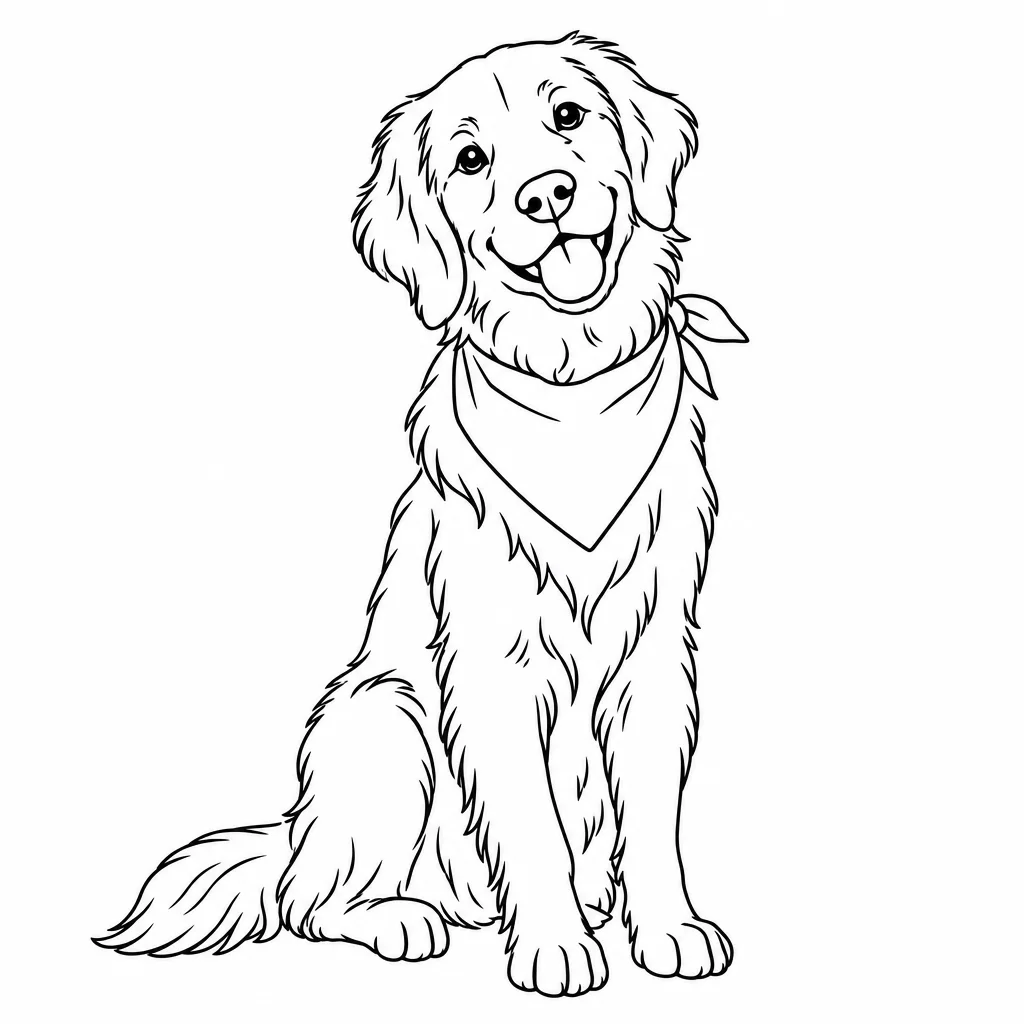
Pet portrait
A golden retriever sitting, head tilted, wearing a bandana
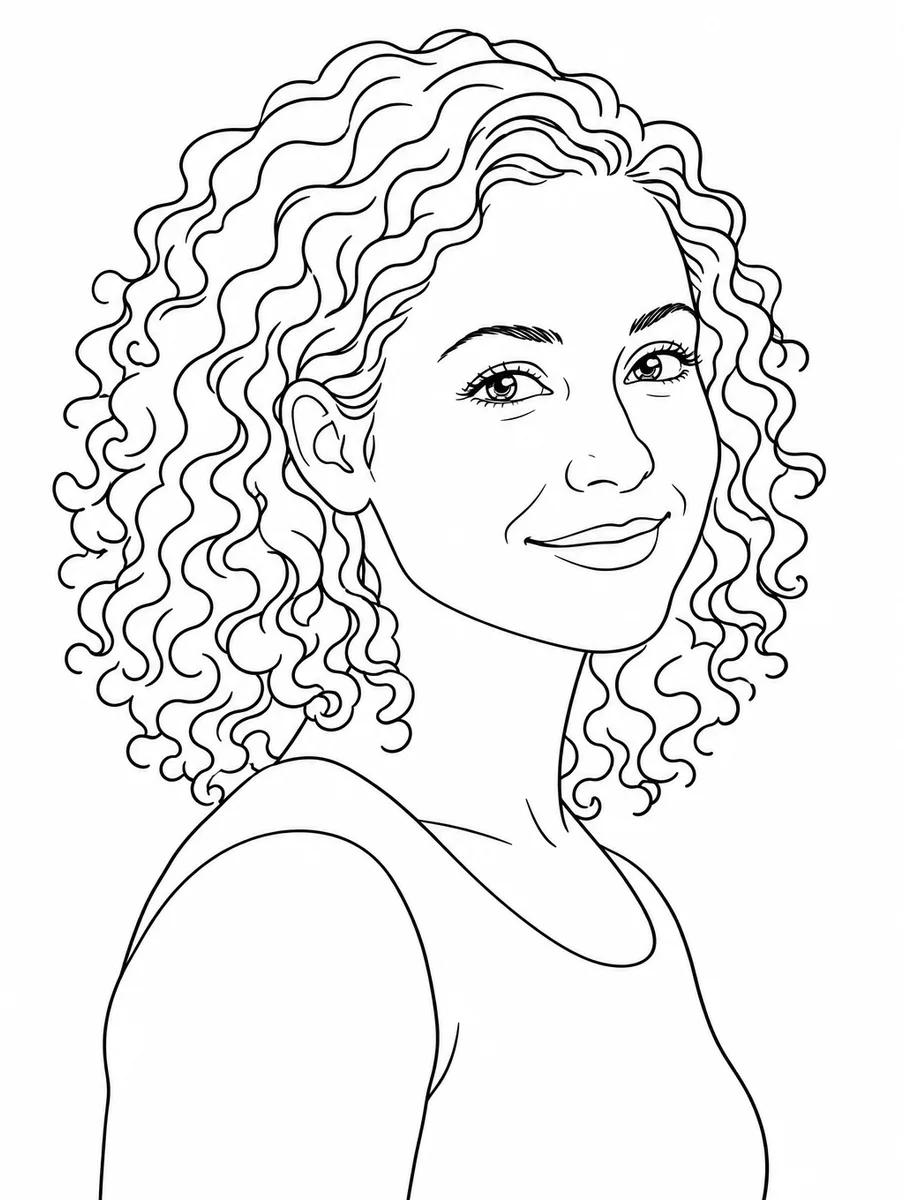
Portrait
A woman in her 30s with curly hair, three-quarter view, gentle smile
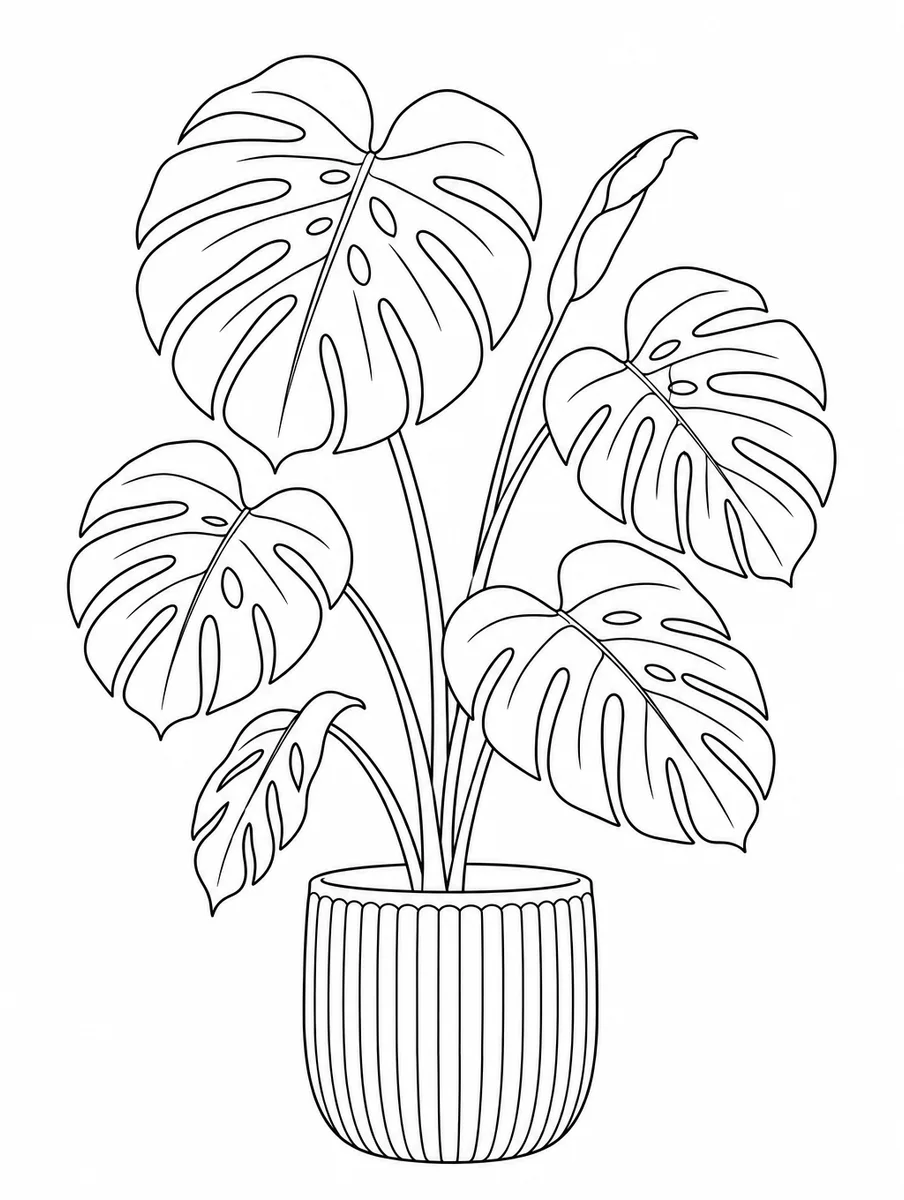
Botanical
A monstera plant in a ribbed ceramic pot
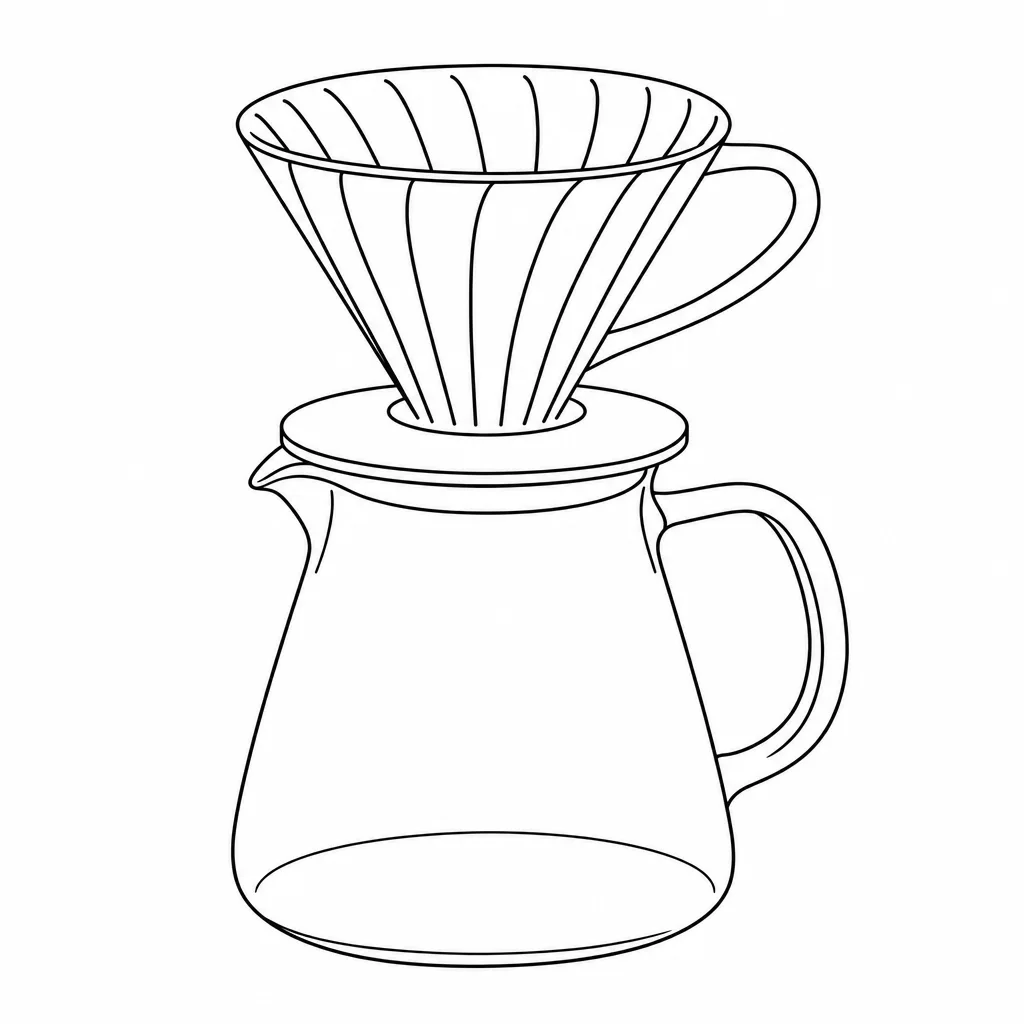
Product
A pour-over coffee dripper on a glass carafe, three-quarter view
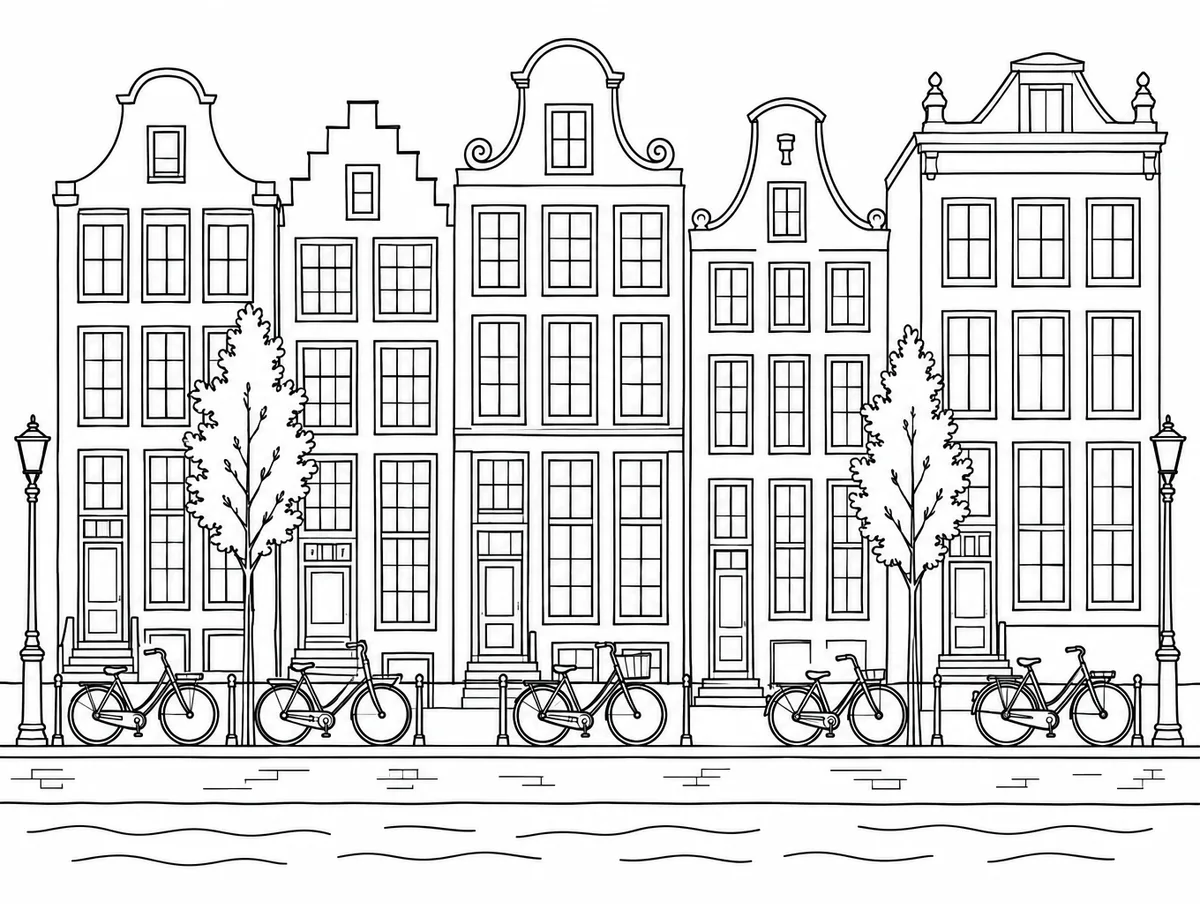
Architecture
A row of Amsterdam canal houses with bicycles parked out front
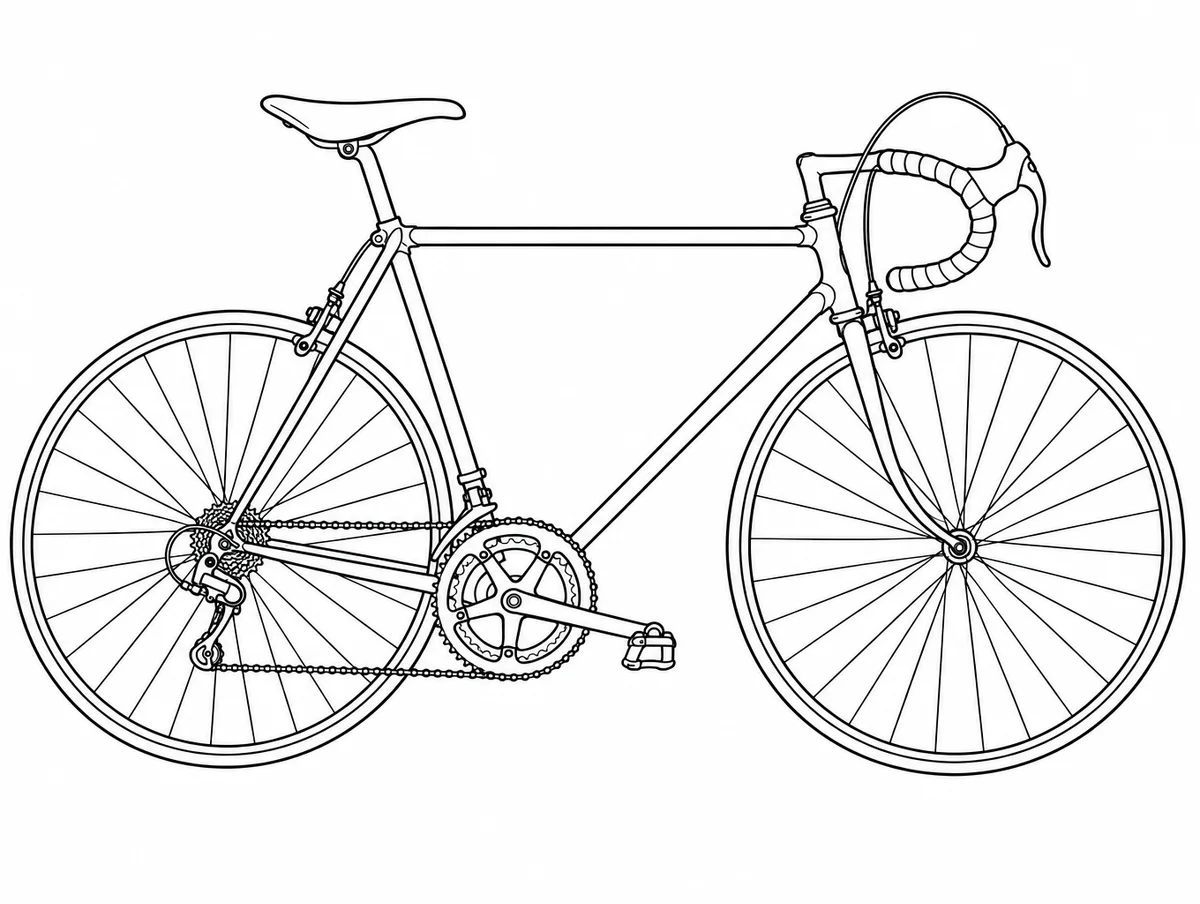
Object
A vintage road bicycle, side view
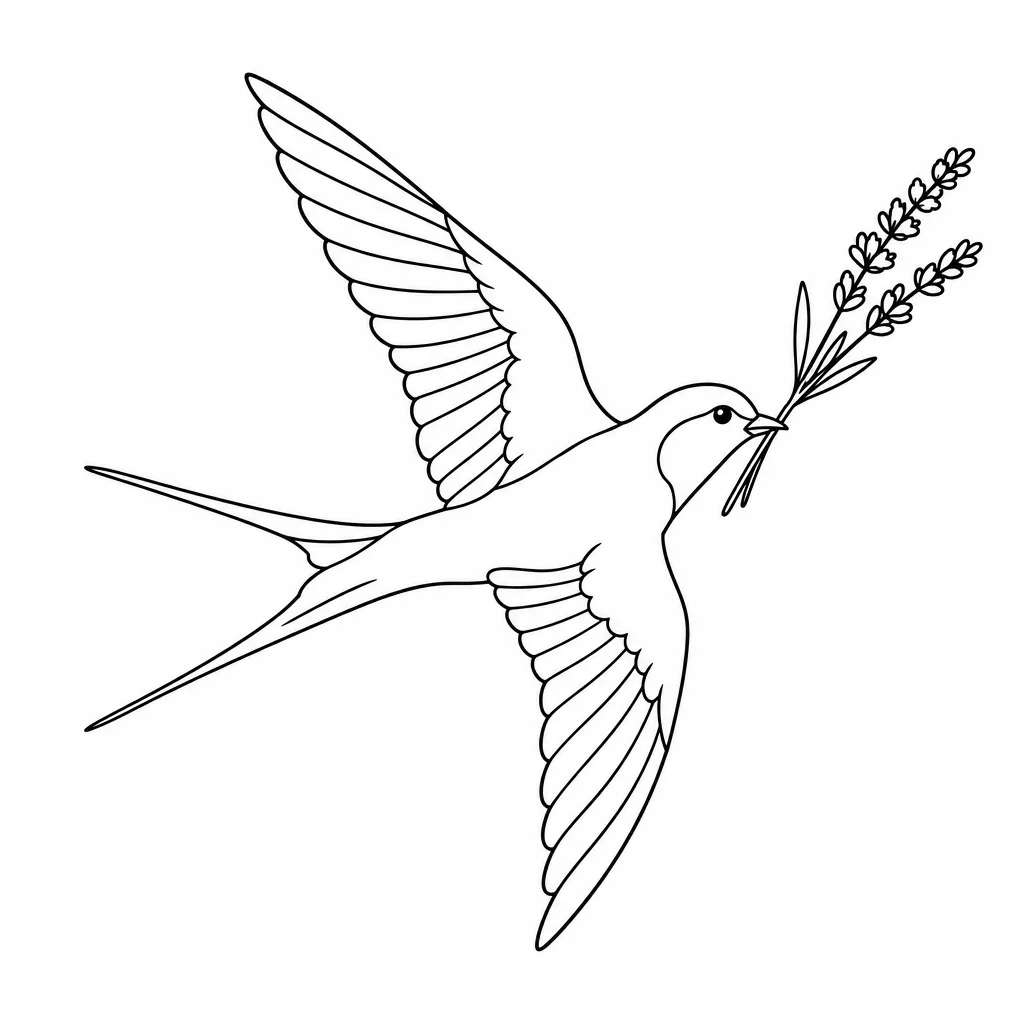
Tattoo flash
A swallow carrying a sprig of lavender
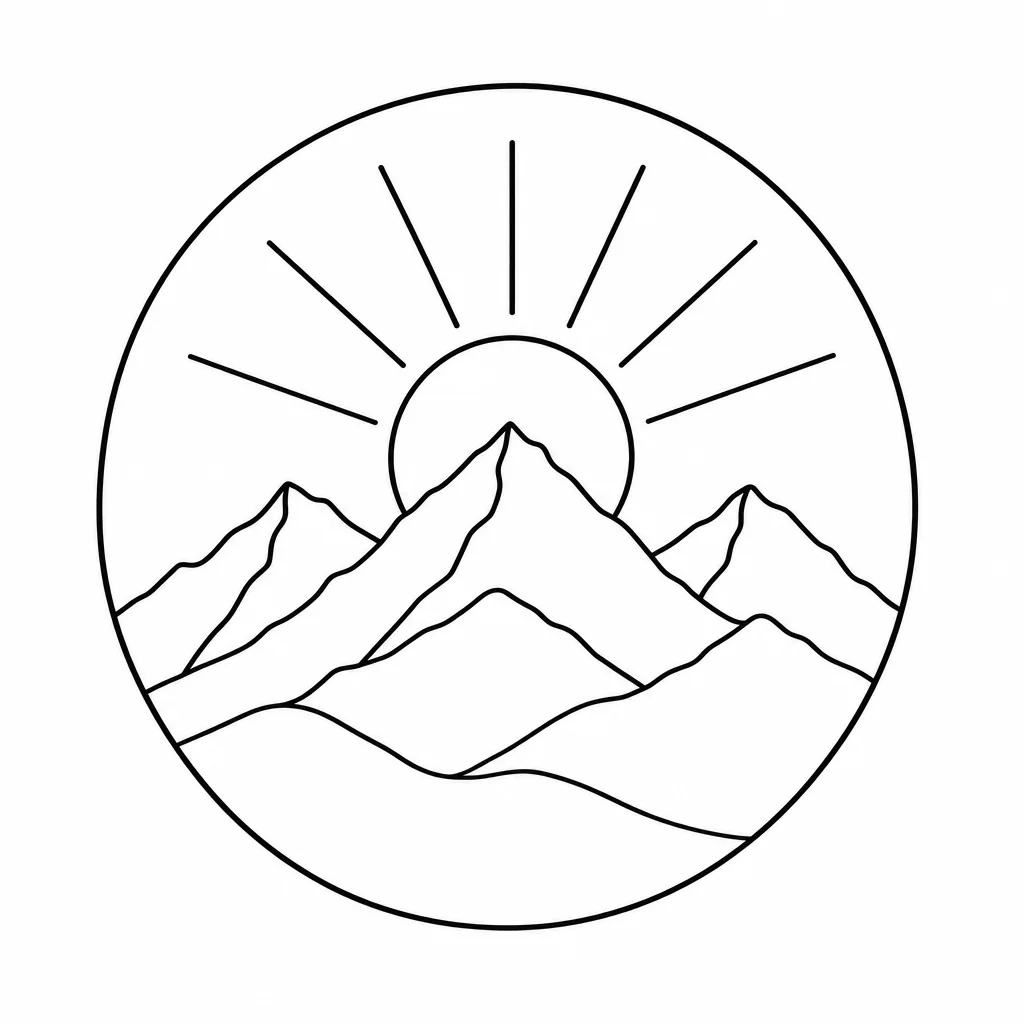
Logo mark
A mountain range with a rising sun, fits in a circle
Every example was generated by us with the prompt shown on GPT Image 2.5 Flare, one try each, unedited.
How it works
- 1
Drop in a photo, or describe one
Upload a picture to turn into a line drawing, or type what you want from scratch. Pets, portraits, products and buildings all work.
- 2
Pick a weight
Fine, medium or bold lines. Fine for detail, bold for logos and stickers.
- 3
Generate and edit
Your line art opens on a canvas where you can recolour it, resize it, add text or place it in a design.
Which AI is best at line art?
One prompt, every model, one try each: “A golden retriever sitting, head tilted, wearing a bandana” with the same line art instruction appended. Nothing re-rolled.
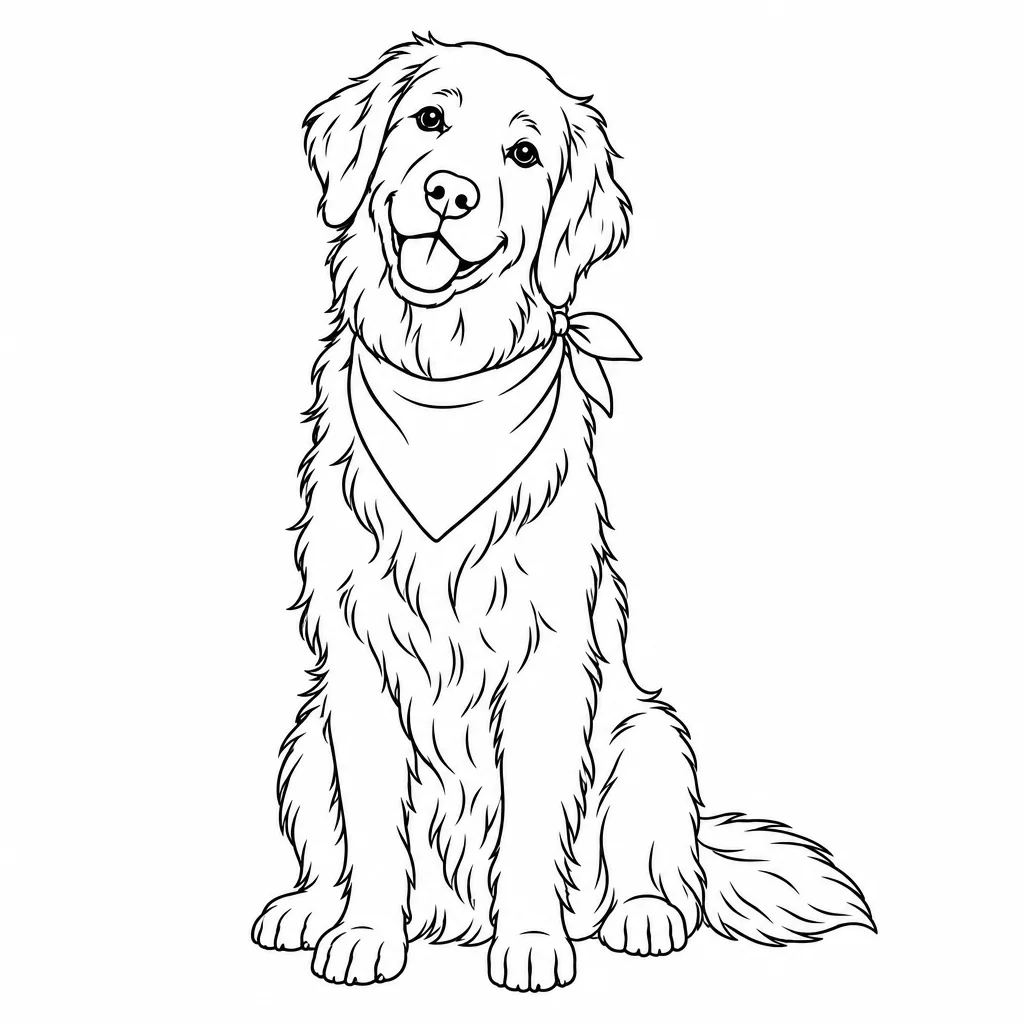
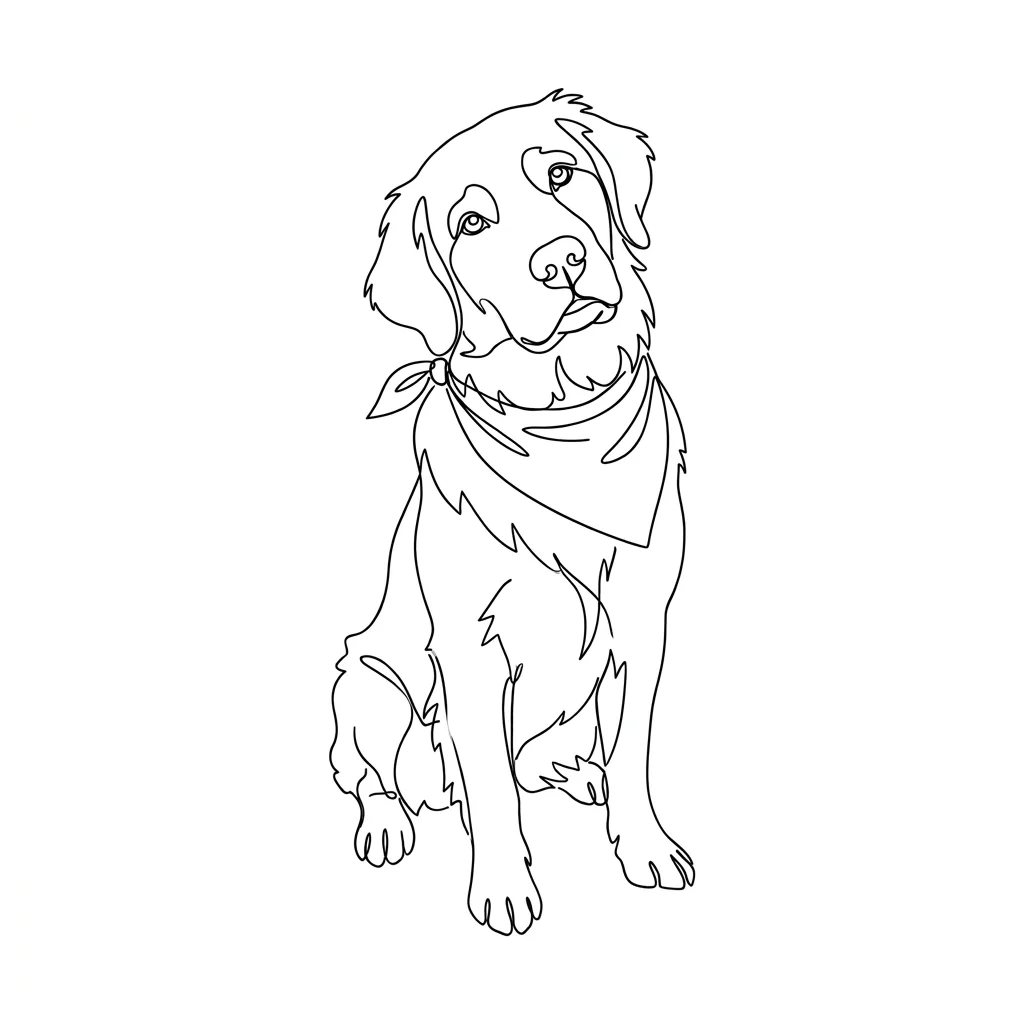
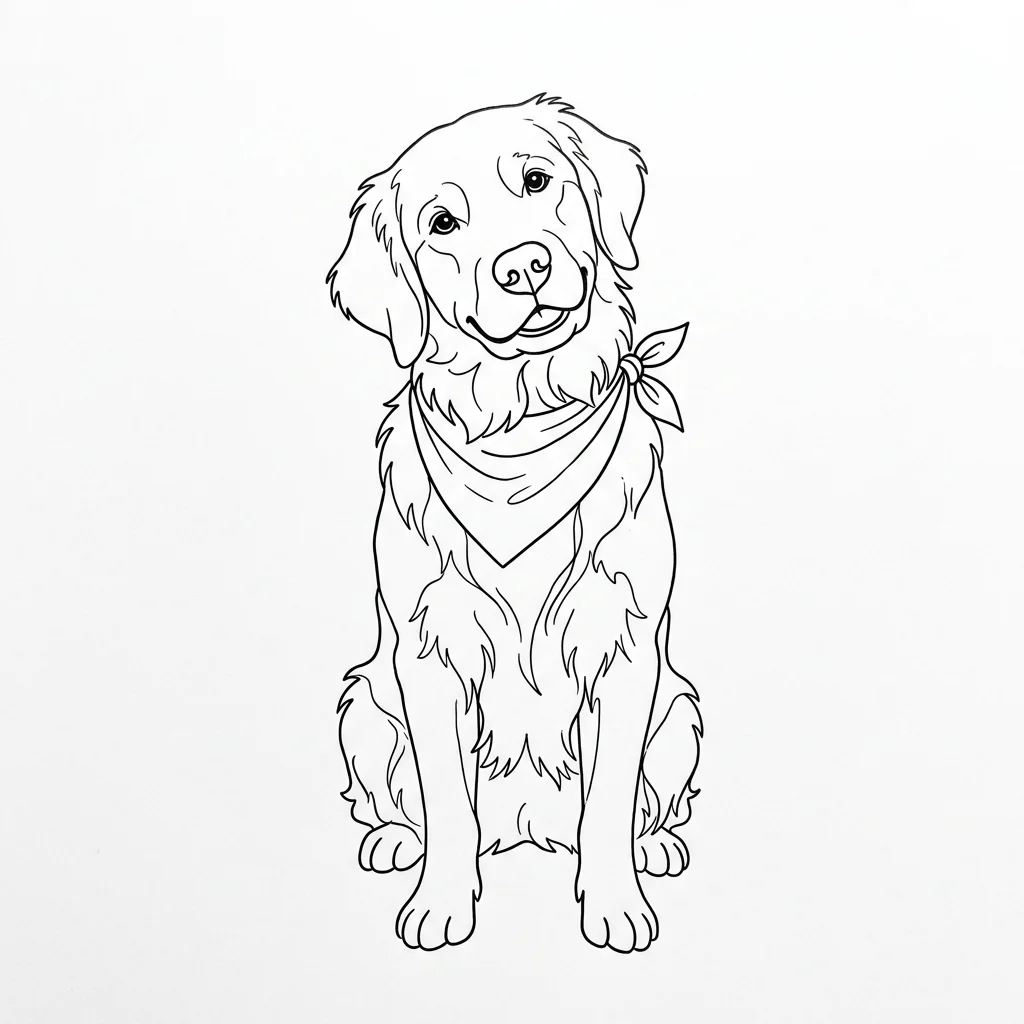
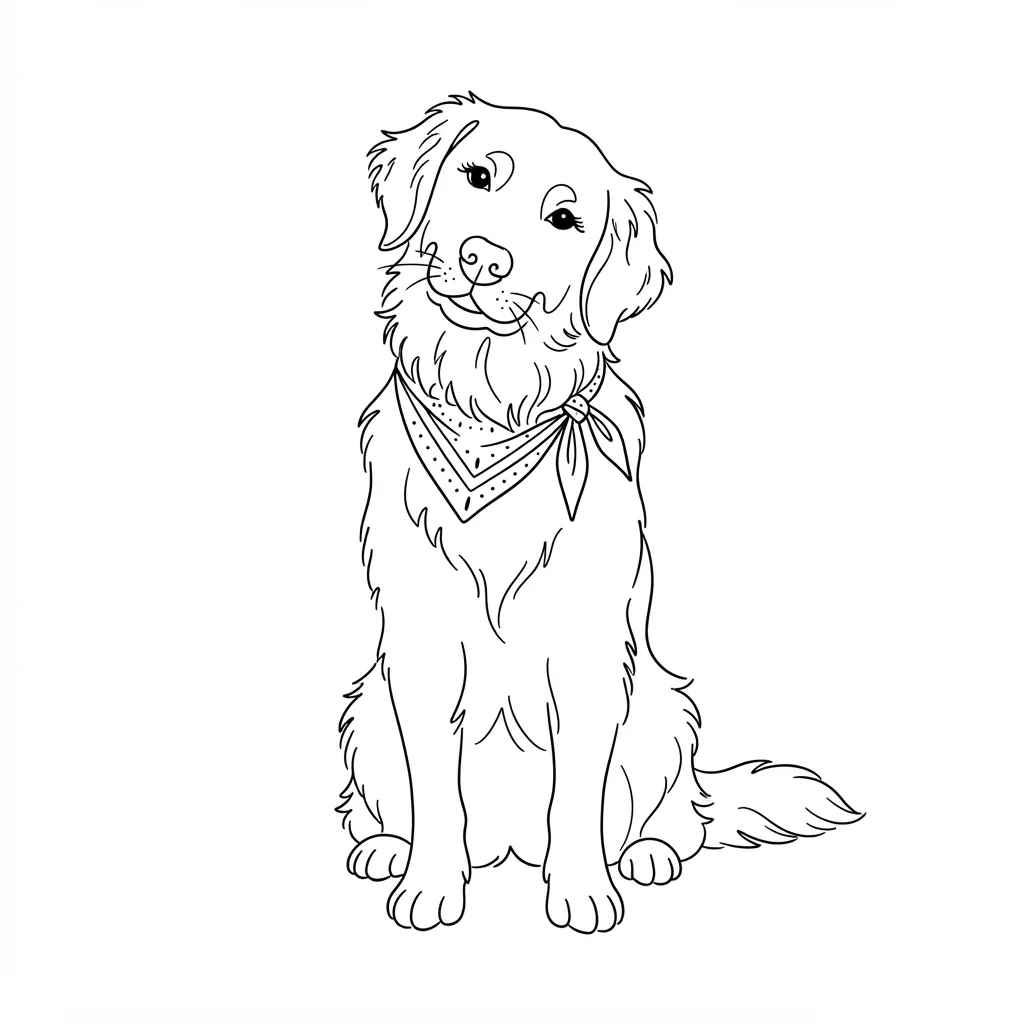
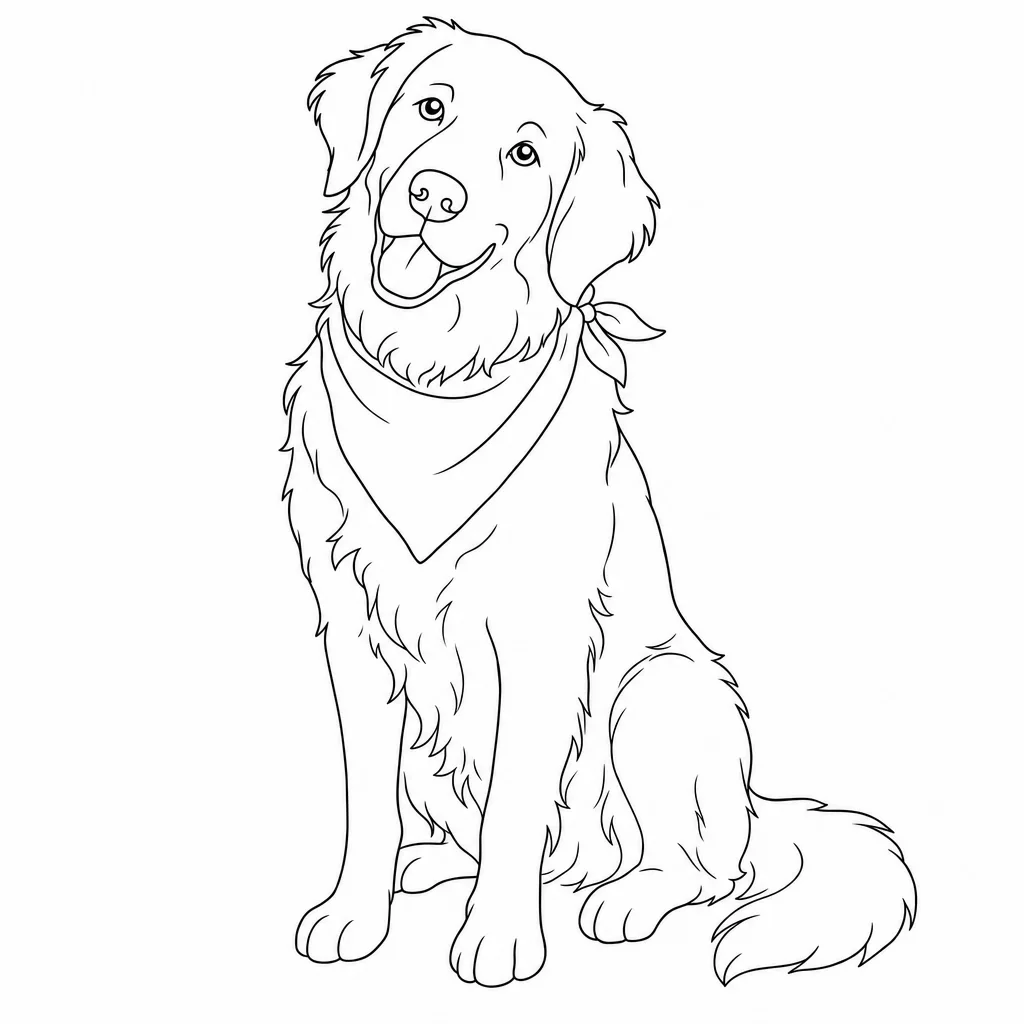
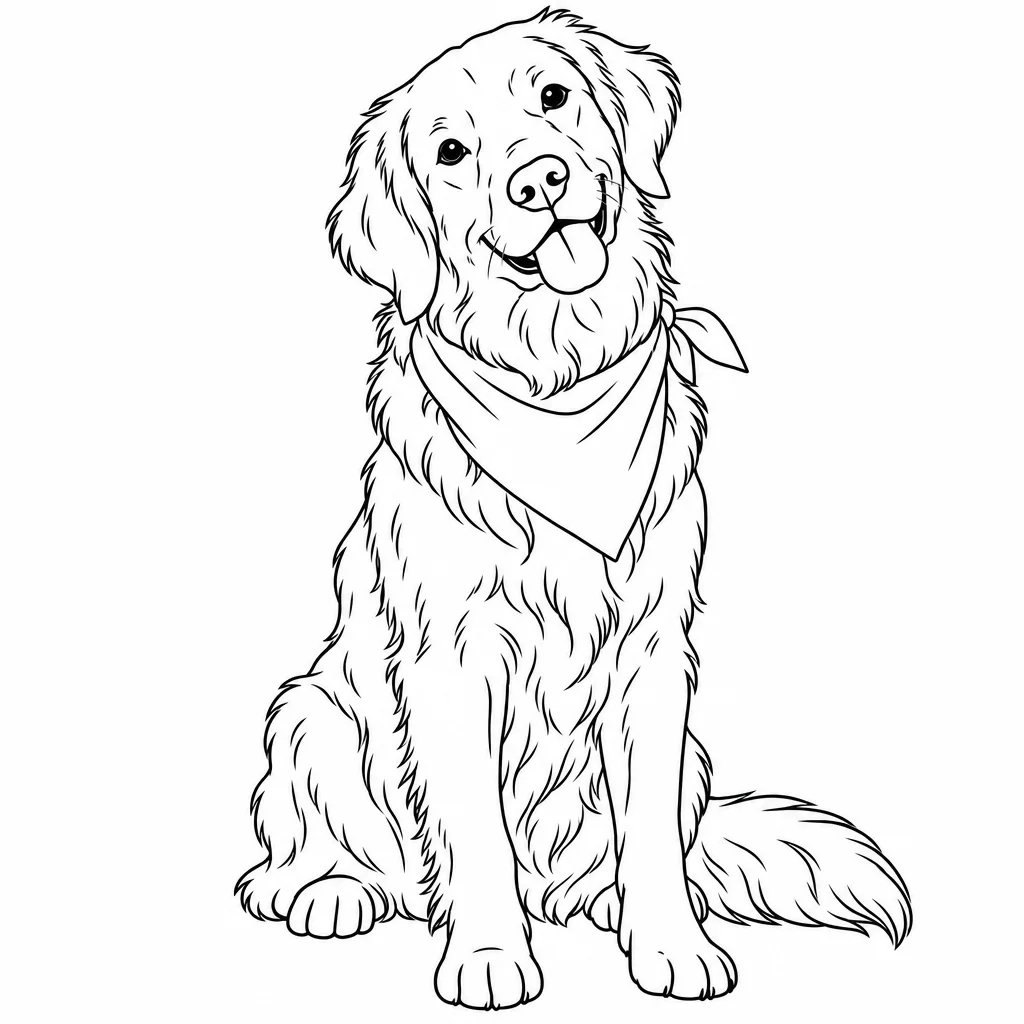
Why the generator defaults to GPT Image 2.5 Flare: It was the cleanest result in the least time. Flare kept one line weight, a pure white background and the tilted head, in 20 seconds for about five cents. GPT Image 2 and Sunburst were as clean but took 111 and 32 seconds, and GPT Image 2 costs four times as much. Nano Banana 2 drew on an off-white paper tint that would print grey; Nano Banana Pro turned the brief into a single continuous line, a different style; Nano Banana 2 Lite was fastest at three seconds and a fair fallback when speed matters more than detail.
What line art is, and what makes it read as line art
Line art is a drawing made only of lines: outlines and a few interior contours, with no shading, no fills and no colour. The white of the page does the rest. It is the oldest kind of illustration and still the most useful, because a clean line drawing survives being shrunk to an icon, blown up to a poster, printed in one colour, cut from vinyl or inked onto skin.
The tells of good line art are consistency and restraint. Every line is the same weight, or varies for a reason. Lines meet cleanly at corners instead of overshooting. Detail is spent where the eye goes, the face and hands in a portrait, and left out everywhere else. The most common failure in generated line art is the opposite: hatching creeping in as shading, lines that fray into double strokes, and backgrounds that fill with texture the prompt never asked for.
What people make with it
Colouring pages
Closed shapes and an empty background are exactly what a colouring page needs. Print at A4 or Letter.
Logos and marks
A single-weight line drawing reads at 32 pixels and on a shop sign. Recolour it to the brand.
Tattoo flash
Fine-line tattoo designs are line art by definition. Generate the idea, then hand it to the artist.
Stickers and merch
One colour, one cut path. Line art is the cheapest thing to print and the easiest to die-cut.
Slides and documents
A line drawing sits beside body text without fighting it, and it never clashes with a brand palette.
Frequently asked questions
Is there a free AI line art generator?
Yes. Moda's free plan includes a monthly allowance of image generations, and line art counts as one generation each. Sign up, describe or upload, and download the result. Paid plans raise the allowance.
How do I turn a photo into a line drawing?
Upload the photo, say what to keep and what to drop, and generate. The model traces the subject as continuous black lines on white and removes the background. Faces and pets come out best from a photo with even light and a plain background. The first example on this page is exactly that.
Can I use the line art commercially?
Yes. Images you generate in Moda are yours to use, including for products, logos and client work. Do not upload photos or artwork you do not have the rights to.
Which AI is best at line art?
We ran the same prompt through six current models; the results are on this page. The generator defaults to the one that kept a single line weight and an empty background most often. You can switch models on the canvas.
Can I get a vector (SVG) instead of a PNG?
Generated line art is a raster image. On the Moda canvas you can trace it to vector paths, which is what you want for cutting, embroidery and logos that need to scale.
Why does my line art have grey shading?
The model read the prompt as a sketch. Add 'no shading, no hatching, black lines only on white' and lower the detail in the description. Bold weight also suppresses shading.