Where Black works best
HEX
#000000
RGB
0, 0, 0
HSL
0°, 0%, 0%
HSV
0°, 0%, 0%
Black (#000000) is the absence of color in the additive (RGB) model and the combination of all colors in subtractive (CMYK) printing. It is the highest-contrast option for text and the most authoritative dark value in design.
Best for
Corporate branding, executive reports, and enterprise-level web design.
Accessibility
White text on black passes AAA at 21:1, so it is safe for dark backgrounds and section headers.
How does black compare to nearby colors?
What is the difference between black and taupe?
Side by side, Black (#000000) carries more shadow and weight than Taupe (#483C32). Black gives the palette a more grounded center of gravity, which matters if headlines, UI chrome, or darker sections need to feel settled. Reach for black when the family needs more shadow and permanence, and use taupe when you want the same neighborhood without the extra darkness.
What color is black?
Black is the default text color across virtually all digital and print media. In design, it provides maximum contrast against white and light backgrounds. Pure black (#000000) can feel stark on screen — many designers prefer near-blacks like charcoal (#36454F) for a softer feel.
What is the hex code for black?
| Format | Value |
|---|---|
| HEX | #000000 |
| RGB | rgb(0, 0, 0) |
| HSL | hsl(0°, 0%, 0%) |
| HSV / HSB | hsv(0°, 0%, 0%) |
| CMYK (approx.) | cmyk(0%, 0%, 0%, 100%) |
Convert Black to other color formats
Open the color converter with Black (#000000) prefilled to copy RGB, HSL, HSV, CMYK, or OKLCH values.
Convert Black in the color converter →What does black mean in design?
Black often signals authority, formality, and reduction. In luxury systems it can feel deliberate and expensive; in UI it can feel stark, technical, or severe depending on spacing and typography. Compared with onyx or charcoal, pure black usually reads less tactile and less forgiving, which is why many polished interfaces reserve it for text, key contrast edges, or short dramatic moments.
How do I use black in code?
| CSS (hex) | color: #000000; |
| CSS (rgb) | color: rgb(0, 0, 0); |
| CSS (hsl) | color: hsl(0, 0%, 0%); |
| RGB % | rgb(0%, 0%, 0%) |
| Tailwind | text-[#000000] |
| SwiftUI | Color(red: 0.000, green: 0.000, blue: 0.000) |
| UIKit | UIColor(red: 0.000, green: 0.000, blue: 0.000, alpha: 1.0) |
| Android | Color.rgb(0, 0, 0) |
| Compose | Color(0xFF000000) |
| Web Safe | #000000 |
Is black accessible?
| Combination | Ratio | AA | AA lg | AAA | AAA lg | UI |
|---|---|---|---|---|---|---|
| AaWhite text on this color | 21:1 | ✓ | ✓ | ✓ | ✓ | ✓ |
| AaBlack text on this color | 1:1 | ✗ | ✗ | ✗ | ✗ | ✗ |
| AaThis color as text on white | 21:1 | ✓ | ✓ | ✓ | ✓ | ✓ |
| AaThis color as text on black | 1:1 | ✗ | ✗ | ✗ | ✗ | ✗ |
WCAG 2.1: AA normal ≥ 4.5:1, AA large text ≥ 3:1, AAA normal ≥ 7:1, AAA large ≥ 4.5:1, UI components ≥ 3:1.
How does black look with color blindness?
Simulated appearance for common types of color vision deficiency. Actual perception varies by individual.
What colors go with black
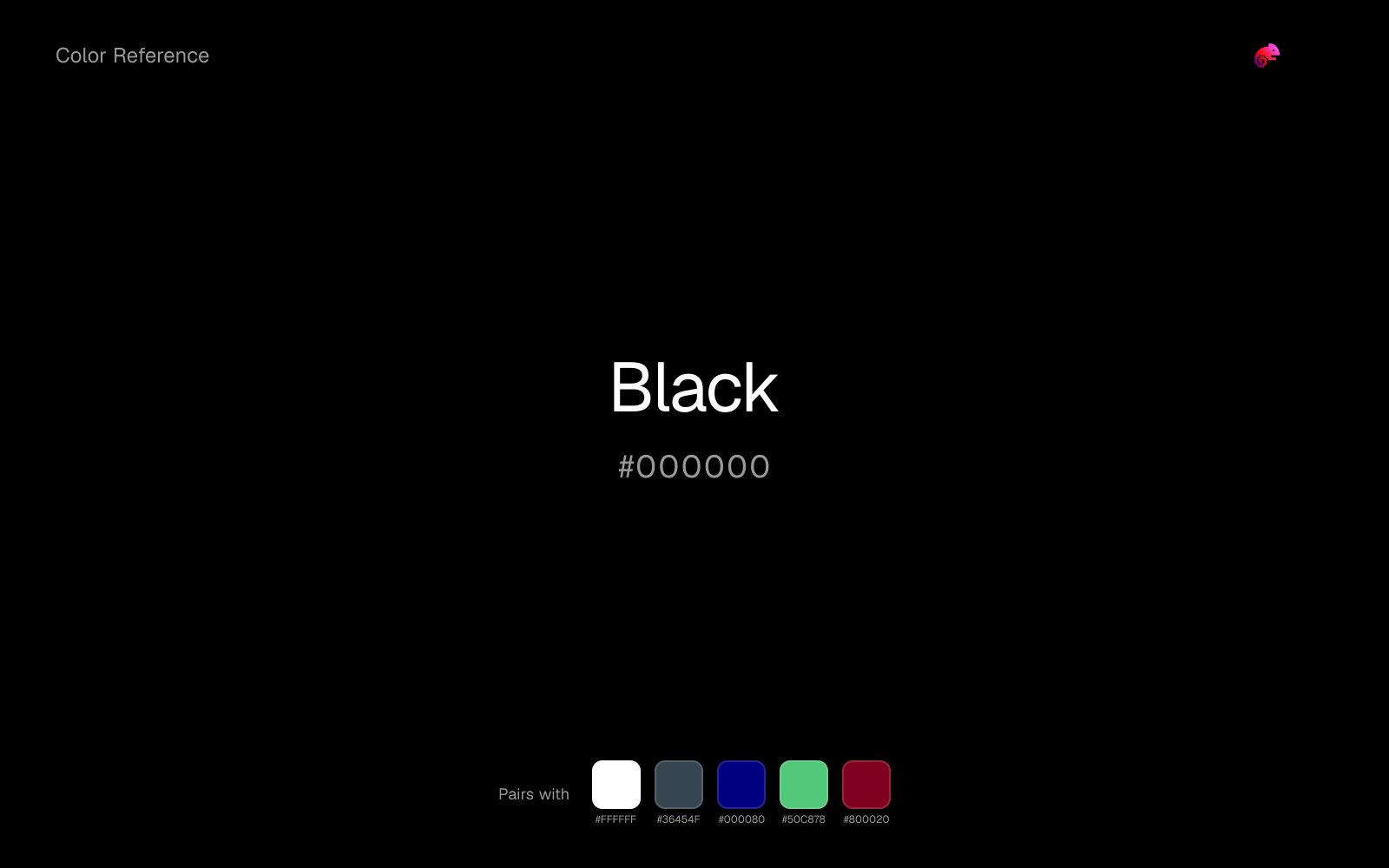
Against black, white keeps the palette crisp and lets the color read as ink, graphite, and architectural shadow rather than a single heavy block.
Charcoal helps black feel grounded and architectural, especially when the design needs a darker value that still reads refined.
Navy blue gives black a cooler anchor, which helps the palette feel settled enough for documents, decks, and interface work.
What colors clash with black
Magenta is so chromatic that black stops behaving like structure and starts looking like the leftover neutral in somebody else's brighter palette.
With black, Pastel Pink often steers the system toward nursery or confectionery cues instead of the more grounded mood the source color supports.
Light Gray sits too close to black in value, so the palette can wash out before it ever establishes a clear hierarchy.
How should I use black in design?
- •Use black for body text and high-contrast elements. For dark backgrounds, consider charcoal or graphite instead — they feel less harsh.
- •Black + white + one accent color is the simplest high-impact palette for any presentation.
- •Avoid large black backgrounds on projected slides — they can look washed out. Use dark charcoal or navy instead.
What are good black palettes?
Onyx foundation
Corporate branding, executive reports, and enterprise-level web design.
Paper and ink
Startup branding, pitch materials, and product landing pages.
Design with black in Moda
Create a presentation or document using black as your accent color. Moda's AI applies your color palette automatically.
Create a design with black →What are the shades and tints of black?
Shades (darker)
Tints (lighter)
Tones (desaturated)
Similar colors
Graphite
Graphite keeps the neutral character of black but shifts the value enough to change the job, moving it toward backgrounds, tints, and softer supporting areas.
Taupe
Taupe does what black cannot: it nudges the palette toward a warm mood while still behaving like a supporting color.
Umber
Umber does what black cannot: it nudges the palette toward a warm mood while still behaving like a supporting color.
Coffee
Coffee introduces a tint where black stays achromatic, which is useful when the neutral layer needs more personality without becoming a full accent.
Sepia
Sepia introduces a tint where black stays achromatic, which is useful when the neutral layer needs more personality without becoming a full accent.
Frequently asked questions
What is the hex code for black?
The hex code for black is #000000. In RGB, that's 0 red, 0 green, and 0 blue. The approximate CMYK equivalent is 0% cyan, 0% magenta, 0% yellow, and 100% key (black).
Is black a warm or cool color?
Black behaves like a neutral with very little chromatic push, so surrounding colors do more to set the palette temperature than the swatch itself.
Can black work as a dark background color?
Black can work well as a dark background or cover color because it still carries enough identity to feel intentional rather than default black. The main requirement is pairing it with a light, high-contrast text color.
How should I use black in a design?
Black behaves like a dark anchor. It is strongest on covers, headers, or dark UI surfaces where lighter text can do the contrast work cleanly.
Can I use black for text or backgrounds?
Black is strong enough for white text at 21:1 contrast, so it can handle dark panels, tags, and section headers without much trouble. As text on white, though, it is usually better reserved for larger headings or short accents than for long paragraphs.
More neutral colors
Keep exploring color resources
All color pages
Browse the full library of color references, pairings, and palettes.
Neutral colors
Compare black with other neutral tones.
Blue colors
Explore nearby color families to build stronger palettes and contrasts.
Brown colors
Explore nearby color families to build stronger palettes and contrasts.
Green colors
Explore nearby color families to build stronger palettes and contrasts.
Last updated April 6, 2026
Color values are computed from the listed hex code using standard conversion formulas. RGB, HSL, and HSV are exact screen-ready conversions. CMYK is an approximate on-screen reference, not a press-ready print specification. Pairings, palettes, and use-case guidance are heuristic recommendations derived from color relationships, contrast behavior, and common presentation, document, and UI patterns.